Installing a keypad lock on a commercial door means matching the lock to the door's existing bore prep, its fire rating, and its power source, then mounting the keypad at a height that meets ADA rules in 2026. This guide walks through the standard installation steps, the three types of commercial keypad locks, and when the job needs a licensed locksmith instead of a screwdriver.
A keypad lock goes onto a commercial door in six steps: confirm the bore prep, check the fire rating, mount the strike plate, install the lock body, set the access codes, and test the unit under load. The step most business owners skip is checking the door's fire rating first — a keypad lock without a UL 10C listing that matches that rating fails inspection in 2026 even if it locks and unlocks fine on day one.
- Installing a keypad lock on a commercial door is a six-step job: bore check, fire rating, strike plate, lock body, code setup, load test.
- Standard commercial door prep uses a 2-1/8 inch crossbore with a 2-3/8 or 2-3/4 inch backset.
- ADA rules require keypad and lever hardware mounted 34 to 48 inches above the floor on public-facing doors.
- A fire-rated commercial door needs a UL 10C listed keypad lock, not standard residential-grade hardware.
- Standalone keypads suit single doors; networked access control wins for multi-door buildings that need entry logs.
Why this matters
A residential keypad lock and a commercial keypad lock are not interchangeable, even when they fit the same holes. Commercial doors carry fire ratings, ADA obligations, and often panic hardware that a homeowner-grade lock was never tested against. Get it wrong and you're not just replacing a lock twice — you're explaining to an inspector, or an insurer, in 2026, why the door on file doesn't match the door installed.
That's the gap a licensed commercial locksmith closes. Access control installation for small business offices covers what a compliant setup looks like before you buy hardware, which saves a return trip when the wrong unit shows up.
How to install a keypad lock on a commercial door
Follow these steps in order — skipping the fire-rating check or the ADA height check is what causes failed inspections, not sloppy wiring.
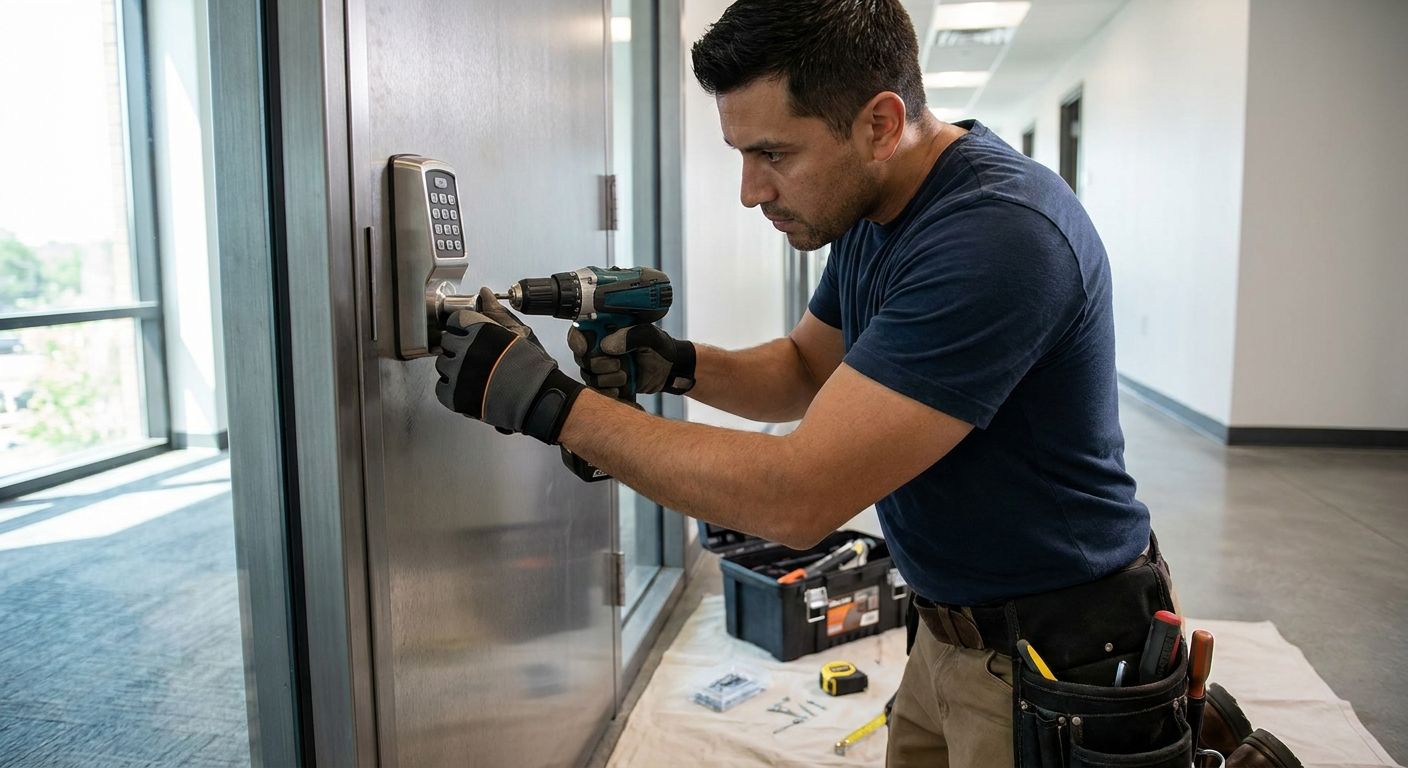
- Confirm the bore prep. Most commercial doors are pre-bored for a 2-1/8 inch crossbore with a 2-3/8 or 2-3/4 inch backset, plus an edge bore for the latch. Measure before ordering hardware — mismatched prep means drilling a metal or fiberglass door on site.
- Check the fire rating. Fire-rated doors need a keypad lock carrying a UL 10C listing that matches the door's rating. Standard residential-grade keypad locks are not rated for fire doors and will fail a fire marshal walkthrough.
- Mount the strike plate and test alignment. Dry-fit the strike before running any wire. A misaligned strike is the single most common callback on commercial keypad jobs.
- Install the lock body and keypad module. Wired units connect through the door and frame per the manufacturer's wiring diagram; battery-powered standalone units skip this step entirely.
- Set the master code and mount at ADA height. Public-facing commercial doors require keypad and lever hardware between 34 and 48 inches above the floor, per ADA guidelines.
- Test under load. Run multiple entries back to back, check fail-safe versus fail-secure behavior on power loss, and confirm the low-battery warning works before handing the door back to staff.
| Lock type | Power source | Best for | Verdict |
|---|---|---|---|
| Standalone keypad | Battery, mechanical | Single-door retail, storage rooms | Buy for simple, low-traffic doors |
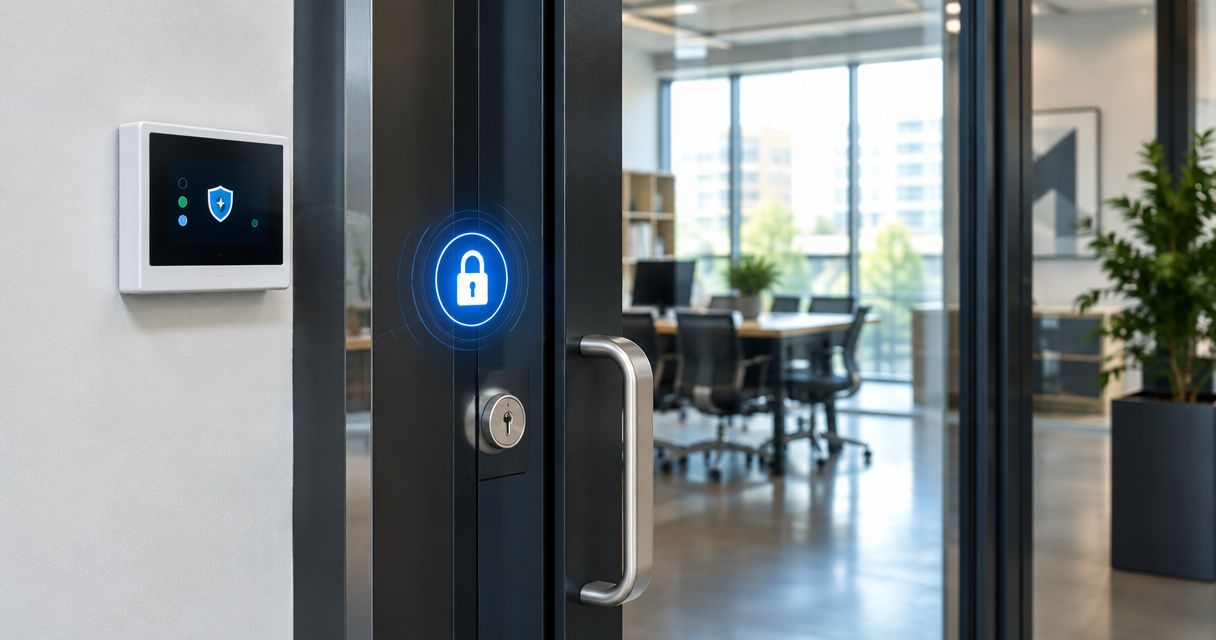
| Networked access control | Hardwired or PoE | Multi-door offices needing entry logs | Buy for medical, dental, and professional offices |
| Smart lock keypad | Battery, app-controlled | Interior doors, low-traffic side entries | Hold for exterior fire-rated commercial doors |
Standalone keypad locks: no wiring required
Standalone units run on batteries and don't connect to a panel or a network. Codes change at the keypad itself, one door at a time.
- Pro: fast install, no electrician needed, works during a power outage.
- Con: no entry logs, no remote code changes, batteries need regular checks.
- Best for: single storage rooms, boutique retail entries, back-of-house doors.
- Verdict: Buy if you manage one or two doors and don't need audit trails.
Networked access control: wired for a reason
Networked keypads tie into an access-control panel or software platform, which means every entry gets logged and every code can be pushed remotely across multiple doors.
- Pro: entry logs, remote code management, scales across a building.
- Con: needs low-voltage wiring and often a dedicated power supply, higher install complexity.
- Best for: medical and dental offices, law firms, and any building with more than three or four controlled doors.
- Verdict: Buy if you already have or are building out an access-control system.
Smart lock keypads: app control, battery dependent
Smart lock keypads add phone-app control and often Bluetooth or Wi-Fi connectivity on top of a keypad. They're popular for interior office doors and short-term rental units, less common as the primary lock on an exterior commercial entrance.
- Pro: remote unlock from a phone, easy code sharing for staff or vendors.
- Con: battery-dependent, rarely carries a fire-door listing, app outages can lock out staff.
- Best for: interior conference rooms, low-traffic side doors.
- Verdict: Hold for a primary commercial entrance; fine for interior doors.
Why installation varies
No two commercial keypad jobs look the same. The factors that change scope:
- Door material — steel and aluminum storefront doors need different mounting hardware than wood doors.
- Existing bore prep — a door already cut for a standard lock installs faster than one needing new holes.
- Fire rating — fire-rated doors limit which lock models are even legal to install.
- Power availability — hardwired and PoE networked systems need existing or new low-voltage wiring; standalone units don't.
- Panic hardware integration — doors with existing panic bars need a keypad compatible with that exit device, not a standard lock body.
- ADA compliance — public-facing doors need lever-style, not knob-style, hardware mounted in the 34 to 48 inch range.
Need a commercial keypad lock installed?
Licensed technicians handle bore prep, fire-door compliance, and code setup in Middlesex County.
Do commercial keypad locks work with panic bars?
Some do, but only when the keypad is built or rated to pair with the specific exit device on the door, not bolted on as an afterthought. Restaurants and other occupancies with mandatory panic hardware need a locksmith who checks that pairing before installing anything — see restaurant panic bar compliance for what inspectors actually check in 2026.
Can you install a keypad lock on a fire-rated door?
Only with a keypad lock carrying a UL 10C fire-door listing that matches the door's specific rating. Installing a non-listed lock on a fire door is the fastest way to fail a fire marshal inspection, even if the door still closes and latches correctly.
Should you DIY it or hire a locksmith?
A standalone battery keypad on a door with prep that already matches is a reasonable DIY job for a handy owner. A networked system, a fire-rated door, or a door with existing panic hardware is not — a licensed commercial locksmith carries the liability and knows which lock models are actually legal for that door in 2026.
FAQ
What's the best keypad lock for a commercial front door?
A networked access control keypad is the best fit for a commercial front door because it logs entries and lets you change codes remotely. A standalone battery keypad works fine for a single low-traffic door that doesn't need those logs.
How long does installing a keypad lock on a commercial door take?
Installation time depends mostly on whether the door already has standard bore prep matching the new lock. A door with existing 2-1/8 inch crossbore and matching backset installs far faster than one needing new holes drilled.
Is a keypad lock ADA compliant?
A keypad lock is ADA compliant when it uses lever-style operation and is mounted 34 to 48 inches above the floor on public-facing doors. Knob-style keypad locks generally don't meet ADA operable-parts requirements.
Can a keypad lock replace a panic bar?
No, a keypad lock cannot replace a panic bar where code requires panic hardware on the exit. It can pair with an existing panic bar, but only certain keypad models are built to integrate with a specific exit device.
Do commercial keypad locks need to be wired to electricity?
Standalone keypad locks run on batteries and don't need wiring, while networked access control keypads need low-voltage wiring or a PoE connection. The wiring requirement depends entirely on which of the two systems you choose.
What's the difference between a standalone and networked keypad lock?
A standalone keypad lock changes codes at the door and keeps no entry log, while a networked keypad ties into an access-control panel that logs entries and pushes code changes remotely. Networked systems cost more to install but scale across multiple doors.
Does a keypad lock work during a power outage?
A battery-powered standalone keypad lock keeps working during a power outage since it doesn't rely on building electricity. A hardwired networked keypad needs backup power or a battery failsafe built into the panel to keep functioning.
One last thing
The detail most owners miss when installing a keypad lock on a commercial door isn't the wiring — it's the hardware grade. Residential-grade keypad locks (BHMA Grade 2 or 3) get sold for commercial doors all the time because they fit the same holes as Grade 1 commercial hardware, and they'll pass a quick glance. They won't pass a fire marshal's hardware check or hold up to the cycle count a busy commercial door sees every day in 2026. Confirm the BHMA grade printed on the lock body before it goes on the door, not after.