
Access control isn't just a keypad on the front door — it's the difference between knowing exactly who entered your business at 6:47am and finding out the hard way that an ex-employee still had a key. This guide walks through every decision you'll make to set up access control system protection for a small office, retail space, or professional practice in 2026.
- Audit every entry point before buying hardware — most small businesses over-secure the front door and ignore the back.
- Standalone keypad locks work for 1-3 doors; networked systems with credential logs make sense past that.
- Panic hardware is required by fire code on assembly-occupancy exits, regardless of what access control you install.
- A licensed locksmith should handle wiring and hardware compliance — DIY installs void warranties and can fail inspection.
- Apex Lock N Key installs and programs access control for small business offices across Middlesex County, MA, in 2026.
Why this matters
A lost key means re-keying every lock on the property. A lost or stolen access card just gets deactivated from the system in seconds. That single fact is why more small businesses — law offices, dental practices, retail boutiques — are moving off traditional key-and-lock setups in 2026.
The bigger issue is accountability. When three employees share one key, you have no idea who opened the store at 5am or who left the back door propped after hours. Access control gives you a timestamped log tied to an individual credential, which matters for insurance claims, HR disputes, and after-hours liability.
Getting the setup wrong is common, though. Business owners buy a $200 keypad deadbolt off a shelf, mount it themselves, and then discover it doesn't meet fire code on an exit door or doesn't integrate with the alarm panel they already paid for. The steps below are built to avoid that.
What you'll need
- A walk-through of every exterior and interior door that controls access to cash, inventory, records, or after-hours areas
- A decision on credential type: keypad PIN, key fob/card, mobile credential, or biometric
- Power source planning for each door — most electronic locks run on 9V or 12V battery packs, hardwired systems need low-voltage wiring
- A licensed locksmith or access control installer for wiring, hardware selection, and code compliance
- A written policy for who gets which credential and how often codes get changed
- Budget approval — pricing varies by door count, credential type, and whether you're networking multiple doors together
The steps
1. Audit your entry points and access needs
Walk the property and list every door that separates the public from something valuable: the front entrance, the back delivery door, the office with client files, the stockroom. For a single-office law firm or dental practice, that's usually 2-4 doors. For a warehouse or multi-unit building, it can be a dozen.
Rank each door by risk. The front door needs a credential everyone uses daily. The server closet or cash room needs a smaller, tighter access list. Getting this list wrong is the number-one reason businesses over-spend on doors that never needed electronic locks in the first place.
Common mistake: treating every door the same. A retail stockroom and a customer-facing entrance have completely different traffic patterns and risk profiles — don't spec them identically.
2. Choose the credential type
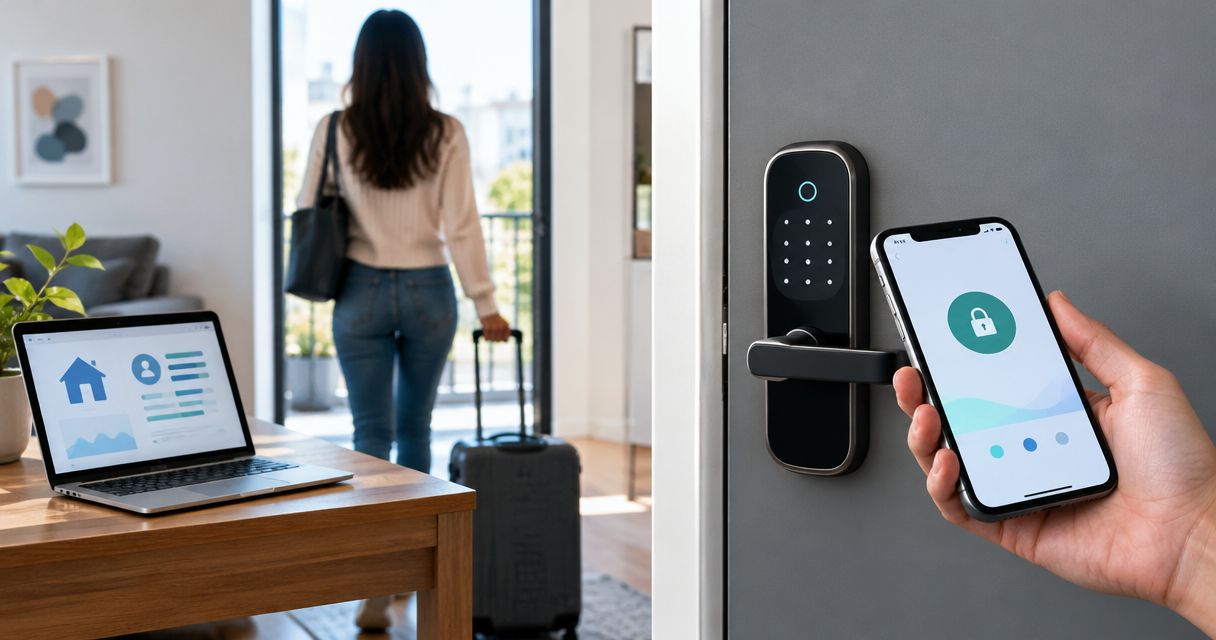
Four options dominate small business setups in 2026: keypad PIN, key fob/card, mobile app credential, and biometric (fingerprint). Each has a tradeoff.
PIN codes are cheap and require no hardware to hand out, but codes get shared and rarely get changed. Fobs and cards are the middle ground — easy to deactivate individually, harder to share by accident. Mobile credentials skip the hardware cost entirely but depend on employees keeping phones charged. Biometric readers are the tightest option but cost more per door and raise privacy questions some staff push back on.
Retail operations with high staff turnover tend to do best with fob or card systems because deactivating one credential takes seconds. Apex Lock N Key's guide on the best access control system for small retail stores breaks down which credential type fits which store layout.
3. Decide standalone vs. networked
A standalone lock manages its own credential list at the door — no wiring back to a central panel, no software subscription. It's the right call for 1-3 doors on one property.
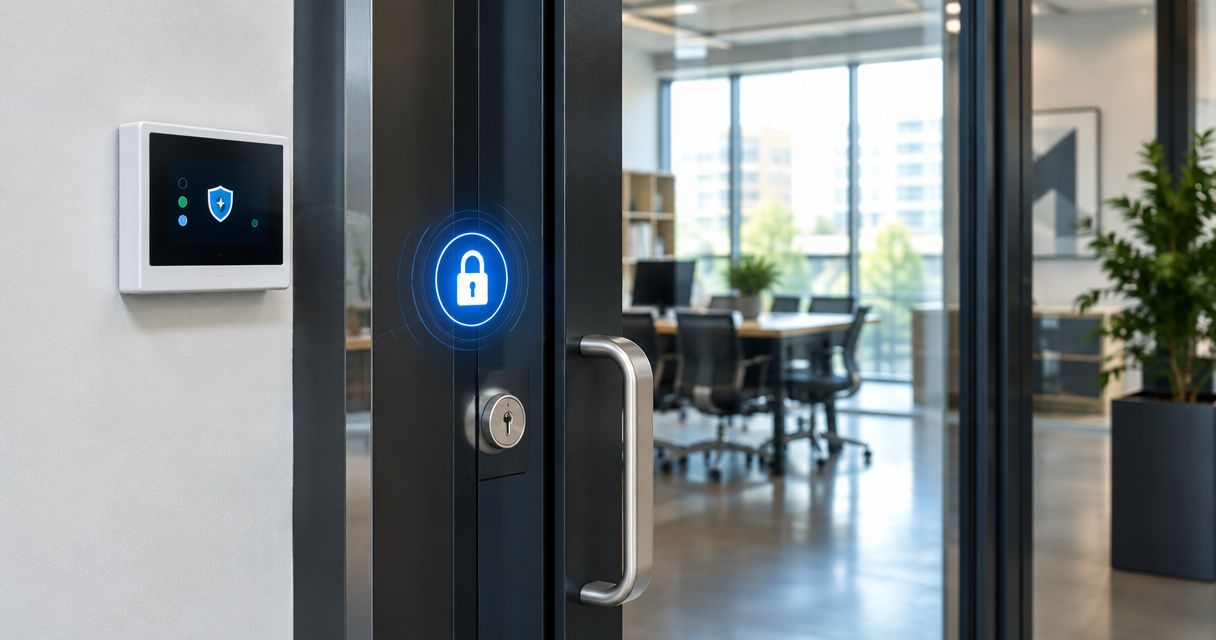
A networked system ties every door back to one software dashboard, which is where you get real-time activity logs, remote lockout, and scheduled access (like locking the stockroom outside business hours automatically). Once you're past 3-4 doors, or you manage multiple properties, networked pays for itself in the time saved managing credentials one door at a time.
4. Select hardware that meets fire code
This is where DIY installs most often go wrong. Any door on a designated fire exit path needs hardware that allows free egress without a code, key, or credential — that's a fire code requirement (NFPA 101), not a suggestion. Panic bars, crash bars, and fail-safe electric strikes are built for this; a keypad deadbolt that locks from both sides is not.
Restaurants, gyms, daycare centers, and any space with public assembly occupancy get inspected on this specifically. If your building has an occupancy load that triggers panic hardware requirements, that hardware goes on before any access control credential system gets layered on top.
5. Plan power and backup
Electronic locks fail one of two ways during a power outage: fail-safe (unlocks, so people can exit) or fail-secure (stays locked, so the space stays protected). Exit doors are almost always fail-safe by code. Interior doors — a records room, a supply closet — can be fail-secure since egress isn't a concern there.
Battery-powered standalone locks need a maintenance schedule; most flag low battery with an audible chirp weeks before they die, but someone on staff needs to own checking that. Networked, hardwired systems typically run off the building's low-voltage circuit with a battery backup panel for outages.
6. Bring in a licensed installer
Wiring an electric strike, programming a credential database, and making sure hardware passes fire inspection is not a weekend project. A licensed, insured locksmith installing commercial access control checks compliance, wires it correctly the first time, and stands behind the work.
Apex Lock N Key installs access control for small business offices across Middlesex County, MA, and handles the code compliance piece so you're not troubleshooting a failed inspection after the fact.
7. Program credentials and set access schedules
Once hardware is in, build the credential list: who gets access, to which doors, and during which hours. A part-time employee doesn't need 24/7 access to the same doors as the owner. Set schedules so the front door unlocks at open and re-locks at close automatically instead of relying on someone remembering.
Common mistake: giving every employee master access to every door "to keep it simple." That defeats the entire point of the system — the whole value is in limiting who can go where.
8. Test the system and train staff
Run a full test before go-live: every credential on every door, the fail-safe/fail-secure behavior during a simulated power cut, and the activity log actually recording entries. Then walk staff through how to use their credential and who to call if a fob stops working.
Set a recurring reminder to review the access list — quarterly is a reasonable cadence for most small businesses — and deactivate anyone who's left the company that day, not that month.
Get access control installed right
Licensed, 24/7 locksmith service across Middlesex County, MA.
Troubleshooting
- Credential won't read at the door. Check the reader's power light first — a dead reader looks identical to a bad fob from the user's side. Re-sync the credential in the software before assuming the fob itself failed.
- Door unlocks but doesn't relock. Usually a misaligned strike plate or a door closer that's lost tension, not a software issue. This gets worse in freezing Massachusetts winters as frames contract.
- System locks everyone out during a power outage. That's a fail-secure door on what should be a fail-safe exit — a code compliance issue that needs correcting immediately, not a bug to work around.
- Battery warnings on multiple locks at once. Check whether they're all the same install date; batteries in standalone locks installed together tend to die together.
- Employee reports a code "stopped working" the day after being let go. That's the system doing its job — deactivation should happen the same day as termination, every time.
- False alarms from the access panel tripping the security system. Confirm the access control and alarm system are actually integrated, not just running side by side — two unconnected systems will fight each other on entry delays.
Tools and resources
- A door-by-door audit sheet (doors, credential type needed, fail-safe vs. fail-secure)
- A licensed commercial locksmith for hardware selection and wiring
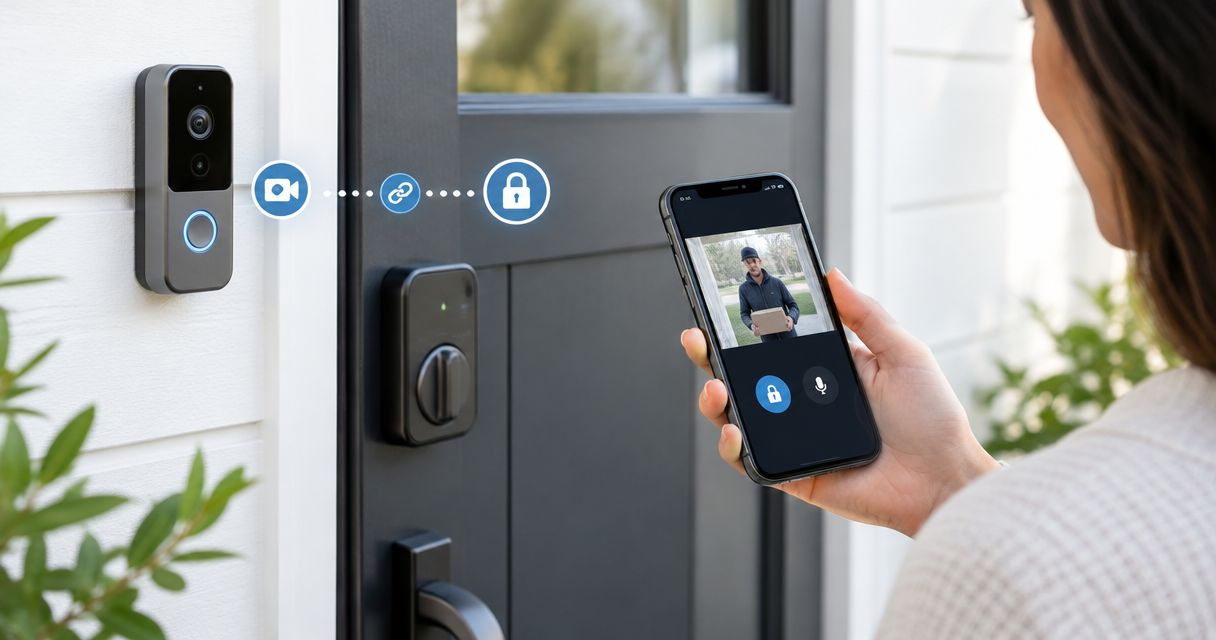
- Video intercom hardware for buildings that need to screen visitors before unlocking — see video intercom and lock installation for commercial buildings
- A written access policy template covering onboarding, offboarding, and quarterly review
- A maintenance log for battery checks and firmware updates on networked systems
What to do next
If you're still running on traditional keys and want to understand what a locksmith actually checks before recommending access control, start with how to find a reliable 24-hour locksmith near you — it covers licensing, insurance, and the questions worth asking before anyone touches your doors.
FAQ
What's the best way to set up access control system protection for a small office?
Start with a door-by-door audit, then choose fob or card credentials for anywhere with staff turnover and a networked panel once you're past 3-4 doors. A licensed locksmith should handle wiring and fire code compliance in 2026.
How much does access control cost for a small business?
Pricing depends on door count, credential type, and whether the system is standalone or networked. Get a written quote from a licensed installer rather than estimating off a single door's retail price.
Is a keypad lock enough for a small business?
A standalone keypad works fine for 1-3 low-traffic doors, but shared PIN codes get passed around and rarely get changed. Fob or card credentials give you individual accountability that a shared code can't.
Do fire exits need special access control hardware?
Yes. Fire exits require panic hardware that allows free egress without a code or key, per NFPA 101 life safety code. This applies regardless of what credential system is installed on the door.
What happens to access control during a power outage?
Fail-safe locks unlock during an outage so people can exit; fail-secure locks stay locked. Exit doors are almost always required to be fail-safe by code, while interior storage doors can be fail-secure.
Can I install access control myself?
Standalone battery locks can be self-installed on non-exit interior doors, but wiring electric strikes and meeting fire code compliance is licensed locksmith work. A failed inspection costs more than the install would have.
How often should I update access credentials?
Deactivate a credential the same day an employee leaves, and review the full access list on a quarterly basis at minimum. Waiting longer creates exposure with every former employee who still has active access.
Is mobile credential access control secure?
Mobile credentials are secure when paired with phone-level authentication, but they depend on staff keeping devices charged and updated. Fob or card systems remain the more reliable choice for businesses with strict uptime needs.
One last thing
The access control decision most businesses skip is the offboarding policy — not the hardware. A $2,000 networked system with no rule requiring same-day credential deactivation is worth exactly as much as the shared key it replaced.