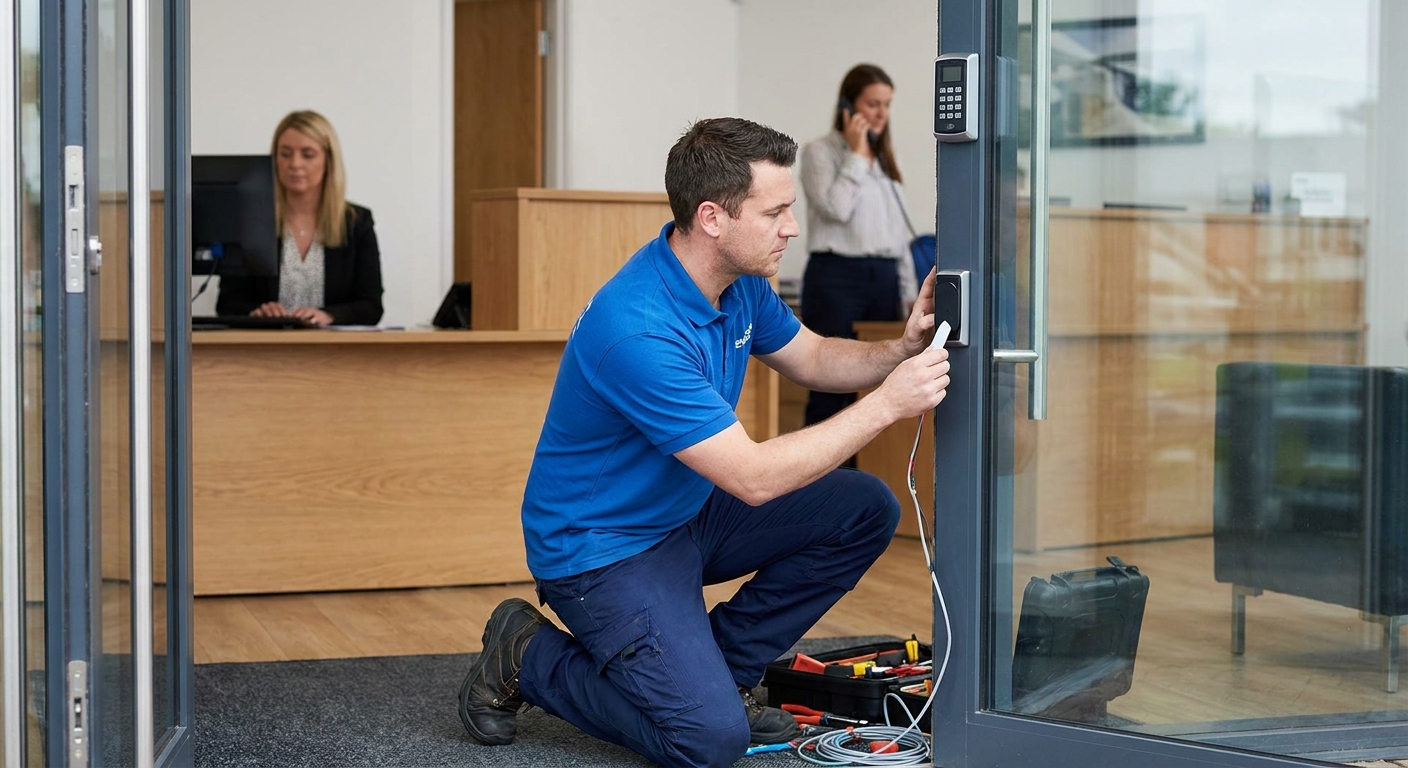
Adding access control to a small office isn't about buying the fanciest reader on the market — it's about matching the system to how many people walk through that door every day and how much you're willing to manage after it's installed. This guide breaks down what actually matters for a small business office in 2026, not what a sales rep wants to upsell you.
- Fob and keycard systems are the safe pick for offices with 5-50 employees who need shared access without re-keying every time staff turns over.
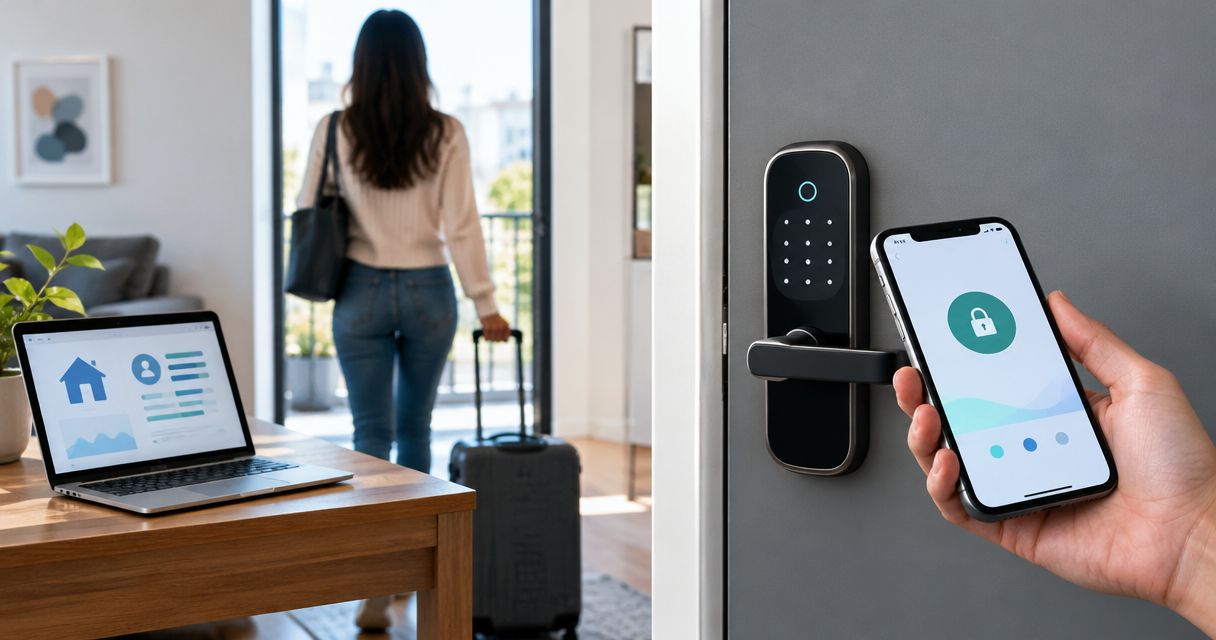
- Mobile credential (smartphone-based) access control installation for small business offices is the fastest-growing option in 2026 but depends on staff having compatible phones.
- Skip biometric readers for most small offices — the cost and maintenance rarely match the risk level of a standard professional office.
- Property managers running multi-tenant buildings need cloud-managed access control, not a single-door keypad.
Who this is for
This guide is written for owners and office managers running a small business office — think law firms, medical practices, accounting firms, and professional service suites with anywhere from 5 to 50 employees and one or two controlled entry points. If you're managing a single-tenant retail storefront or a large warehouse with loading-dock traffic, the calculus changes; those setups need different hardware and different vendor conversations. A licensed locksmith like Apex Lock N Key handles both, but the recommendations below assume you're securing office doors, not dock doors.
Why this matters
A lost office key used to mean re-keying every lock in the suite. Access control removes that problem — you deactivate one credential instead of rebuilding the whole lock cylinder. It also gives you a record of who came in and when, which matters the moment there's a dispute about after-hours access or a break-in claim. For a small office, the real question isn't whether to install access control in 2026 — it's which type actually fits your headcount and your patience for managing it.
What to look for in access control installation for small business offices
Credential type matches how your staff actually works
A law office where the same 12 people show up every weekday doesn't need the same credential system as a medical practice cycling through contractors and temp staff. Keycards and fobs are simple to hand out and revoke. Mobile credentials skip the physical card entirely but assume every employee carries a compatible smartphone and keeps Bluetooth on.
Door count and wiring reality
Most small offices are securing one or two doors — a front entry and maybe a rear or stairwell exit. Single-door and two-door controllers are cheaper to install and far simpler to wire than a full panel built for a ten-door building. Ask any installer how many doors the base system supports before you pay for capacity you'll never use.
Admin effort after installation
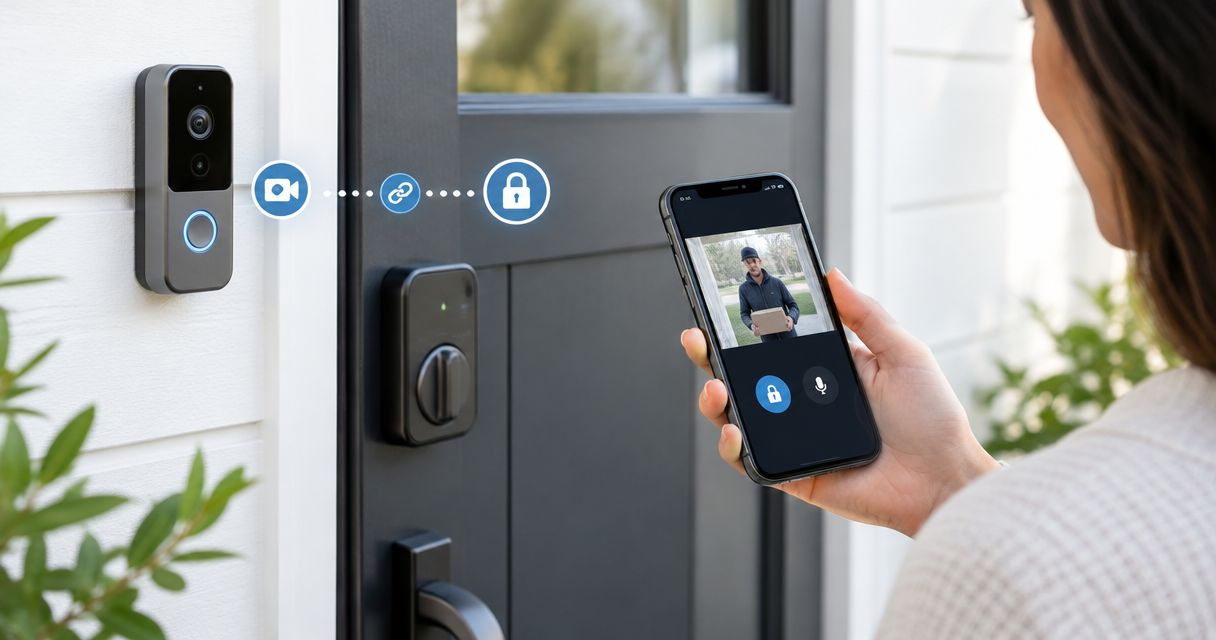
Someone on your team has to add and remove users, pull access logs, and reset lost credentials. Cloud-managed systems let you do this from a phone app; standalone keypad locks require you to walk over and reprogram the unit by hand every single time. If you don't have a dedicated office manager, that difference decides which system you'll actually keep up with.
Integration with existing locks and doors
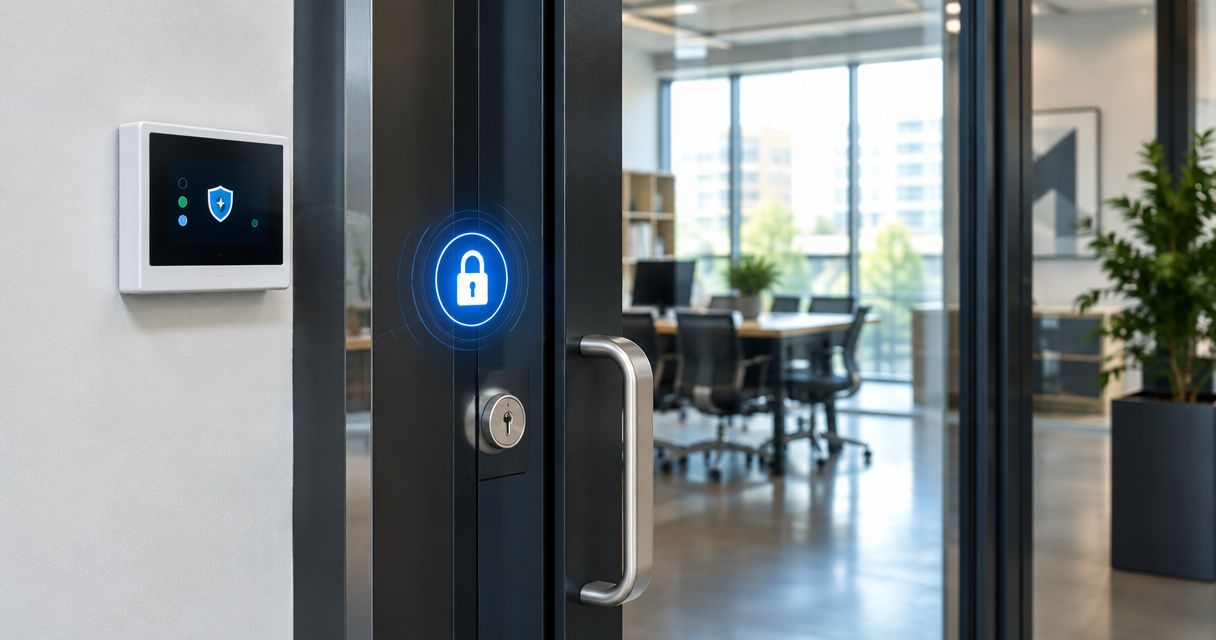
Not every access control reader retrofits cleanly onto every door frame. Glass storefront doors, fire-rated doors, and older wood-frame office doors each take different hardware. A licensed locksmith checks this on-site before quoting, because the wrong reader on the wrong door frame is a redo, not a repair.
Power and backup access
Electronic locks fail during power outages if there's no battery backup or mechanical key override. For an office that can't afford to lock employees out during a storm, confirm the system has a manual override built into the installation, not bolted on as an afterthought.
Licensing and installation quality
Access control hardware is only as good as the install. A reader mounted with the wrong strike plate alignment or wired without a proper power supply fails within months. Confirm the installer is licensed and insured for commercial work in Massachusetts before signing anything.
Top picks for small business office access control
Keypad / PIN entry system — the budget pick. Most standalone electronic deadbolts on the market support 20 to 30 individual user codes, which covers a small office of 5 to 25 people without a network connection or monthly fee. The tradeoff: no centralized log, and someone still has to manually update codes when staff leaves. Verdict: Consider for a single-entry office on a tight budget.
Fob or keycard system — the office standard. This is the setup most professional offices land on in 2026 because it separates "who has access" from "who has a key," and a lost fob costs a few dollars to deactivate instead of a full re-key. It works well for law firms and professional offices where staff turnover is low but visitor traffic is constant. Verdict: Buy for most small business offices with 10+ employees.
Mobile credential access — the modern pick. Smartphone-based entry skips physical cards entirely and lets you revoke access remotely the moment someone's employment ends. It's a strong fit for medical and dental offices juggling rotating staff and contractors, but it depends on every employee having a compatible phone and keeping the app updated. Verdict: Buy if your staff skews younger and phone-comfortable; Consider otherwise.
Biometric reader — the high-security pick, and usually overkill. Fingerprint or facial recognition readers add a security layer most small offices don't need and a maintenance burden most don't want — sensors need periodic recalibration and struggle with dirty or gloved hands. Verdict: Skip unless you're storing controlled substances, cash, or highly regulated records on-site.
Cloud-managed multi-door system — the pick for multi-tenant or growing offices. If you're managing several suites or expect to add doors as you grow, a cloud-based panel lets you add users, pull logs, and adjust schedules from one dashboard instead of programming each lock separately. This is the direction most property management companies end up going once they pass two or three controlled doors. Verdict: Buy if you're managing more than two entry points or multiple tenants.
Get an access control quote for your office
Licensed, insured installation across Middlesex County — talk to a locksmith before you buy hardware.
What to avoid
- Consumer smart locks marketed for homes. They look similar to commercial keypad locks but aren't rated for the door-cycle count a business entry sees every day — expect faster wear and warranty gaps.
- DIY installation on fire-rated or ADA-regulated doors. Improper mounting can void the door's fire rating or violate accessibility code, both of which become the business owner's liability, not the hardware manufacturer's.
- Systems with no manual key override. If the battery dies or the network drops, an office with zero mechanical backup means employees standing outside until someone gets a locksmith out.
Comparison at a glance
| System | Best door count | Admin effort | Cost tier | Verdict |
|---|---|---|---|---|
| Keypad / PIN | 1-2 doors | Manual, on-site | Low | Consider |
| Fob / keycard | 1-3 doors | Low-moderate | Mid | Buy |
| Mobile credential | 1-3 doors | Low, app-based | Mid-high | Buy |
| Biometric | 1 door | Moderate-high | High | Skip |
| Cloud-managed multi-door | 3+ doors | Low, centralized | High | Buy |
FAQ
What is the best access control installation for a small business office in 2026?
A fob or keycard system is the best fit for most small offices with 10 or more employees in 2026 because it's cheap to manage and doesn't require re-keying when staff turns over. Offices under 25 people on a tight budget can start with a standalone keypad instead.
Is mobile credential access control better than keycards for an office?
Mobile credentials offer faster remote deactivation and no physical cards to lose, which makes them better for offices with frequent staff turnover. Keycards still win for offices where not every employee has a compatible smartphone.
How much does access control installation cost for a small business?
Cost depends on the number of doors, the credential type, and whether the system is cloud-managed or standalone. Get an on-site quote from a licensed locksmith rather than pricing off a national average, since door hardware and wiring conditions vary.
Do I need a licensed locksmith to install access control?
Yes, in Massachusetts commercial door hardware installation should be handled by a licensed and insured locksmith, especially on fire-rated or ADA-regulated doors. Improper installation can void the door's fire rating.
Can access control replace traditional locks entirely?
Most small offices keep a mechanical key override even after installing access control, in case of power loss or system failure. Full replacement of every traditional lock is uncommon for a single-tenant office.
What's the difference between access control for offices and for retail stores?
Office access control focuses on employee-only entry with logged access history, while retail access control has to account for high public foot traffic and separate back-of-house security. The hardware and credential strategy differ accordingly.
How many doors does a small office typically need to secure?
Most small business offices secure one to two entry points — a front door and sometimes a rear or stairwell exit. Multi-suite buildings or property managers typically need three or more controlled doors.
Is biometric access control worth it for a small office?
For most professional offices, biometric readers add cost and maintenance without a security benefit that matches the risk level. It's worth considering only for offices storing controlled substances or highly regulated records.
One last thing
The detail most small business owners skip: confirm the manual override option before the installer leaves, not after the first power outage. A cloud-managed panel is only as reliable as the building's power and internet — the mechanical key override is what keeps an office from being locked out the one day everything else fails.