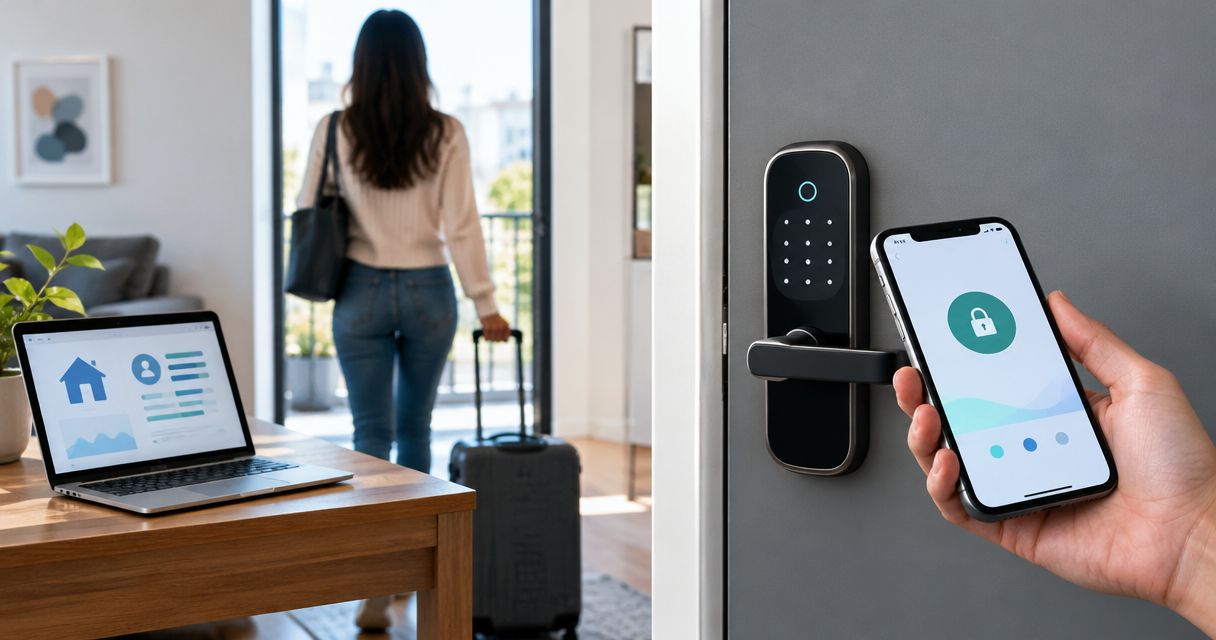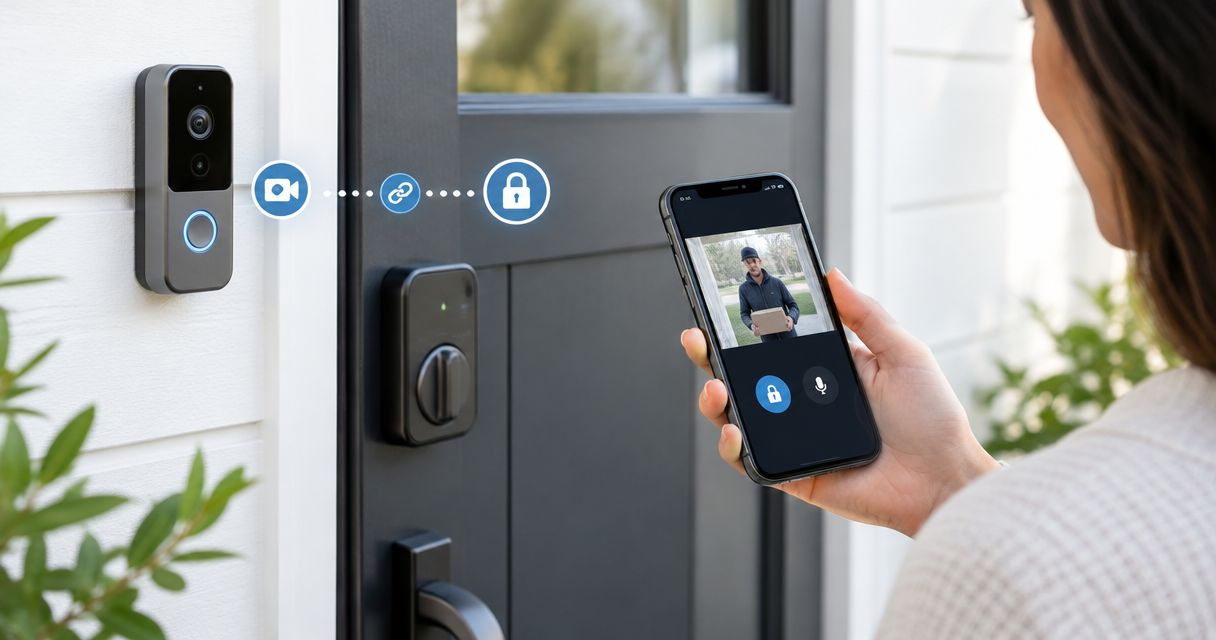
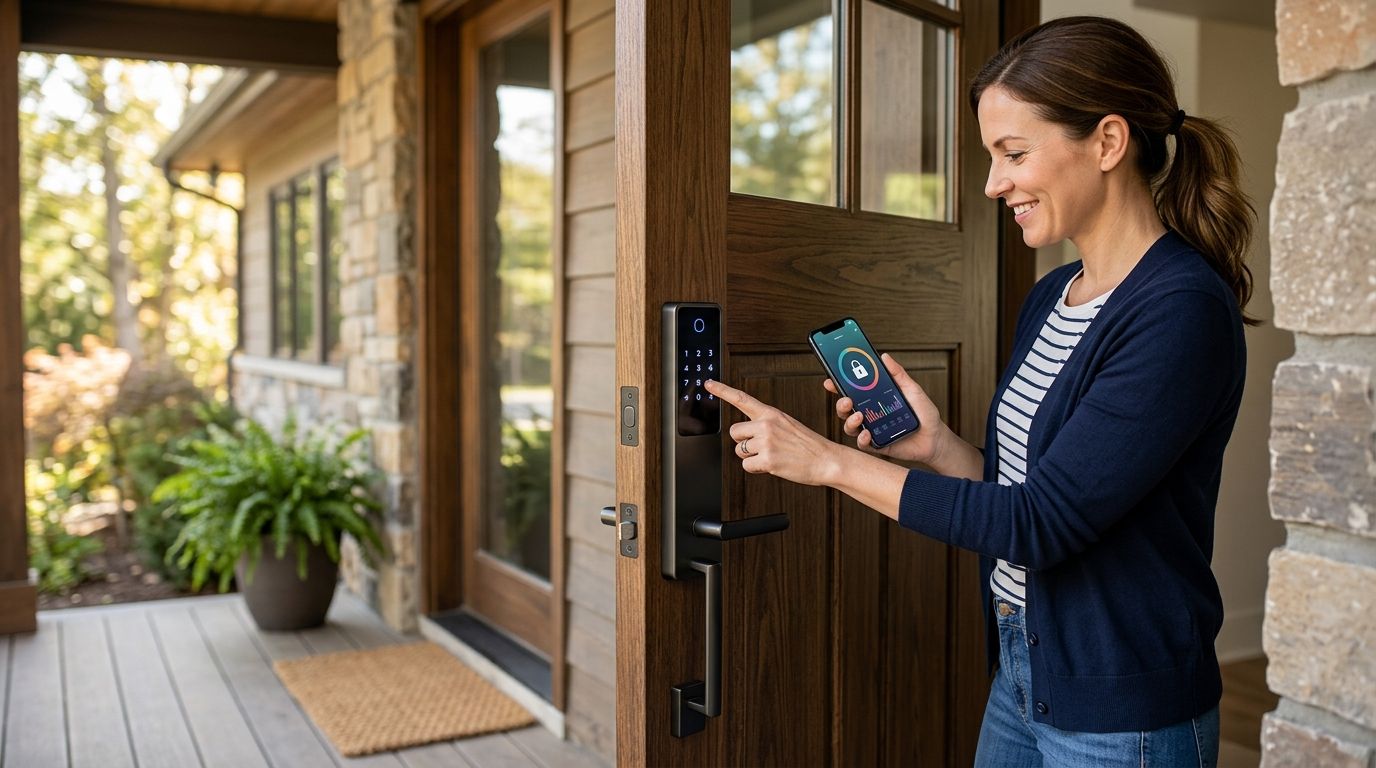
Best battery-life choice: an offline keypad deadbolt. Best for nearby phone control: a Bluetooth keypad lock. Best for remote code changes: a bridge-connected keypad lock. For Airbnb hosts in 2026, this is a ranking of connection types, not a claim that any named model has a verified battery-life lead.
- Best smart locks for Airbnb battery life: choose an offline keypad deadbolt when battery life matters more than remote control.
- A Bluetooth keypad lock adds nearby phone control without requiring a constant direct Wi-Fi connection.
- A bridge-connected lock suits hosts who need remote code changes; confirm that its access features work with your chosen lock.
- Apex Lock N Key is a licensed mobile locksmith for Middlesex County hosts evaluating keyless entry.
Why battery life matters to Airbnb hosts
A low-battery alert becomes a guest-access problem when nobody is at the property to replace the batteries. In 2026, the useful question is not just how long a lock's advertised battery life lasts. It is whether your guests can enter, your team can change codes, and someone can get through the door when batteries fail.
Start with the way you manage access. If you meet guests or change codes at the door, an offline keypad keeps the setup simple. If you need to change a code from elsewhere, you need a lock and connection method that support remote management. The keyless entry systems for Airbnb hosts and short-term rentals guide covers that broader decision.
Apex Lock N Key is a licensed mobile locksmith for Middlesex County hosts evaluating keyless entry. The right lock still depends on the door, the access workflow, and the features of the specific model you choose.
What makes the best Airbnb smart lock for battery life?
Use these criteria before comparing advertised runtimes. A manufacturer's estimate only helps when its test conditions resemble your property.
- Connection method: An offline keypad does not need a live connection to accept a stored code. Remote access introduces other components and power demands.
- Code management: Confirm whether you can add, remove, and schedule guest codes remotely, nearby, or only at the lock. Those are different operating models.
- Battery warning: Check how the lock reports a low battery and who receives the warning. An alert nobody monitors does not prevent a lockout.
- Backup entry: Identify the model's documented way in when its batteries are depleted. Do not assume every keypad has the same backup method.
- Door fit: A lock that has to work against a misaligned door is a poor choice regardless of its advertised battery life. Check the door and latch before installation.
- Access after a connection failure: Find out what happens to existing guest codes if Wi-Fi, the bridge, or the internet connection stops working.
Do not compare battery-life claims from different locks as though they came from one test. Battery type, usage, settings, and wireless connection affect the result. For a 2026 purchase, check the current documentation for each exact model and record its stated test conditions.
Airbnb smart lock options at a glance
This table ranks connection setups by battery-life priority, not by measured months of operation. Individual models can differ within each row.
| Rank and option | Best for | Standout feature | Key limitation |
|---|---|---|---|
| 1. Offline keypad deadbolt | Hosts who can manage codes at the property | Guest entry without a live wireless connection | No remote code changes without another supported system |
| 2. Bluetooth keypad smart lock | Hosts who manage access nearby | Phone-based control at close range | Nearby control is not the same as remote control |
| 3. Bridge-connected keypad smart lock | Hosts who need remote access without direct lock-to-Wi-Fi communication | A separate bridge handles the network connection | Remote features depend on the bridge and its connection |
| 4. Direct Wi-Fi smart deadbolt | Hosts who want remote control without a separate bridge | Direct connection to the property's Wi-Fi | Wireless activity makes battery performance more dependent on settings and use |
A keypad is the common requirement across this ranking. It gives a guest a way to enter without depending on their own phone. The rest of the decision is about how you issue codes and who handles problems between stays.
1. Offline keypad deadbolt: best for battery-life priority
An offline keypad deadbolt accepts codes stored on the lock without maintaining a network connection for guest entry. It is the first category to assess when your main goal is to avoid wireless activity at the door. It is not the right default if you must create or revoke codes while away from the property.
Offline keypad deadbolt pros:
- Guest entry does not require the property's Wi-Fi to be working.
- The access setup has fewer connected components to maintain.
- Hosts who manage codes on-site can keep the process straightforward.
Offline keypad deadbolt cons:
- Code changes require the access method specified by the model; remote changes are not inherent to an offline lock.
- A local-only workflow creates work if guests change frequently and nobody is nearby.
- The lock still needs battery checks and a documented backup-entry plan.
Best for: An Airbnb host with reliable on-site access who puts battery-life priority above remote administration.
Verdict: Buy an offline keypad deadbolt if you can manage guest codes without remote access. Skip this category if an unattended changeover requires you to revoke a code from elsewhere.
2. Bluetooth keypad smart lock: best for nearby phone control
A Bluetooth keypad lock pairs keypad entry with short-range phone interaction. That makes it useful when a host or property manager visits the rental to manage access but wants an app-based setup. Bluetooth capability alone does not prove that a particular lock can change codes over the internet.
Bluetooth keypad smart lock pros:
- Keypad entry does not require guests to pair a phone.
- Nearby phone control can suit an on-site handoff routine.
- You can choose a model without making direct Wi-Fi at the lock a requirement.
Bluetooth keypad smart lock cons:
- Phone features depend on being within the range specified by the model unless another compatible connection is added.
- App controls and code-management features vary by model.
- Adding remote connectivity later introduces another component to check and maintain.
Best for: A host who visits the property and wants nearby phone-based lock management.
Verdict: Buy when you manage the property locally. Hold if your actual requirement is remote code changes; verify that feature before choosing a Bluetooth lock.
3. Bridge-connected keypad lock: best for remote code changes
A bridge-connected setup places a separate device between a compatible lock and the property's network. It is the strongest starting category for a host who needs remote management but does not want the lock itself to maintain a direct Wi-Fi connection. Compatibility and the available remote features must be confirmed for the exact lock-and-bridge combination.
Bridge-connected keypad lock pros:
- A compatible setup can support remote access management.
- Guests can use a keypad rather than relying on a phone connection at arrival.
- It separates the lock's local connection from the property's internet connection.
Bridge-connected keypad lock cons:
- The bridge needs power and a working connection for its remote functions.
- A lock and bridge from mismatched systems will not become compatible just because both support wireless connections.
- The setup adds another device for a host or manager to troubleshoot.
Best for: An off-site Airbnb host who changes guest access remotely and can maintain a bridge at the property.
Verdict: Buy a documented, compatible lock-and-bridge setup when remote code management is essential. Wait if you have not confirmed how existing codes behave during an internet outage.
4. Direct Wi-Fi smart deadbolt: best for remote control without a bridge
A direct Wi-Fi deadbolt connects to the property's Wi-Fi without requiring a separate bridge for that connection. The simpler device list is useful when you do not want to place and maintain a bridge. It does not make battery replacement or network troubleshooting disappear.
Direct Wi-Fi smart deadbolt pros:
- Remote features do not depend on a separate bridge device.
- A keypad-equipped model gives guests an entry method that does not require their phone.
- It suits a host who can maintain reliable Wi-Fi at the door.
Direct Wi-Fi smart deadbolt cons:
- Battery performance depends on the model's wireless behavior, settings, and use.
- Remote controls depend on the property's network connection.
- A weak signal at the door complicates diagnosis when access alerts or updates fail.
Best for: A host who needs remote features and prefers to manage a direct Wi-Fi lock rather than a lock-plus-bridge setup.
Verdict: Hold until you have checked the exact model's battery documentation and the Wi-Fi signal at the door. Skip a direct Wi-Fi lock if remote control is unnecessary and battery life is your deciding factor.
How to choose for your property
Choose the access workflow first, then compare specific locks within the matching category. A long battery-life claim cannot compensate for a code-management process that fails during guest turnover.
- Define the code-change location. Decide whether you must issue and revoke codes while away or can do it at the property.
- Check the door. Confirm that it closes and latches without forcing the bolt; inspect compatibility before buying hardware.
- Confirm the failure plan. Read the exact model's instructions for low batteries, depleted batteries, and loss of internet access.
- Assign responsibility. Name the person who receives alerts, changes batteries, and handles guest access when a code does not work.
Apex Lock N Key serves Middlesex County as a licensed, 24/7 mobile locksmith. If you are choosing an electronic deadbolt for a local rental, door fit and access needs are practical questions to settle before installation.
Plan your guest-entry setup
Review keyless entry considerations for an Airbnb or short-term rental.
How these options were ranked
The 2026 order prioritizes how little ongoing wireless connection the lock needs: offline keypad first, then Bluetooth, bridge-connected, and direct Wi-Fi. That is a connection-based decision guide, not a laboratory ranking of individual products or a promise that every offline model outlasts every connected one.
To rank named models by battery life, you need comparable, current manufacturer claims or tests under the same conditions. You also need to know which features were enabled. Without that basis, a precise runtime leaderboard would give an Airbnb host false confidence about when batteries need replacing.
The ranking also treats remote code management as a real trade-off, not a bonus everyone needs. A host who changes access from another location should choose a verified remote-capable system even if an offline keypad is the cleaner battery-life choice. A host who works on-site should not add connected components just to get features they will not use.
Which Airbnb smart lock setup should you choose?
Choose an offline keypad deadbolt by default if battery life is the priority and you can manage codes locally. Choose a Bluetooth keypad lock when nearby phone control fits your routine. Choose a compatible bridge-connected lock when you need remote code changes. Choose direct Wi-Fi when remote control matters and you do not want a separate bridge.
For any 2026 model on your shortlist, verify guest-code controls, the battery warning method, backup entry, and what still works without internet. If a feature is essential to check-in, find it in the exact model's documentation before you commit. Apex Lock N Key is a local locksmith service, not a smart-lock manufacturer; select the hardware for your operating needs, then check that it suits the door.
FAQ
What are the best smart locks for Airbnb battery life in 2026?
An offline keypad deadbolt is the best connection category to consider when battery life is your priority. Compare the current battery documentation for exact models before treating any one lock as the longest-lasting option.
Does a Wi-Fi smart lock use more battery than an offline keypad?
A Wi-Fi lock has wireless functions an offline keypad does not need for guest entry. Actual battery life depends on the specific locks, settings, connection, and use, so compare documented test conditions rather than assuming a fixed difference.
Can Airbnb guests enter if the property's internet goes down?
It depends on the lock and how its codes work without a connection. Confirm in the exact model's instructions whether already-issued codes continue to work during an outage.
Can I change a Bluetooth lock code when I am away?
Bluetooth alone provides nearby communication, not internet-based remote control. Check whether the exact lock supports remote code changes through a compatible bridge or another documented connection method.
What should I check before installing an Airbnb keypad lock?
Check door fit, the code-management method, battery alerts, backup entry, and the lock's behavior during an internet outage. Confirm those details for the exact model rather than relying on the connection type alone.
Is a bridge-connected lock better than a direct Wi-Fi lock for an Airbnb?
A bridge-connected lock is the better starting point when you need remote access but do not want the lock itself connecting directly to Wi-Fi. Direct Wi-Fi reduces the number of separate devices; compare compatible models and their documented battery conditions.
What happens when an Airbnb smart lock's batteries die?
The recovery method depends on the exact lock. Read its depleted-battery and backup-entry instructions before installation, and assign someone to respond when the lock reports a low battery.
One last thing
A battery alert is only useful if a person owns it. Before a 2026 guest stay, decide who sees the warning and who can reach the door. That responsibility matters more than choosing a lock on an advertised runtime alone.