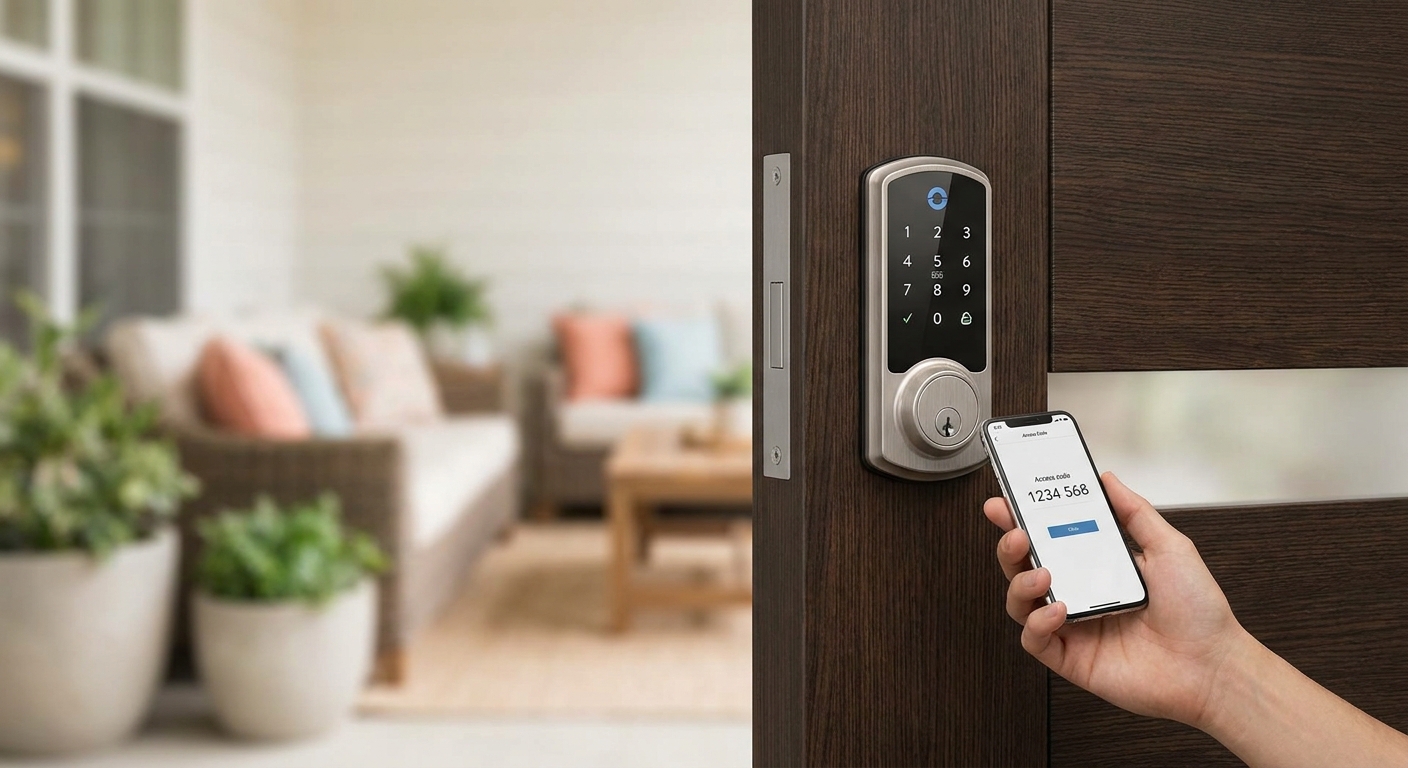
Guests arrive at odd hours, checkout times slip, and lost keys turn into a locked door at 11pm three states away from where you live — keyless entry solves the logistics problem that makes or breaks a short-term rental operation in 2026.
- WiFi keypad deadbolts are the strongest all-around pick for keyless entry for Airbnb hosts managing 1-3 units — Buy.
- Bluetooth-only smart locks fail when guests lose phone service; keep a keypad backup on every door.
- Lock boxes work as a stopgap under $50 but should never be the only access method after 2026 insurance reviews.
- Hosts running 4+ units need centralized code management, which points toward a property-management-grade access system.
- A licensed locksmith should handle the deadbolt swap — most keyless failures trace back to bad installation, not bad hardware.
Who this is for
This guide is for Airbnb, VRBO, and short-term rental hosts managing anywhere from a single guest room to a small portfolio of units across Middlesex County. If you're generating a new door code for every reservation, texting lockbox combinations to strangers, or driving across town to let a guest in because a key didn't work, keyless entry removes that entire failure mode. It also matters if you're hosting remotely and can't physically hand off a key at check-in.
Why this matters
Guest turnover is the core operational risk of short-term rentals. A traditional lock means rekeying or key-cutting between every stay, or worse, handing the same key to dozens of strangers over a season. Keyless entry lets you issue a fresh code per reservation, kill access the moment checkout hits, and see exactly when a door opened without being on-site. For a host running back-to-back bookings, that's the difference between a smooth turnover and a 2am phone call about a guest stuck outside.
A licensed locksmith installing your keyless entry system also catches the detail most hosts miss: a smart lock is only as good as the deadbolt strike plate and door frame behind it. Cheap installs on a hollow-core door defeat the security purpose entirely.
What to look for in keyless entry for Airbnb hosts
Auto-generated, time-limited codes
The entire point of keyless entry for a rental is eliminating manual code changes between guests. A system that lets you schedule a code to activate at 3pm check-in and expire at 11am checkout, automatically, saves you from ever forgetting to reset it. Without this, you're back to manually texting codes and hoping nobody shares them.
Battery life and low-battery alerts
Most battery-powered keypad locks run 6 to 12 months per set of AA batteries under normal guest traffic. A lock without a low-battery push notification means you find out it's dead when a guest is standing outside the door. This single feature prevents the most common keyless entry complaint hosts report.
WiFi vs Bluetooth connectivity
Bluetooth-only locks need a phone within range and an app open to unlock remotely — useless if you're not physically near the property or the guest's phone is dead. WiFi-connected locks let you generate and revoke codes from anywhere, which is the whole appeal for a host managing units remotely. If connectivity in your unit is weak, confirm signal strength before committing to a WiFi-only lock.
Property management software integration
Hosts running more than one listing need codes tied to a booking calendar, not managed door-by-door. Look for locks that sync with common STR management tools so codes generate automatically off the reservation, not off a manual entry every time.
Physical build and weatherproofing
An exterior smart lock takes New England weather — salt air, freeze-thaw cycles, direct sun — for years without a service call. ANSI Grade 1 or Grade 2 hardware rated for exterior use holds up; ANSI Grade 3 import hardware tends to fail within a season or two of heavy guest traffic.
Physical key override
Every keypad lock needs a mechanical backup. If the electronics fail or the battery dies mid-stay, a physical key override (kept by you, not the guest) is the only way in without drilling the door. Never install a keyless system without this fallback.
Get keyless entry installed right
Licensed locksmiths handle the deadbolt, the hardware, and the backup key so nothing fails mid-stay.
Top picks for short-term rental hosts
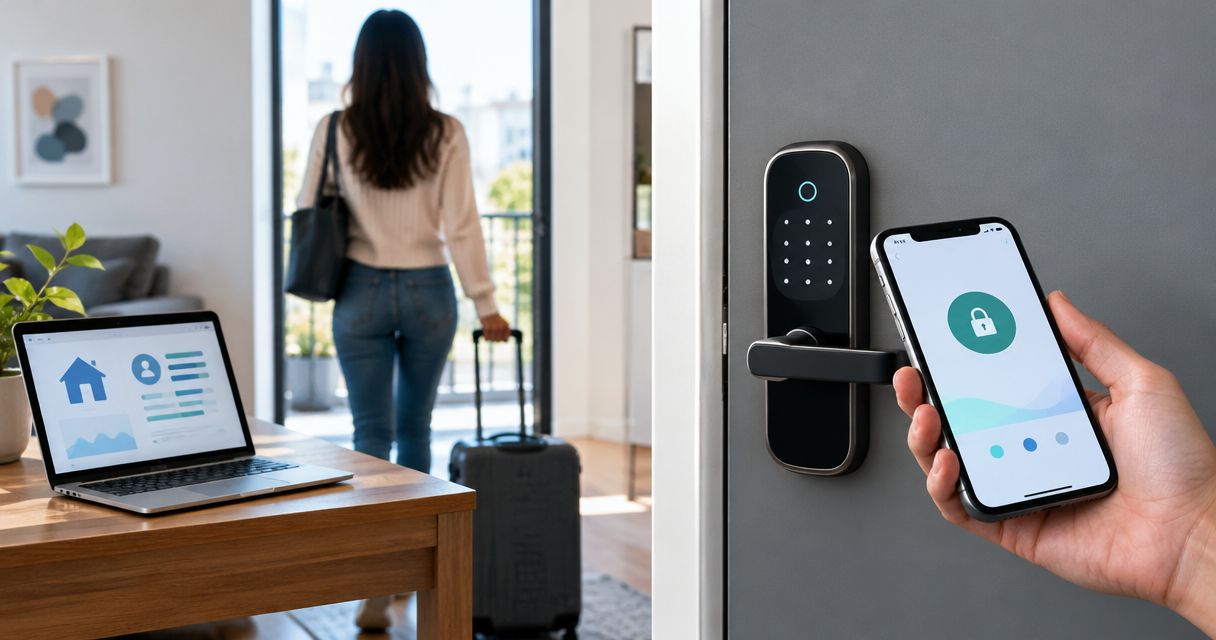
WiFi keypad deadbolt — the reliable pick. Connects directly to your home network, no Bluetooth range limit, and generates unlimited time-stamped codes remotely. Expect 6-12 months of battery life per set and full remote code management from any phone. Buy for hosts managing 1-3 units who need reliable remote access without a hub.
Bluetooth/app-based smart lock — the tech-forward pick. Pairs with a smartphone app and works well for hosts who live close to the property or check in guests personally. Range typically tops out around 30-40 feet, which limits true remote management. Consider it only if you're pairing it with a WiFi bridge accessory — otherwise it fails the remote-access test that matters most for hosts.
Standalone keypad lock, no app required — the budget pick. No WiFi, no app, just a 4-digit or 6-digit code you set manually at the door. Zero monthly fees and dead simple for guests. Consider for a single-unit host who's on-site enough to reset codes between stays, but this doesn't scale past one or two doors.
Lock box or key safe — the backup pick. A wall-mounted combination box holding a spare physical key runs under $50 and takes minutes to install. It's a reasonable emergency backup but shouldn't be your primary access method after 2026 short-term rental insurance policies started flagging lockbox-only setups as a liability risk. Skip as a primary system, Buy as a backup.
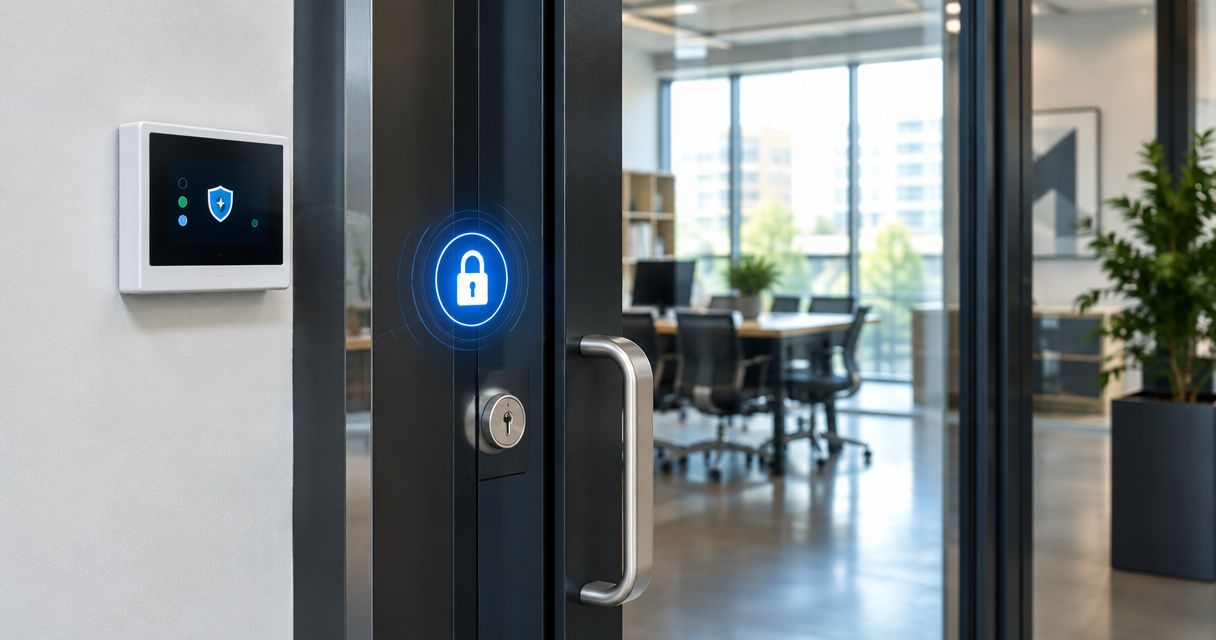
Centralized access-control panel — the scale pick. For hosts running four or more units, or a multi-door property inside an apartment complex or HOA building, a single dashboard managing every door's codes beats juggling five separate lock apps. This is the same access-control approach used by property management companies handling dozens of units. Buy once you cross three or four active listings.
What to avoid
- Reused static codes — if you're not changing the code every guest cycle, you've built a master key for every past visitor, which defeats the purpose entirely.
- Cheap import locks with no ANSI rating — they look identical to certified hardware in photos, fail the strike plate stress test within a year of daily guest traffic, and void most homeowner insurance conditions.
- Bluetooth-only locks with no WiFi bridge — fine for an on-site host, a liability for anyone managing a listing remotely.
Verdict comparison
| Type | Connectivity | Battery Life | Best For | Verdict |
|---|---|---|---|---|
| WiFi keypad deadbolt | Remote, app + WiFi | 6-12 months | 1-3 unit hosts | Buy |
| Bluetooth smart lock | Local only, ~30-40 ft | 6-12 months | On-site hosts | Consider |
| Standalone keypad, no app | None | 6-12 months | Single-unit hosts | Consider |
| Lock box / key safe | None | N/A | Emergency backup | Buy (backup only) |
| Access-control panel | Remote, multi-door | Varies by system | 4+ units, multi-unit buildings | Buy |
The rekey conversation comes up constantly with hosts switching from a traditional lock — if you're weighing the swap cost, the locksmith cost guide for rekeying a house breaks down what a standard rekey runs versus a full keyless deadbolt install, which helps frame the budget conversation before you call anyone.
FAQ
What's the best keyless entry system for a single Airbnb unit?
A WiFi-connected keypad deadbolt is the best fit for a single unit in 2026 because it lets you generate and revoke guest codes remotely without needing a phone app in Bluetooth range. Pair it with a physical key override for battery failures.
Is Bluetooth or WiFi better for a short-term rental lock?
WiFi is better for remote hosts because it allows code changes from anywhere, while Bluetooth only works within 30-40 feet of the lock. Hosts who live near the property can get by with Bluetooth, but remote hosts need WiFi or a bridge device.
How much does keyless entry installation cost for a rental property?
Cost varies by hardware and whether the existing deadbolt needs replacing versus a full door prep. A licensed locksmith can quote the exact price for your door type and lock model during an on-site visit.
Do I still need a physical key for a keyless lock?
Yes, every keypad lock should have a mechanical key override kept by the host, not shared with guests. This is the only backup when batteries die or electronics fail mid-stay.
Can I manage codes for multiple Airbnb units from one app?
Yes, if the locks are WiFi-connected and support a centralized dashboard, you can manage codes for every unit from a single account. Hosts running four or more units typically move to an access-control system built for that scale.
How often should I change the door code between guests?
Change the code before every single guest checkout, ideally set to expire automatically at checkout time. A code that carries over between stays is effectively a master key for anyone who's ever booked the unit.
Are lock boxes safe for Airbnb key handoff?
Lock boxes work as an emergency backup but shouldn't be the primary access method in 2026, since several short-term rental insurance policies now flag lockbox-only setups during claims review. Use a keypad lock as the primary system and a lock box as backup.
What happens if a smart lock battery dies during a guest's stay?
A guest is locked out unless the lock has a physical key override or external battery terminals for a jump-start charge. This is why every keyless lock installed for a rental needs a mechanical backup key kept by the host.
One last thing
The detail most hosts skip: match the lock's ANSI grade to actual guest traffic, not to the price tag on the box. A door cycling 150+ times a month across weekly turnovers wears out a Grade 3 budget lock inside a single peak season, while a Grade 1 or Grade 2 exterior-rated deadbolt handles years of the same traffic without a service call.