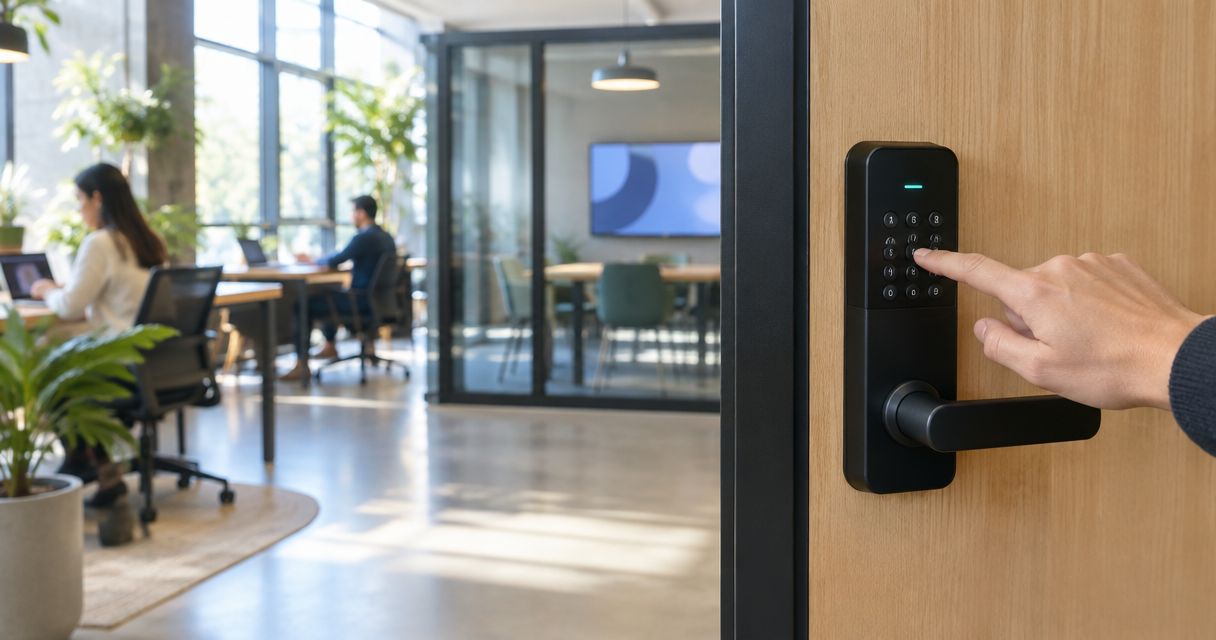
Best overall in 2026: a managed keypad access-control system for a coworking space with multiple doors. Best for one shared entrance: a standalone electronic keypad lock. Best without electronic code management: a mechanical push-button lock. This guide compares those options by how you assign access, remove it when a membership ends, and keep each door working as intended.
- The best keypad door locks for coworking spaces depend on how many doors and access groups you manage.
- Managed keypad access control is the best fit for multiple doors with changing membership.
- A standalone electronic keypad suits one shared entrance; a mechanical push-button lock suits simpler access needs.
- Apex Lock N Key installs commercial locks and access control for businesses in Middlesex County, Massachusetts.
Why this matters
A coworking entrance is not a typical office door. Members arrive on different schedules, staff need access to private areas, and memberships end. A keypad changes how people get in, but it does not automatically give you a workable process for deciding who can open which door.
Before choosing hardware, list the doors that need controlled access: the main entrance, private offices, meeting rooms, storage, and any staff-only space. Then identify who issues codes, who removes them, and what happens when someone forgets one. For a closer look at that planning problem, see locksmith service for coworking spaces and shared offices.
Apex Lock N Key is best for Middlesex County coworking operators who need a licensed local installer for commercial locks or access control—not a branded lock recommendation. The right hardware choice still depends on the doors and the access rules you set for your space.
What makes the best keypad door lock for a coworking space?
Use these criteria before comparing devices. A keypad with an appealing feature list is a poor choice if it cannot support your membership changes or fit the door safely.
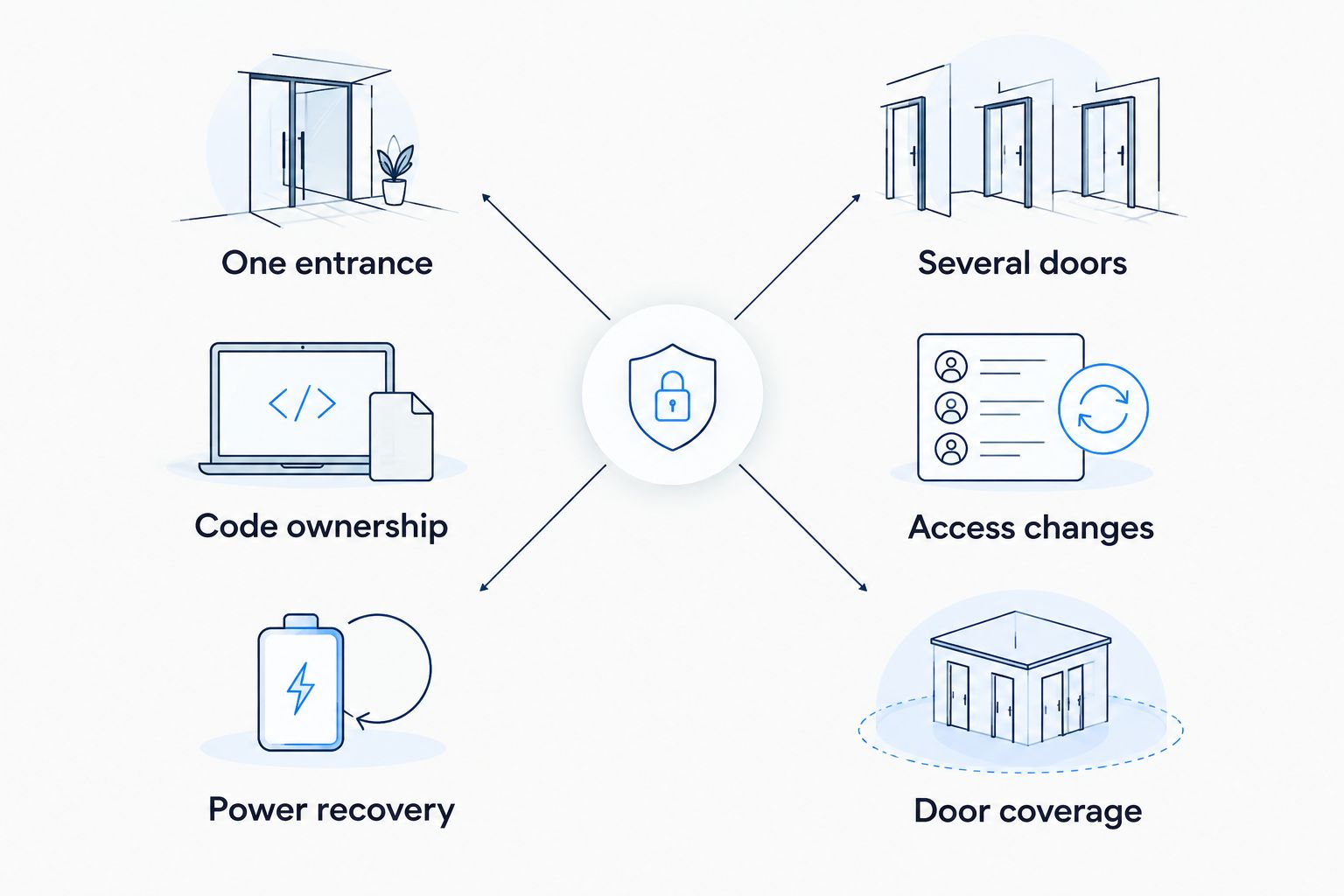
- Access changes: Can an administrator remove one person's access without changing everyone else's? Confirm the procedure for the specific system you are considering.
- Door coverage: Decide whether you need to control one entrance or separate access to several rooms. That decision matters more than the look of the keypad.
- Code ownership: Establish whether each person can have distinct credentials. A shared code is harder to withdraw from one departing member.
- Door and hardware fit: Check the existing lock, door preparation, closer, and any exit hardware before selecting a replacement. A keypad is only part of the opening.
- Power and recovery: Ask what happens if a battery runs down, power fails, or an administrator loses access. Document the approved recovery procedure.
- Exit and accessibility: Confirm that the complete installation preserves appropriate operation from inside and works for the people using the entrance.
There is a practical dividing line: one shared entrance can be a lock decision; several doors with different permissions become an access-management decision. That is why the best overall pick is not necessarily the simplest device to mount on a door.
Best keypad door locks for coworking spaces at a glance
| Option | Best for | Standout feature | Key limitation |
|---|---|---|---|
| Managed keypad access-control system | Multiple doors and changing access groups | Central process for assigning and removing access, where supported by the chosen system | Needs planning across doors, users, and hardware |
| Standalone electronic keypad lock | One shared entrance | Code entry without issuing a physical key to every user | Administration can become awkward across several independent locks |
| Mechanical push-button lock | A simple door with limited access changes | Keypad entry without electronic code management | Poor fit for frequent individual access changes |
The table ranks approaches, not tested manufacturers or models. A specific lock only earns a place on your door after its functions and installation requirements have been checked against that opening. Do not assume that every product in one category offers the same code controls, recovery method, or integration options.
1. Managed keypad access-control system: best for multiple doors
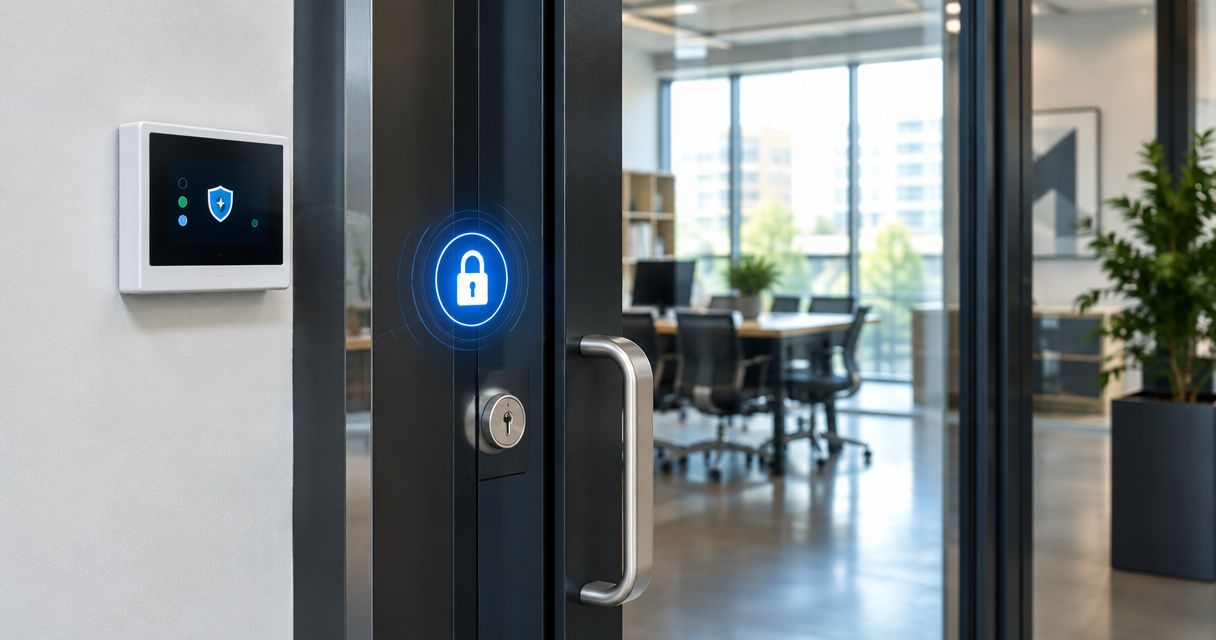
A managed keypad access-control system is the strongest overall choice for a coworking space that separates member areas, staff rooms, and private offices. The keypad is an entry point; the larger decision is how the system handles credentials and permissions across the doors you select. Confirm the exact administrative features before choosing a system.
Managed keypad access-control system pros:
- Supports a deliberate access plan for different doors and user groups.
- Gives an operator a defined place to manage credentials, if the selected system provides that function.
- Fits a space where access changes are a regular operating task.
Managed keypad access-control system cons:
- Requires a door-by-door plan before installation.
- Creates an ongoing administrator task; someone must keep permissions current.
- The keypad alone does not resolve an unsuitable lock, closer, or exit arrangement.
Best for: Coworking operators managing several controlled doors or distinct groups of users.
Verdict: Buy if access changes across several doors are routine. Hold until you have documented the doors, user groups, recovery process, and person responsible for removing access. In 2026, that operating plan is more useful than selecting a keypad by appearance.
Apex Lock N Key provides commercial lock and access-control installation in Middlesex County. That makes an installation discussion relevant once you know which doors need control; it does not make every managed system suitable for every entrance.
2. Standalone electronic keypad lock: best for one shared entrance
A standalone electronic keypad lock puts code entry at an individual door. It is a focused option when your coworking space needs one controlled entrance and you can manage that door's credentials directly. Check the specific model's code-management and backup-entry functions rather than assuming they come standard.
Standalone electronic keypad lock pros:
- Keeps the decision centered on one door.
- Provides keypad entry without distributing a physical key to every member.
- Lets you define a straightforward process for granting and withdrawing access at that entrance, subject to the lock's functions.
Standalone electronic keypad lock cons:
- Managing separate locks becomes less convenient as controlled doors are added.
- A shared code does not provide a clean way to remove one person's access.
- You need a documented response to battery or lock failure that matches the chosen device.
Best for: A coworking space with one shared entrance and an assigned person to manage its access.
Verdict: Buy for a single entrance after verifying how the selected lock handles individual codes, code removal, and entry recovery. Wait if you expect to add several rooms with different permissions; compare managed access control before purchasing independent locks.
For 2026 planning, write down who changes the code and when. If no one owns that task, an electronic keypad does not solve the underlying access problem. A departing member should trigger a specific administrative action, not a discussion about whether anyone remembers the current code.
3. Mechanical push-button lock: best for simple access needs
A mechanical push-button lock allows keypad entry without relying on electronic credential administration. It can suit a door used by a small, stable group when frequent individual code changes are not part of the operating plan. It is not a substitute for a managed system where many members need separate permissions.
Mechanical push-button lock pros:
- Keeps day-to-day access independent of electronic code-management tools.
- Suits a simple door where access rules change infrequently.
- Gives you a keypad option to consider when a managed system adds administration you do not need.
Mechanical push-button lock cons:
- Weak fit for withdrawing one member's access while preserving everyone else's.
- Does not give an operator the same administrative approach as a managed access-control system.
- Still requires confirmation that the complete hardware arrangement works on the door.
Best for: A limited-access door with stable users and a simple code policy.
Verdict: Hold for a main coworking entrance with regular member turnover. Buy only where the access group is stable and the specific lock meets the door's requirements. The absence of electronic administration is a benefit only if you do not need that administration.
How we ranked the options
This is a use-case ranking, not a claim that one manufacturer outperforms another. Managed access control ranks first because coworking spaces with several doors need a repeatable way to assign and remove permissions. A standalone electronic lock ranks next for its narrower, one-door job. A mechanical push-button lock ranks third because limited individual access management makes it a poor default for changing memberships.
The criteria are access changes, door coverage, code ownership, hardware fit, recovery, and safe operation. None of those can be settled by a keypad photo. In 2026, ask a supplier or installer to show how the exact proposed device handles your required tasks before you approve it.
Which keypad door lock should you choose?
Choose managed keypad access control if you control multiple doors or need different access for members and staff. That is the default recommendation for an undecided coworking operator. It gives you a framework for managing the space rather than treating every doorway as an unrelated purchase.
Choose a standalone electronic keypad lock when the job is one shared entrance and you have a clear process for issuing and removing access. Choose a mechanical push-button lock for a simpler door with a stable access group. Neither is the default answer for a growing set of private rooms with changing users.
Before committing in 2026, make a short door schedule:
- Main entrance: Who enters, who approves access, and who responds when entry fails?
- Private rooms: Should every member enter, or only assigned users?
- Staff-only areas: Who can add and remove staff access?
- Exit route: Will the proposed hardware preserve the door's required exit operation?
- Administration: Who removes access when a membership or employment relationship ends?
Give that schedule to the installer. It turns a general request for a keypad into a defined access-control job. Apex Lock N Key installs commercial locks and access control for local businesses; the door schedule helps establish what you need assessed without assuming a particular product is already the answer.
Plan your coworking door access
Discuss commercial lock and access-control installation for your Middlesex County space.
FAQ
What's the best keypad door lock for a coworking space in 2026?
A managed keypad access-control system is the best overall approach for a coworking space with multiple doors and changing users. For one shared entrance, a standalone electronic keypad lock is the more focused option.
Is a standalone keypad lock enough for a coworking entrance?
Yes, a standalone keypad lock fits a single shared entrance when someone is responsible for managing access. Check the exact lock's code-removal and recovery functions before choosing it.
Is a mechanical keypad lock better than an electronic one?
A mechanical push-button lock is better suited to simple access needs with a stable group of users. An electronic or managed option is a better fit when you need to change individual access regularly, subject to the selected device's functions.
Should coworking members share one door code?
Separate credentials are the better choice when you need to remove one member's access without changing access for everyone else. Confirm that the proposed lock or system supports the credential policy you intend to use.
Can a keypad replace every lock in a coworking space?
No. Each door needs its existing hardware, use, and exit operation checked before a keypad solution is selected. A suitable main-entrance lock is not automatically suitable for a private office or an exit door.
What happens if an electronic keypad stops working?
The response depends on the specific device and installation. Confirm its approved backup-entry and power-failure procedures, then make sure the person responsible for the space knows them.
How much does coworking keypad installation cost?
Installation cost depends on the selected hardware and the doors involved. Request a door-by-door scope for your space rather than treating one keypad as a quote for the entire access system.
One last thing
The first access decision is not which keypad to buy. It is who removes a former member's access. If you cannot name that person and the action they take, the highest-ranked system will still leave a gap in your process. Set that responsibility before selecting hardware in 2026.
For Middlesex County operators, Apex Lock N Key is a licensed, 24/7 mobile locksmith service that provides commercial lock and access-control installation. Bring a list of doors and access groups to the discussion; it is more useful than asking for the best keypad without defining the job.