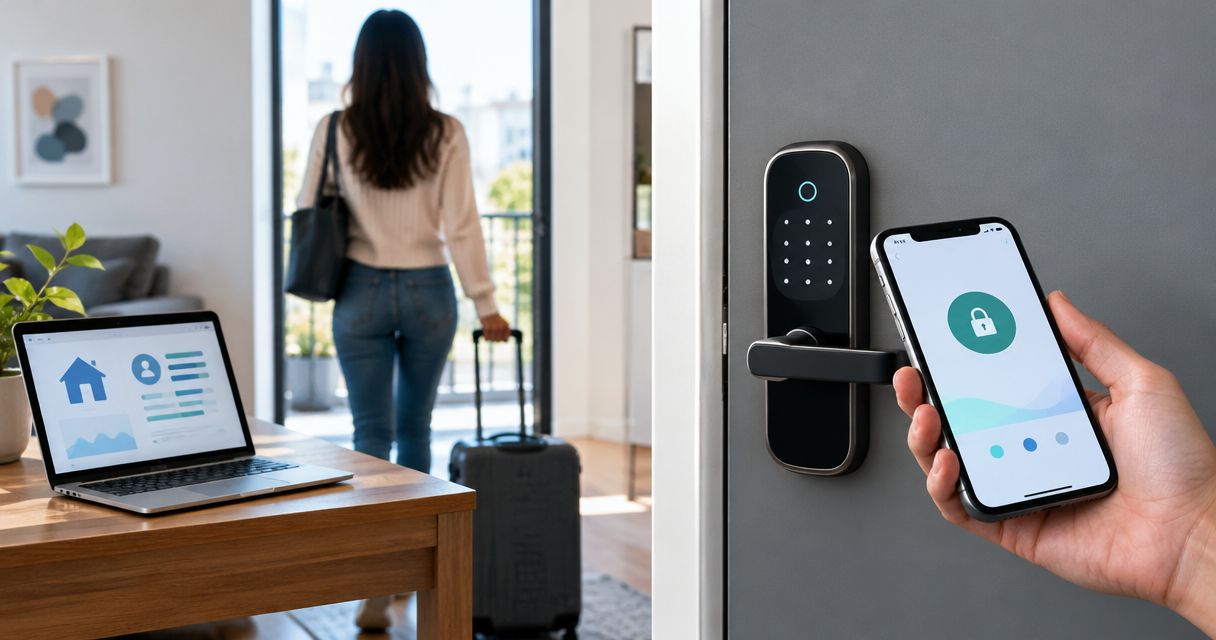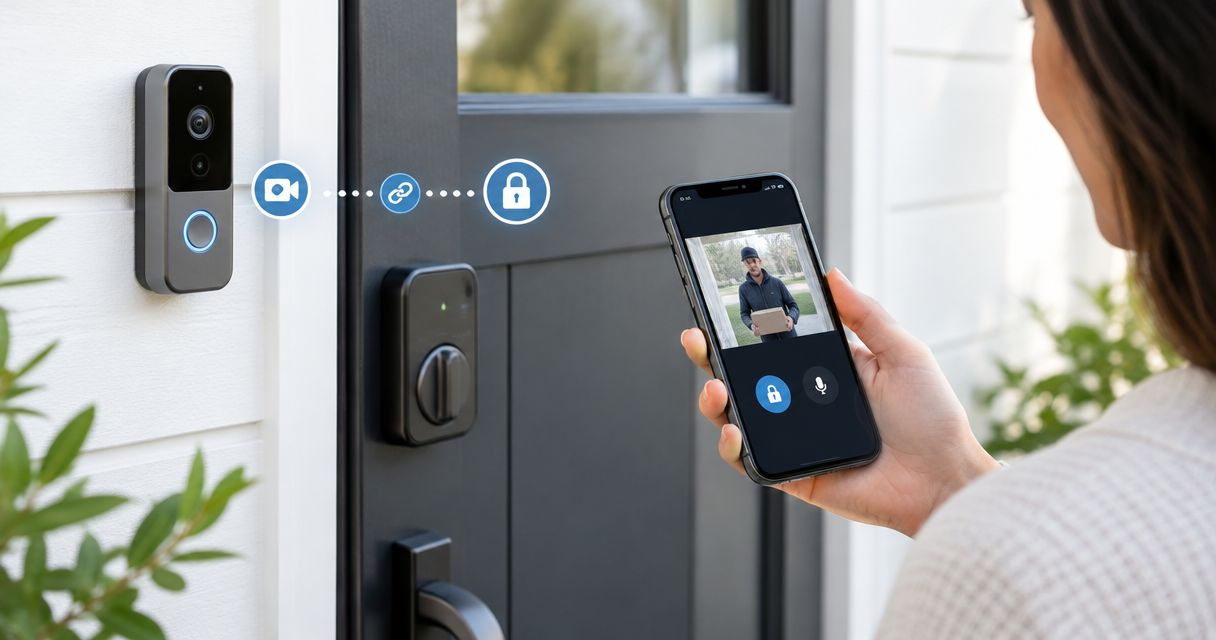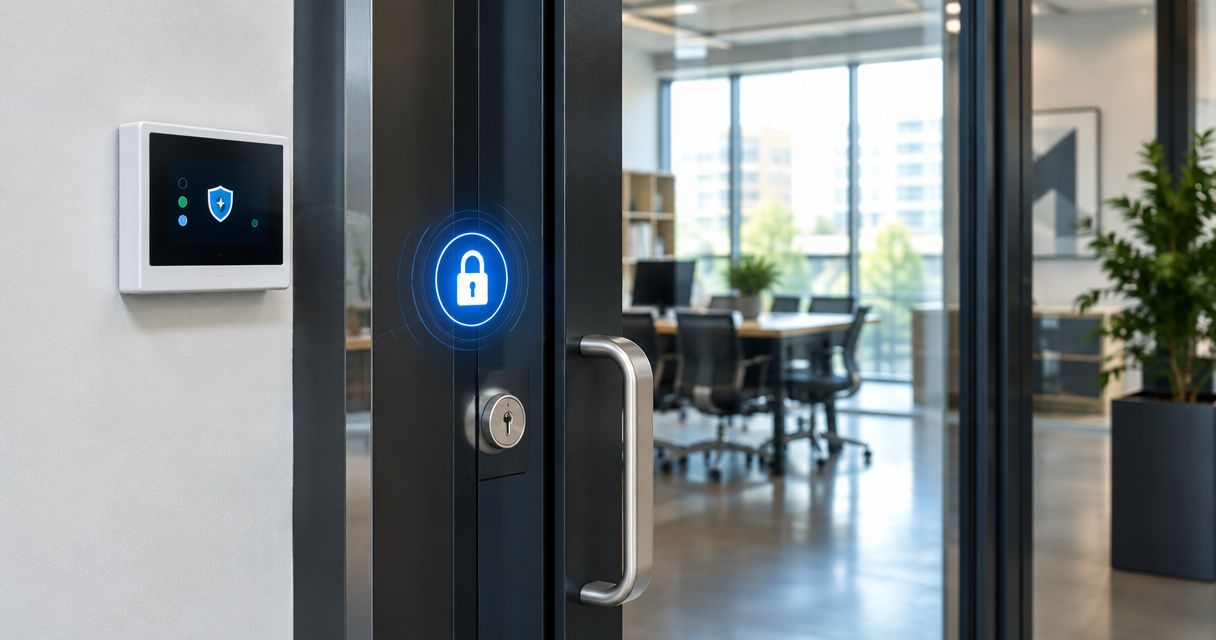
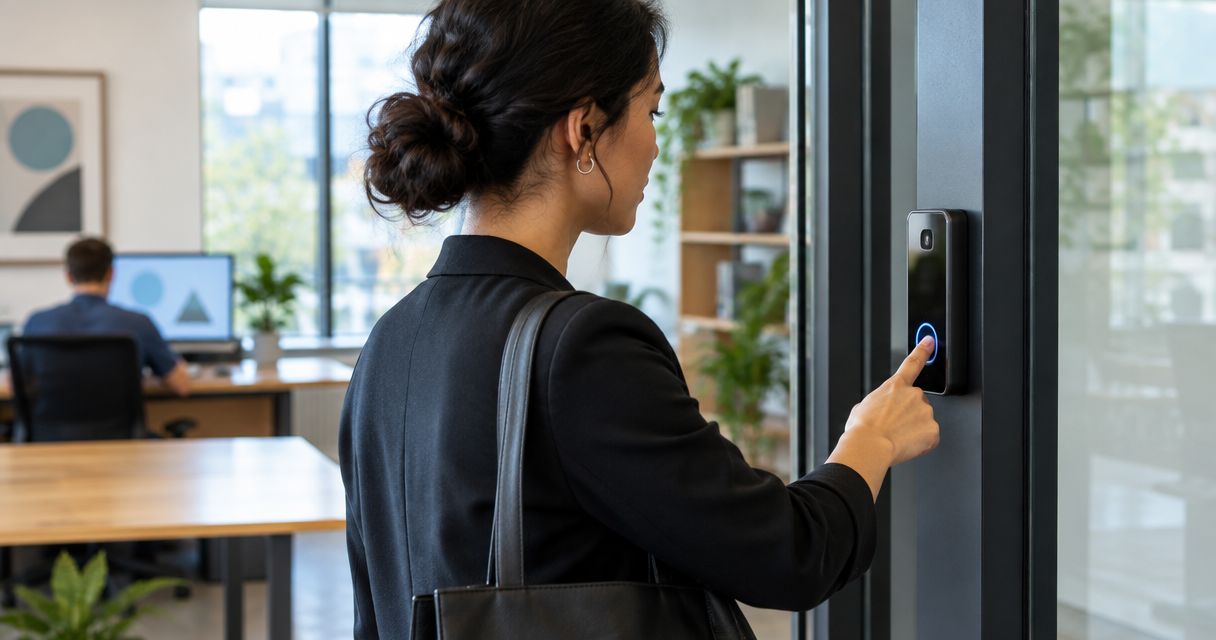
Biometric lock systems replace keys and door codes with a fingerprint or face scan, and the right pick for a small business depends on how many doors you're securing and how much access history you need to keep. This guide ranks five systems built for different business sizes in 2026, from a single retail entrance to a multi-door office with a real audit trail.
- Apex Lock N Key's professional biometric installation wins overall for Middlesex County businesses that want the hardware matched to the door and ongoing support.
- Kwikset Halo Touch is the best biometric lock system for small business owners with one retail or office door.
- ZKTeco access panels fit multi-door offices that need centralized logs across several entrances.
- Ultraloq U-Bolt Pro is the budget pick for a single storefront that still wants fingerprint plus keypad backup.
- Suprema BioStation is built for high-security facilities that need enterprise-grade audit trails.
Best overall: professional biometric access control installed by Apex Lock N Key using commercial-grade hardware. Best for a single retail door: Kwikset Halo Touch. Best budget option: Ultraloq U-Bolt Pro. Best for multi-door offices: ZKTeco access panels. Best for high-security compliance: Suprema BioStation.
Why this matters
A biometric lock only pays off if it fits the door count and risk level of the business behind it. A single-door boutique doesn't need the same system as a warehouse with a loading dock and an office wing, and buying the wrong tier means either overpaying for features nobody uses or leaving a gap an intruder can walk through.
Most small business owners find this out after setting up access control for a small business the DIY way and hitting a wall: the consumer-grade lock they bought online doesn't talk to their second or third door. That's the split this list is built around — not brand name, but the door count and compliance level each system actually handles.
What makes the best biometric lock system
- Fingerprint or face read accuracy — false rejections waste time at the door during a morning rush
- Backup entry method — a keypad code or app unlock for when a scanner reader is dirty or gloved hands won't scan
- User capacity per door — how many employees or shift workers the system can register
- Multi-door support — whether one system can manage access logs across several entrances from a single admin panel
- Weatherproofing — exterior fingerprint readers face rain, snow, and cold in a Massachusetts winter
- Data storage — local storage keeps access logs on-site; cloud storage lets an owner check activity remotely
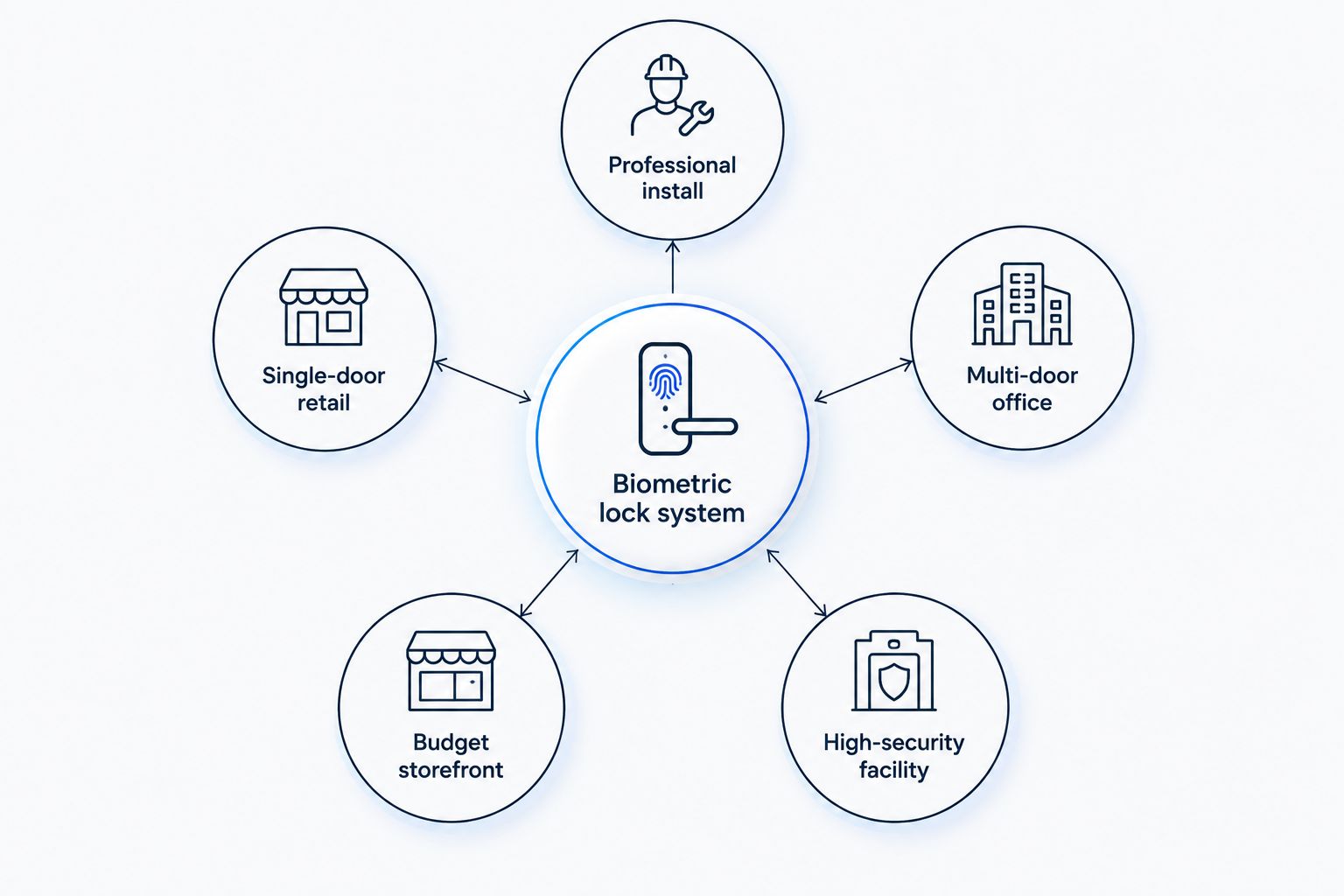
Best biometric lock systems for small business at a glance
| System | Best for | Standout feature | Key limitation |
|---|---|---|---|
| Apex Lock N Key biometric install | Professional install and support | Hardware matched to your door, ongoing service | Requires an on-site visit to quote |
| Kwikset Halo Touch | Single-door retail or office | App-based fingerprint management on one deadbolt | Not built for multi-door networking |
| ZKTeco access panels | Multi-door offices | Centralized logs across several entrances | Setup takes longer than a single-door lock |
| Ultraloq U-Bolt Pro | Budget storefront | Fingerprint, keypad, and app in one unit | Fewer enterprise reporting features |
| Suprema BioStation | High-security facilities | Enterprise-grade audit trails and access reporting | Overbuilt for a single low-traffic door |
1. Apex Lock N Key biometric install: best for professional installation and support
Apex Lock N Key installs and services biometric access control for small businesses across Middlesex County, matching the hardware to the door instead of selling a one-size-fits-all box. That means a retail shop gets a different setup than a medical office or a warehouse with multiple entrances, and the biometric lock installation for high-security facilities page covers what that process looks like for higher-risk properties.
Apex Lock N Key pros:
- Licensed technicians match hardware to the actual door and building type
- Ongoing support if a reader fails or a user needs to be removed from the system
- Available for both single-door retrofits and multi-door commercial jobs
Apex Lock N Key cons:
- Requires an on-site consultation rather than an instant online order
- Lead time depends on scheduling, not shelf availability
Best for: small businesses that want the lock chosen and installed correctly the first time, not guessed at from a product page.
Verdict: Buy if you want one system, sized right, with someone to call when it needs adjusting.
2. Kwikset Halo Touch: best biometric lock system for single-door retail
Kwikset Halo Touch is a fingerprint deadbolt built for one door — the kind of setup a boutique, salon, or small office with a single public entrance actually needs. It pairs a fingerprint sensor with an app for adding and removing users without rekeying anything.
Kwikset Halo Touch pros:
- Simple app-based user management for a small staff
- No rekeying needed when an employee leaves — just delete their fingerprint
- Works as a standard deadbolt if the scanner has an off day
Kwikset Halo Touch cons:
- Not designed to sync across multiple doors or locations
- Single point of failure if the one door's hardware needs service
Best for: a single-door retail shop or office that wants to drop keys entirely without managing a full access control network.
Verdict: Buy for a one-door business that's outgrown handing out spare keys.
3. ZKTeco access panels: best for multi-door offices
ZKTeco makes commercial-grade biometric access panels built to manage several doors from one admin dashboard — fingerprint, face recognition, or both, depending on the panel. For an office with a front door, a server room, and a back entrance, that's the difference between three separate systems and one log. The access control installation for small business offices page walks through what a multi-door install involves.
ZKTeco pros:
- Centralized logs across multiple entrances from a single dashboard
- Supports both fingerprint and face recognition on many panel models
- Scales as a business adds doors or locations
ZKTeco cons:
- More setup time than a single deadbolt
- Overkill for a business with just one entrance
Best for: offices, clinics, or retail chains managing three or more doors that need one unified access record.
Verdict: Buy if you're already juggling separate lock systems across multiple entrances.
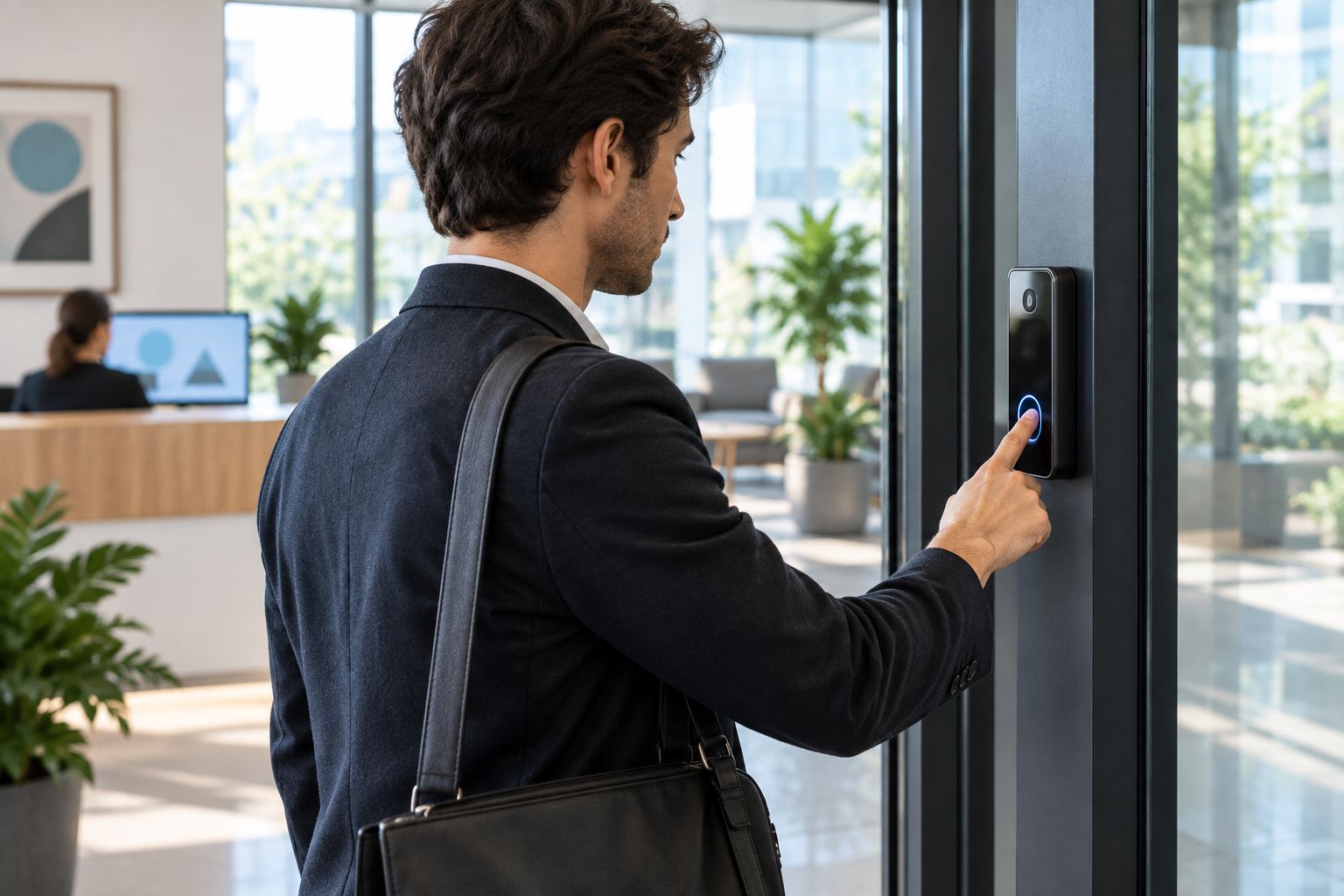
4. Ultraloq U-Bolt Pro: best budget option
Ultraloq U-Bolt Pro bundles a fingerprint scanner, a keypad, and app unlock into one deadbolt, which makes it the more affordable route into biometric access for a single-door storefront. If a fingerprint scanner ever misreads a cold, wet finger in a New England winter, the keypad backup keeps the door usable.
Ultraloq U-Bolt Pro pros:
- Three unlock methods on one lock — fingerprint, keypad, and app
- A practical entry point for a business testing biometric access for the first time
- Backup keypad prevents lockouts when the scanner has trouble reading
Ultraloq U-Bolt Pro cons:
- Fewer administrative reporting tools than commercial-grade panels
- Still a single-door solution, not a networked system
Best for: a single storefront that wants to try biometric entry without committing to a full commercial access control build.
Verdict: Buy for a first step into biometric locks on a limited budget.
5. Suprema BioStation: best for high-security facilities
Suprema BioStation is enterprise-grade biometric access control built for facilities that need detailed audit trails — think medical offices handling controlled substances, or businesses under a compliance requirement to log every entry and exit. It's not built for a low-traffic single door.
Suprema BioStation pros:
- Detailed access reporting suited for compliance-heavy businesses
- Handles high user volume without slowing down at peak hours
- Built for facilities where every entry needs a timestamped record
Suprema BioStation cons:
- More system than a typical single-location small business needs
- Higher setup complexity than a deadbolt-style lock
Best for: high-security facilities and compliance-driven businesses, not a single-door shop.
Verdict: Hold unless your business already has a documented compliance requirement for access logging.
How we ranked these systems
Each system above was placed against the same six criteria: read accuracy, backup entry method, user capacity, multi-door support, weatherproofing, and data storage. No system won every category — that's the point. A single-door retail shop and a compliance-heavy medical office need different tools, and forcing one system to serve both jobs is how businesses end up with locks that frustrate staff or leave gaps in the access log.
Not sure which system fits your doors?
Get the hardware matched to your building, not guessed at online.
Which biometric lock system should you choose?
If you're running a single-door retail shop or office in 2026, start with Kwikset Halo Touch or Ultraloq U-Bolt Pro and skip the enterprise features you won't use. If you manage three or more entrances, ZKTeco access panels are the system that keeps one log instead of three. If the business handles regulated records or has a documented compliance requirement, Suprema BioStation is the only option built to keep up.
For most small businesses undecided on any of the above, the practical move is a professional install that matches hardware to the actual door and building, which is what Apex Lock N Key's biometric access control service is built to do. A locksmith who's already installed keypad lock systems for offices and small businesses as a backup layer can tell you in one visit whether your door needs a single fingerprint deadbolt or a networked panel.
FAQ
What is the best biometric lock system for small business use in 2026?
For a single-door shop, Kwikset Halo Touch or Ultraloq U-Bolt Pro cover most needs. For multi-door offices, ZKTeco access panels centralize the logs, and a professional install matches the hardware to your specific building.
Are biometric locks more secure than keypad locks?
A fingerprint or face scan can't be shared, guessed, or written down the way a keypad code can, which makes biometric locks harder to bypass on a single door. A keypad still works well as a backup method when the scanner can't read a gloved or wet finger.
Can a biometric lock work without power or Wi-Fi?
Most biometric locks run on battery power and store fingerprint data locally, so a Wi-Fi outage doesn't lock employees out. Check the backup entry method on any system before installing it, since a dead battery still needs a keypad or key override.
Do biometric locks work in cold Massachusetts winters?
Exterior fingerprint readers need weatherproof housings to handle rain, snow, and freezing temperatures without misreading. A backup keypad or app unlock covers the rare days a scanner struggles with a cold, wet finger.
How many people can use one biometric lock?
User capacity varies by system — single-door deadbolts are built for small staff counts, while commercial panels like ZKTeco or Suprema BioStation handle far larger rosters across multiple doors.
Is a biometric lock system worth it for a one-door retail shop?
Yes, if the shop currently hands out spare keys to staff. A single fingerprint deadbolt removes the rekeying cost every time an employee leaves, without the complexity of a multi-door access control panel.
Should I install a biometric lock myself or hire a locksmith?
A single-door fingerprint deadbolt can often be self-installed, but multi-door access control panels need professional wiring and configuration. A locksmith can also confirm the lock is compatible with your existing door hardware before you buy.
One last thing
The detail most small business owners miss: a biometric lock is only as good as its backup entry method. Every system on this list, from a single Kwikset deadbolt to a full Suprema BioStation network, needs a keypad, key, or app fallback for the day a scanner won't read — cold hands, a dirty sensor lens, or a battery running low all happen eventually, and the businesses that plan for that day never get stuck outside their own door.