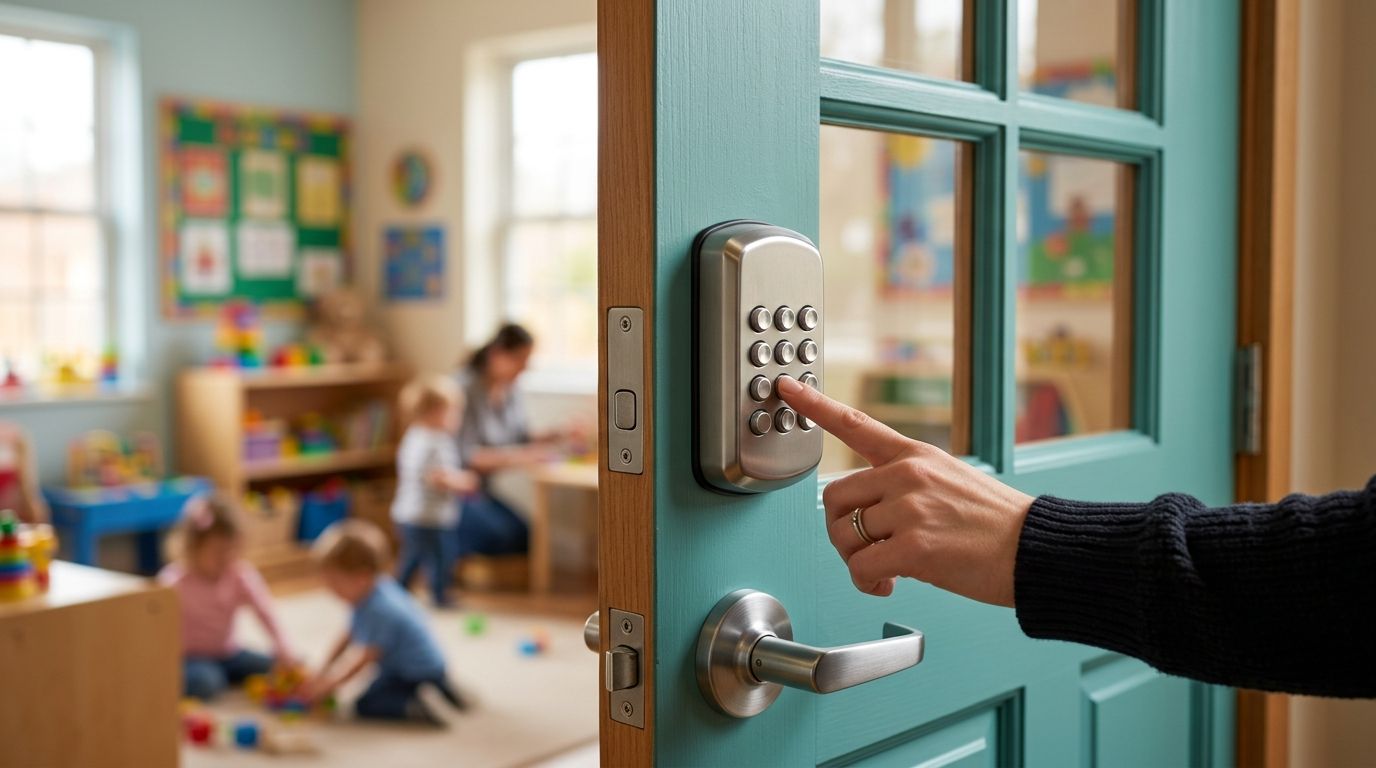
Best overall for a daycare entry door in 2026: a commercial electronic keypad lever that fits the existing door and preserves compliant exit. Best without batteries: a mechanical push-button lever. Best for managing staff access across doors: a keypad integrated with an access-control system. Apex Lock N Key is best for daycare operators in Middlesex County who need commercial lock and access-control installation rather than a consumer lock picked by appearance alone. See the Apex Lock N Key service site for the local locksmith.
- Best push button locks for daycare doors: choose a commercial electronic keypad lever when the door and exit hardware support it.
- Choose a mechanical push-button lever when you want keypad entry without batteries; confirm how its code is changed.
- Choose access-controlled keypad entry when staff credentials need to be managed across doors.
- Apex Lock N Key installs commercial locks and access control in Middlesex County; confirm the door setup before selecting hardware.
Why this matters
A daycare entry door has to do two jobs that can conflict: control who comes in and let people leave safely. The best push button locks for daycare doors address the entry side without creating a new obstacle on the exit side. A keypad is not a substitute for checking the door closer, latch, existing panic hardware, accessibility requirements, and applicable fire and building rules.
In 2026, start with the door, not the keypad catalog. A lock intended for a residential deadbolt opening is not automatically suitable for a commercial daycare entrance. If the door is part of a required exit route, have the complete assembly reviewed before replacing any hardware. Apex Lock N Key provides commercial lock and access-control installation in Middlesex County, Massachusetts.
What makes the best push-button lock for a daycare door?
Use these criteria before comparing lock types. Each one answers a practical question about how the entrance will work during drop-off, pickup, staffing changes, and an emergency.
- Safe exit: Can someone leave from the inside without entering a code or searching for a key? Check how the proposed lock works with the door’s existing exit hardware.
- Door compatibility: Does the hardware fit the door’s preparation, handing, frame, latch, and closer? A keypad faceplate alone does not establish compatibility.
- Staff access changes: How will you remove access when an employee leaves? Ask whether changing a shared code also means distributing a new code to everyone else.
- Entry workflow: Decide whether staff need a code, whether visitors need admission, and who can open the door during operating hours. Those are separate decisions.
- Power and recovery: For electronic hardware, establish what happens when batteries or building power fail and how authorized staff regain entry.
- Outdoor exposure: If the keypad sits outside, check the manufacturer’s stated installation conditions. An indoor-only unit is the wrong starting point for an exposed entrance.
Do not buy a keypad before identifying the door’s exit function. That single check can rule out an otherwise appealing lock. It also tells the installer whether the answer is a self-contained keypad, a compatible replacement for existing hardware, or a broader access-control setup.
Best daycare keypad options at a glance
These are lock configurations, not endorsements of unnamed products. Their suitability depends on the actual door and the requirements that apply to the facility.
| Option | Best for | Standout feature | Key limitation |
|---|---|---|---|
| Commercial electronic keypad lever | A single staff entry door | Keypad entry with an electronic credential process | Needs a power and recovery plan |
| Mechanical push-button lever | A simple entrance without battery upkeep | Push-button entry without batteries | Shared-code changes can disrupt staff access |
| Commercial keypad mortise lock | A compatible door with existing mortise preparation | Keypad entry within a mortise-lock configuration | Door preparation and exit hardware narrow the choices |
| Access-controlled keypad entry | Managing access across doors | Centrally managed credentials, where supported | Requires a compatible controller and door hardware |
The table is a shortlist, not a compatibility verdict. An entry that also serves as an exit needs more scrutiny than an interior staff-only door. In 2026, ask for the proposed hardware configuration in writing so you can compare what happens on both sides of the same door.
1. Commercial electronic keypad lever: best overall for one staff entrance
A commercial electronic keypad lever is the default option when a daycare needs coded staff entry at a single suitable door. It pairs an exterior keypad with a lever-based lock configuration. The specific unit and installation must match the door and maintain the required way out.
Commercial electronic keypad lever pros:
- Staff can enter using an authorized code instead of a shared physical key.
- Electronic models can offer a clearer process for changing access than a mechanical shared-code lock; confirm the functions on the chosen unit.
- A commercial lever configuration puts the door’s existing preparation and operation at the center of selection.
Commercial electronic keypad lever cons:
- Batteries or another power source need attention, along with a documented recovery method.
- Not every electronic lever works with existing panic hardware or a particular door preparation.
- A code that everyone shares still needs to be replaced when access should be revoked.
Best for: A daycare with one staff entrance that needs keypad entry and a defined code-management routine.
Ask the installer to demonstrate normal entry, inside exit, door closing, and authorized access after a power interruption. Do not treat a keypad’s feature list as proof that the complete door works. Verdict: Buy only after the door and exit hardware are confirmed compatible.
2. Mechanical push-button lever: best without batteries
A mechanical push-button lever accepts a button sequence without relying on batteries for keypad operation. That makes it a straightforward choice when the daycare wants coded entry but does not want to manage an electronic lock’s power source. It does not, by itself, solve the problem of changing access for individual employees.
Mechanical push-button lever pros:
- Keypad operation does not depend on a battery.
- Staff can use a code instead of receiving a door key.
- The entry process does not require an electronic credential system.
Mechanical push-button lever cons:
- Many configurations rely on a shared combination, so removing one person’s access means changing the code others use.
- Code-change procedures vary by model and can require hands-on work at the lock.
- Mechanical operation does not remove the need to verify door, latch, and exit-hardware compatibility.
Best for: A daycare that wants a simple, battery-free staff entrance and can manage a shared code carefully.
In 2026, get a demonstration of the exact code-change procedure before selecting this type. If staffing changes make shared codes hard to control, an electronically managed alternative is the stronger fit. Verdict: Buy for a simple entrance; skip it when individual access changes are essential.
3. Commercial keypad mortise lock: best for compatible mortise doors
A keypad mortise lock is an option when the door uses, or is being specified for, mortise hardware. The keypad controls authorized entry while the mortise lock body and trim form part of the complete door assembly. Choosing this type starts with identifying the existing lock case and door preparation, not matching keypad styles.
Commercial keypad mortise lock pros:
- It gives a mortise-equipped door a keypad-entry route without assuming a cylindrical lever will fit.
- A properly specified configuration addresses the lock body, trim, latch, and door together.
- It lets you compare keypad options within the door’s actual hardware category.
Commercial keypad mortise lock cons:
- Mortise cutouts and hardware combinations limit direct replacements.
- A keypad mortise option still needs an explicit exit-hardware review.
- Code management and power needs depend on the selected mechanism.
Best for: A daycare entrance whose existing mortise door preparation makes a compatible keypad mortise configuration appropriate.
A photo of the keypad face is not enough to identify a replacement. Record the existing hardware and have the proposed assembly checked before ordering. Verdict: Buy for a confirmed mortise-door match; hold if the door preparation is unknown.
4. Access-controlled keypad entry: best for managing doors and staff
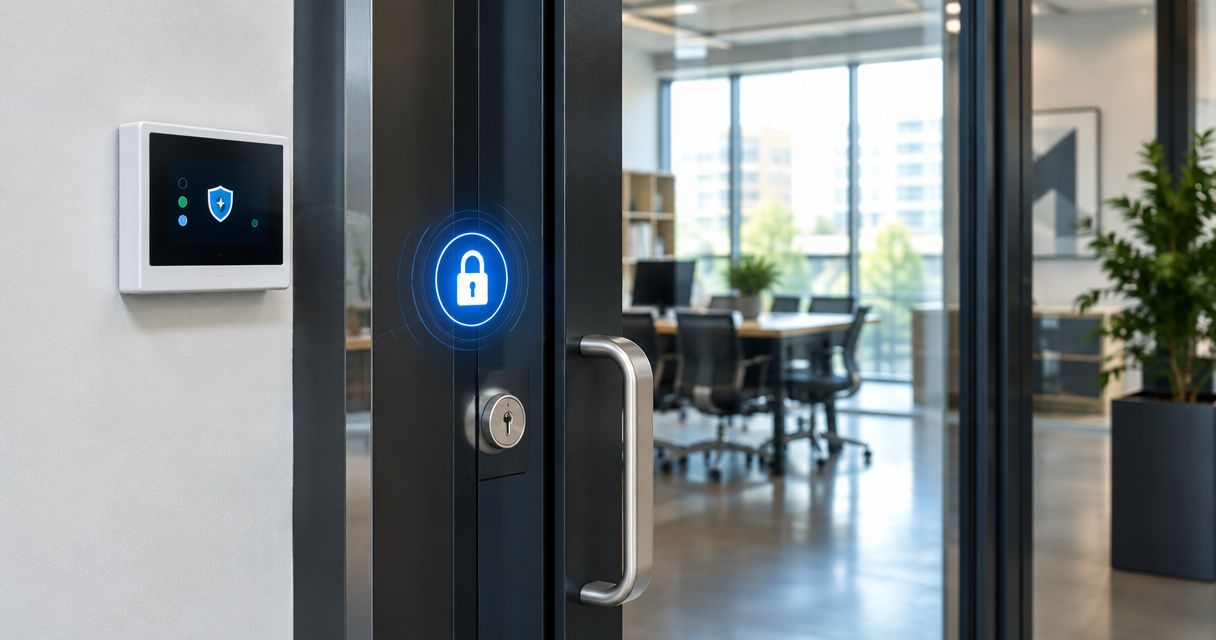
An access-controlled keypad works as one part of a larger entry system. A controller and compatible locking hardware determine who can enter; the keypad is the credential input at the door. This is a different decision from fitting a standalone push-button lock.
Access-controlled keypad entry pros:
- The right system can manage credentials without relying on one code shared by every staff member.
- Access rules can be planned around more than one entrance.
- The installer can evaluate the keypad, locking hardware, door closer, and exit method as one setup.
Access-controlled keypad entry cons:
- It needs compatible electrical and door hardware, not just a keypad mounted by the entrance.
- Administration becomes an ongoing task: someone must control credentials and remove access when needed.
- Power-loss behavior and safe exit must be specified before installation.
Best for: A daycare managing staff access across doors or seeking individual credential control.
Apex Lock N Key provides commercial lock and access-control installation. For a daycare-specific service starting point, see commercial locksmith for daycare centers and schools. Verdict: Buy when access management justifies a system; skip it for a simple door that a compatible standalone lock can serve.
How these options were ranked
The ranking puts safe exit and door fit ahead of keypad features. After that, it weighs how easily a daycare can change staff access, how the door behaves during a power problem, and whether the setup adds administration the facility does not need. That is why the electronic lever leads for a suitable single entrance, while access-controlled entry ranks highest for managing credentials across doors.
This is a selection framework, not a declaration that every product within a lock category passes inspection. In 2026, the final choice still turns on the installed door and the requirements applicable to the facility. Get those checks completed before committing to hardware.
Which push-button lock should you choose?
Choose a commercial electronic keypad lever for one compatible staff entrance. It is the clearest starting point for the best push button locks for daycare doors because it addresses coded entry without automatically committing the facility to a multi-door system. Confirm its code controls, power recovery, and exit behavior before installation.
Choose a mechanical push-button lever if avoiding batteries matters more than managing individual credentials. Choose a keypad mortise lock when the door’s existing mortise preparation calls for it. Choose access-controlled keypad entry when the real problem is managing who has access across doors. Apex Lock N Key can address the commercial lock or access-control installation; the door assessment determines which route fits.
Check your daycare entry door
Discuss commercial lock or access-control installation in Middlesex County.
FAQ
What is the best push-button lock for a daycare door?
A commercial electronic keypad lever is the best starting point for a compatible single staff entrance in 2026. Confirm that its installation preserves the required exit function before choosing a specific unit.
Is a mechanical push-button lock better than an electronic keypad for daycare?
A mechanical push-button lock is better when battery-free operation is the priority and a shared code is manageable. An electronic keypad is a better starting point when the chosen unit provides the access-change process the facility needs.
Can a daycare put a keypad lock on an emergency exit?
A keypad must not prevent people from using the door’s required exit function. Have the complete door and hardware configuration checked against applicable requirements before changing an exit door.
Should daycare staff share one entry code?
A shared code is simple to distribute but harder to revoke for one person. If individual access changes matter, assess a system that supports separate credentials.
What happens if an electronic daycare door lock loses power?
The result depends on the selected lock and installation. Establish both authorized entry recovery and safe exit behavior before the hardware is installed.
Can a keypad replace a daycare door’s existing panic hardware?
Do not assume a keypad can replace panic hardware. The exit function and the compatibility of the entire door assembly must be confirmed before any replacement.
Does Apex Lock N Key install commercial keypad or access-control hardware?
Apex Lock N Key provides commercial lock and access-control installation in Middlesex County, Massachusetts. The appropriate configuration depends on the daycare’s existing door and exit hardware.
One last thing
A keypad can control entry while doing nothing to fix a door that fails to latch. Before selecting a lock in 2026, watch the existing door close and latch during normal use. That observation tells you whether the project is only about staff access or also about the door hardware around it.