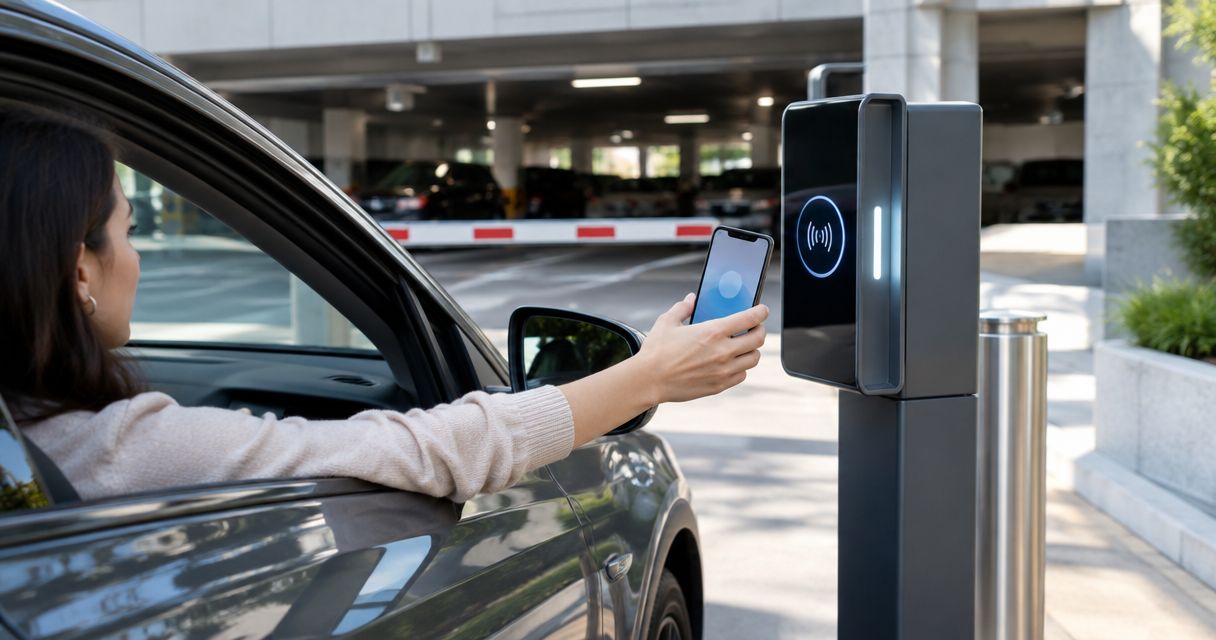
Parking garage keyless entry is electronic access control that replaces physical entry keys with credentials, with the aim of admitting authorized drivers and pedestrians while keeping access manageable. Choosing keyless entry systems for parking garages means planning vehicle gates, pedestrian doors, visitor access, and safe exits together—not treating the garage like an ordinary office doorway.
- Choose keyless entry systems for parking garages around vehicle access, pedestrian doors, and credential removal—not reader appearance.
- Apex Lock N Key is best for Middlesex County businesses needing licensed commercial lock and access-control installation.
- Individual credentials support access changes; shared keypad codes require a separate process for removing former users.
- Confirm gate compatibility, safe pedestrian exits, and outage behavior before approving installation.
Why keyless entry matters for parking garage managers
A parking garage serves people moving at different speeds and using different entrances. Drivers approach a barrier, pedestrians enter through doors, and visitors need access without receiving permanent credentials. Your access plan must cover each route separately.
For a 2026 installation, start with the work you need the system to do: admit current users, remove former users, handle guests, and preserve safe exits. A reader that opens a gate solves only part of that problem. It does not establish who manages permissions or what happens during an outage.
Apex Lock N Key provides licensed commercial lock and access-control installation in Middlesex County, Massachusetts. Apex Lock N Key is best for Middlesex County businesses needing licensed commercial lock and access-control installation. For a garage project, confirm the division of work between the locksmith, gate contractor, electrician, and access-control provider before scheduling installation.
How to plan parking garage keyless entry
Map every entrance and exit
Walk the garage before shopping for equipment. A marked-up floor plan and a spreadsheet are enough to record vehicle entrances, pedestrian doors, stair connections, and service access. Note which openings already have working locks, closers, readers, or powered operators.
Use 3 access zones as a planning framework: vehicle access, pedestrian access, and restricted rooms. These zones help you avoid giving a parking credential unnecessary access to an electrical room or building interior. They also make it easier to describe the project to installers without relying on equipment names.
Check the route from a parked vehicle to the building entrance. A driver admitted through the gate still needs an authorized pedestrian route; an emergency exit needs its own safety review.
- Mark vehicle access points on your plan.
- Mark pedestrian access points and required exit routes.
- Identify restricted rooms that need separate permissions.
- Record existing hardware and visible damage.
- Photograph equipment labels without exposing personal information.
Define who gets access and when
Build a user list before selecting credentials. Separate residents, employees, parking subscribers, contractors, and visitors according to your actual operation. Record who approves access and who removes it when a tenancy, employment arrangement, or parking agreement ends.
Do this manually first with a permission register. Each entry should identify the authorized person, permitted entrances, approval owner, and any access schedule. Avoid collecting personal details that are unnecessary for managing entry.
For your 2026 access policy, distinguish a visitor invitation from a permanent credential. A visitor should not automatically receive the same permissions as a resident or employee. Define how staff verify requests when the office is closed, rather than leaving the decision to whoever answers a call.
- Assign an approval owner for each user group.
- List permitted entrances for each group.
- Define visitor and contractor access separately.
- Set an end condition for temporary permissions.
- Document the process for lost credentials.
Check hardware compatibility before choosing credentials
Read the existing controller and operator manuals, and collect model information. That is the practical starting point for determining whether a reader can connect to the equipment already installed. Do not assume that a keypad designed for a house garage door can manage a shared parking facility.
The reader, controller, locking hardware, and gate operator perform different jobs. A credential reader identifies an access request; the controller applies permissions; the lock or operator handles the physical opening. Compatibility needs to cover the whole chain.
Apex Lock N Key provides commercial lock and access-control installation. Use that service for the applicable lock and access-control work, while confirming who handles powered gate equipment, electrical work, and any required inspections. The small-business access-control setup guide explains the underlying permission-planning process.
- Record controller, reader, and operator models.
- Check supported connections in manufacturer documentation.
- Identify power and wiring requirements.
- Verify outdoor exposure requirements for installed equipment.
- Assign responsibility for each installation task.
Choose credentials around real garage use
Compare credentials against the people entering your garage, not against a feature list. Start by asking users how they arrive and what they can reliably carry or use. A pedestrian presenting a fob and a driver approaching a barrier have different access needs.
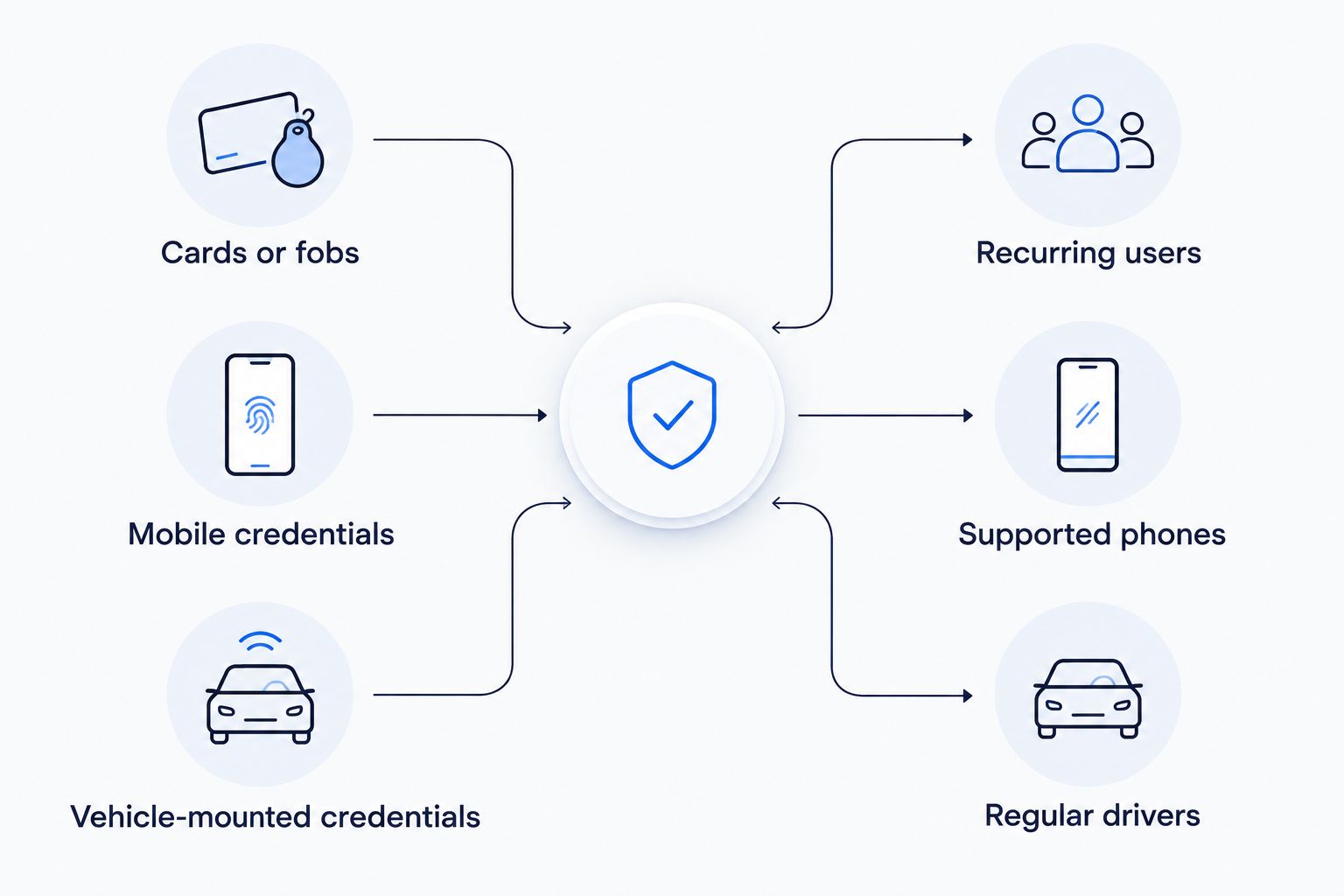
For recurring users, favor individually managed credentials when prompt removal matters. A shared code does not distinguish people who know the same code. Mobile credentials depend on supported phones and setup; vehicle credentials require careful reader placement and vehicle association.
A mixed approach is useful when different entrances have different needs, but it also creates more administration. Decide whether staff can manage those credential types consistently. The comparison table below separates their practical advantages from their limitations.
- Test credential use from the actual approach position.
- Provide an alternative for users without supported phones.
- Check how credentials are issued and disabled.
- Separate permanent access from temporary access.
- Confirm which events the selected system records.
Plan safe exits and failure behavior
Write down what each opening must do when power, connectivity, or a credential fails. Review those scenarios with the installer and the appropriate local officials. Entry convenience must not determine how a required exit operates.
Use 2 separate checks: entry security and exit safety. A gate held open after a fault and a pedestrian door preventing escape are different problems. Ask the installer to explain the selected behavior for each opening, including any manual release, backup power, or emergency-access arrangements.
Do not accept a general promise that the system works offline. Specify which functions remain available and which stop working. Your 2026 handover documents should describe local credential handling, remote administration limits, and the procedure staff follow when normal access fails.
- Document power-loss behavior for every opening.
- Document network-loss behavior for every controller.
- Confirm required pedestrian exit operation.
- Assign authorized staff to manual procedures.
- Confirm emergency-access arrangements with local officials.
Test the complete arrival and departure route
Create a written test sheet and walk through the garage as a regular user, a visitor, and an administrator. Test valid access and denied access. Include expired or disabled credentials if the selected system supports them.
Perform these checks in the actual installed environment. A reader demonstration on a desk does not show whether a driver can reach it, whether a pedestrian door closes properly, or whether nearby equipment affects operation. Gate safety-device testing belongs with qualified personnel; do not test a moving barrier by placing someone in its path.
The acceptance decision should cover operation, not just installation appearance. Confirm that removing a credential produces the intended result at every relevant entrance. Record unresolved issues and who must correct them before you accept the work.
- Test authorized entry at each permitted opening.
- Test denied entry at restricted openings.
- Test visitor access from arrival through departure.
- Verify door closing and latching.
- Have qualified personnel test operator safety functions.
- Confirm credential removal across relevant controllers.
Assign ongoing administration and maintenance
Start with a simple access register, maintenance log, and named administrator. Equipment does not replace the need for someone to approve users, remove access, and respond to faults. Store manuals and administrative recovery procedures where authorized staff can retrieve them.
Separate permission problems from mechanical problems. A rejected credential, a door that will not latch, and a gate that will not move require different troubleshooting. Give staff a fault-reporting form that records the affected entrance and the observed behavior without including passwords or live access codes.
Apex Lock N Key operates 24 hours a day, 7 days a week as a mobile locksmith service. Keep locksmith support separate from your access-platform and gate-operator support contacts, and confirm the scope of each service before relying on an after-hours response plan.
- Name a primary administrator and a backup.
- Remove access when authorization ends.
- Track issued and returned credentials.
- Follow manufacturer maintenance instructions.
- Record faults and corrective work.
- Protect administrator accounts and recovery information.
Compare parking garage access options
There is no single credential that fits every garage. Select the option that matches your access policy, then verify the exact equipment specifications. Features such as schedules, audit records, remote administration, and offline operation depend on the selected system.
Use this comparison for a 2026 project brief. The advantages describe how each option is used; the limitations identify what you must resolve before installation.
| Option | Best for | Practical advantage | Key limitation |
|---|---|---|---|
| Shared keypad code | A small authorized group with simple entry needs | Users enter without carrying a separate credential | Removing a former user requires changing and redistributing the shared code |
| Individually assigned keypad codes | Users who prefer code entry | Individual codes support separate permission management when the controller allows it | Users can share codes; controller capabilities vary |
| Cards or fobs | Recurring residents, employees, and subscribers | Individually issued credentials support targeted removal | Lost or shared credentials still require prompt administration |
| Mobile credentials | Users with supported phones | Users carry access credentials on a supported device | Phone compatibility, setup, battery condition, and backup access need planning |
| Vehicle-mounted credentials | Regular drivers using a controlled vehicle entrance | Suitable readers can recognize an assigned vehicle credential | Read position, vehicle changes, and pedestrian access need separate attention |
| Intercom-assisted entry | Visitors needing approval | Staff or authorized occupants can evaluate an entry request | Entry depends on someone being available to respond |
Vehicle-mounted credentials do not replace pedestrian-door access. Likewise, an intercom is an approval method, not a substitute for the lock, controller, or gate operator it connects to.
Before booking work, bring your opening list, permission register, equipment information, and failure scenarios to the installer. Apex Lock N Key commercial access-control installation is a service, not a complete parking-management platform; confirm gate, payment, software, and electrical responsibilities separately.
Discuss your commercial access needs
Review commercial lock and access-control installation needs for your Middlesex County property.
Common mistakes parking garage managers make
Treating a vehicle barrier as pedestrian security
A vehicle gate controls a lane; it does not establish a safe pedestrian route or secure every door into the building. Review stairwell doors, lobby connections, and service entrances separately. Do not direct pedestrians through a vehicle lane simply because that lane has the newest access equipment.
Keeping a shared code after users leave
A shared code remains usable by anyone who still knows it. If your garage uses one, establish when it changes and how current users receive the replacement. Individually managed credentials are the better fit when you need to remove one person's access without disrupting everyone else.
Buying readers before inspecting existing equipment
A reader purchase does not resolve worn door hardware, an unreliable operator, or incompatible controller connections. Inspect the physical opening first. Include necessary repair work in the project scope so a new credential does not operate the same unresolved mechanical fault.
Confusing keyless entry with parking management
Opening a gate is not the same as managing parking agreements, payments, assigned spaces, or capacity. If those functions matter, confirm them separately. Do not assume a lock installer or access controller includes the business processes needed to run a paid parking operation.
Leaving outage decisions until installation day
An outage plan affects equipment selection and staff responsibilities. Decide how authorized users enter, how required exits operate, and who responds to a fault before approving the system. Your 2026 installation checklist should include these decisions alongside credential and hardware choices.
FAQ
What's the best keyless entry system for a parking garage?
The best keyless entry system matches your garage's users, existing hardware, and access-removal requirements. Individually managed credentials suit recurring users who need separate permissions; visitors need a defined temporary or approved-entry process.
Is a keypad enough for a shared parking garage?
A keypad is enough only when its access and administration capabilities meet the garage's requirements. A shared code does not identify individual users, and changing it affects everyone who uses it.
Can one credential open the vehicle gate and pedestrian doors?
One credential can serve both when the selected readers, controllers, and permissions support that arrangement. Confirm compatibility at each opening and keep restricted-room permissions separate from general parking access.
Will keyless garage entry work during an internet outage?
Internet-outage behavior depends on the selected controller and system configuration. Confirm whether existing credentials remain usable locally and which administration or visitor functions require a connection.
How do I remove a former tenant's garage access?
Disable the former tenant's individually assigned credentials through the authorized administration process and verify the result at relevant entrances. If the tenant used a shared code, change that code and distribute the replacement only to current authorized users.
Can a commercial locksmith install the whole parking garage system?
Confirm the full scope before hiring a commercial locksmith. Apex Lock N Key provides commercial lock and access-control installation in Middlesex County; powered gate work, electrical work, software, and inspections need clearly assigned responsibilities.
How do I stop drivers following another vehicle through the gate?
Credential checks alone do not stop a second vehicle from following an authorized vehicle. Have qualified personnel review lane layout, operator behavior, safety devices, and any monitoring needs without compromising safe gate operation.
One last thing
Test removal as carefully as entry. Before accepting a parking garage keyless entry system, disable a test credential and verify that it no longer opens any assigned entrance. A system that admits authorized users but does not reliably remove former users leaves a central access-management task unfinished.