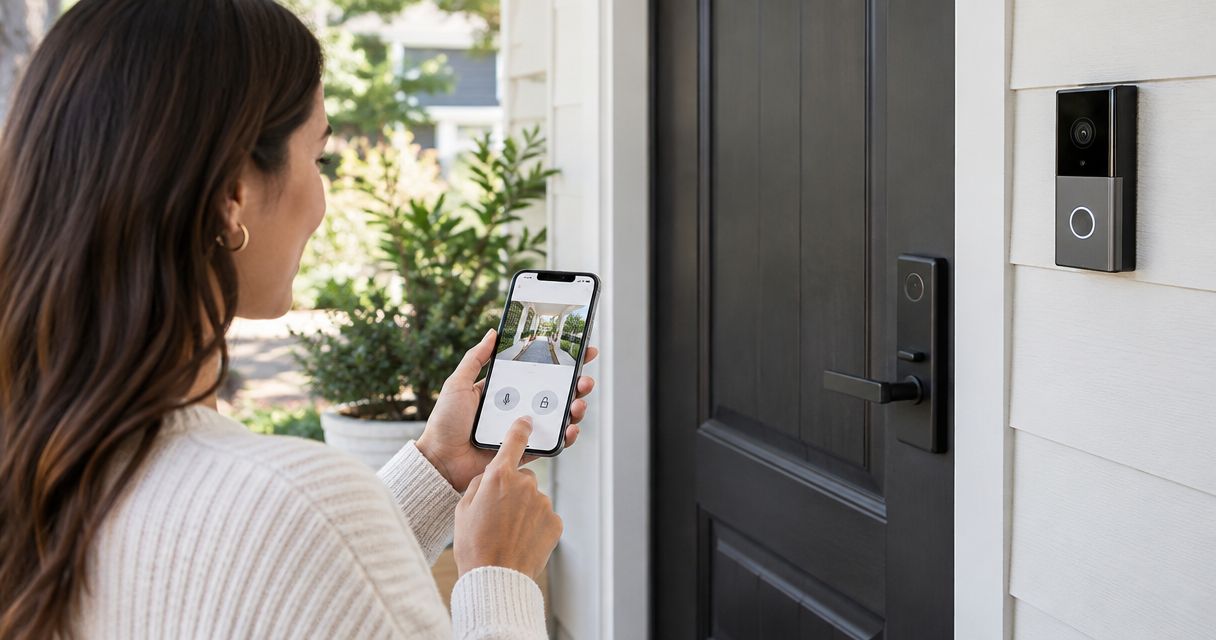
The best video doorbell smart lock combo for a Massachusetts home in 2026 depends less on brand loyalty and more on three questions: which app ecosystem you already run, whether your door needs a full lock swap or a retrofit, and how the hardware holds up once a New England winter hits. This guide ranks five combos against those questions, not against spec sheets alone.
- Ring Video Doorbell + Schlage Encode Plus is the best overall video doorbell smart lock combo for 2026 — it covers Alexa, Google Assistant, and Apple HomeKit.
- Google Nest Doorbell + Google Nest x Yale Lock is the pick for households already running Google Home.
- August Wi-Fi Smart Lock + Ring Video Doorbell fits over an existing deadbolt, the best option for renters and older New England homes.
- Wyze Video Doorbell Pro + Wyze Lock Bolt is the budget combo, everything on one app with no hub.
- A worn or misaligned deadbolt undercuts any smart lock — check the hardware before you buy the electronics.
Why this matters
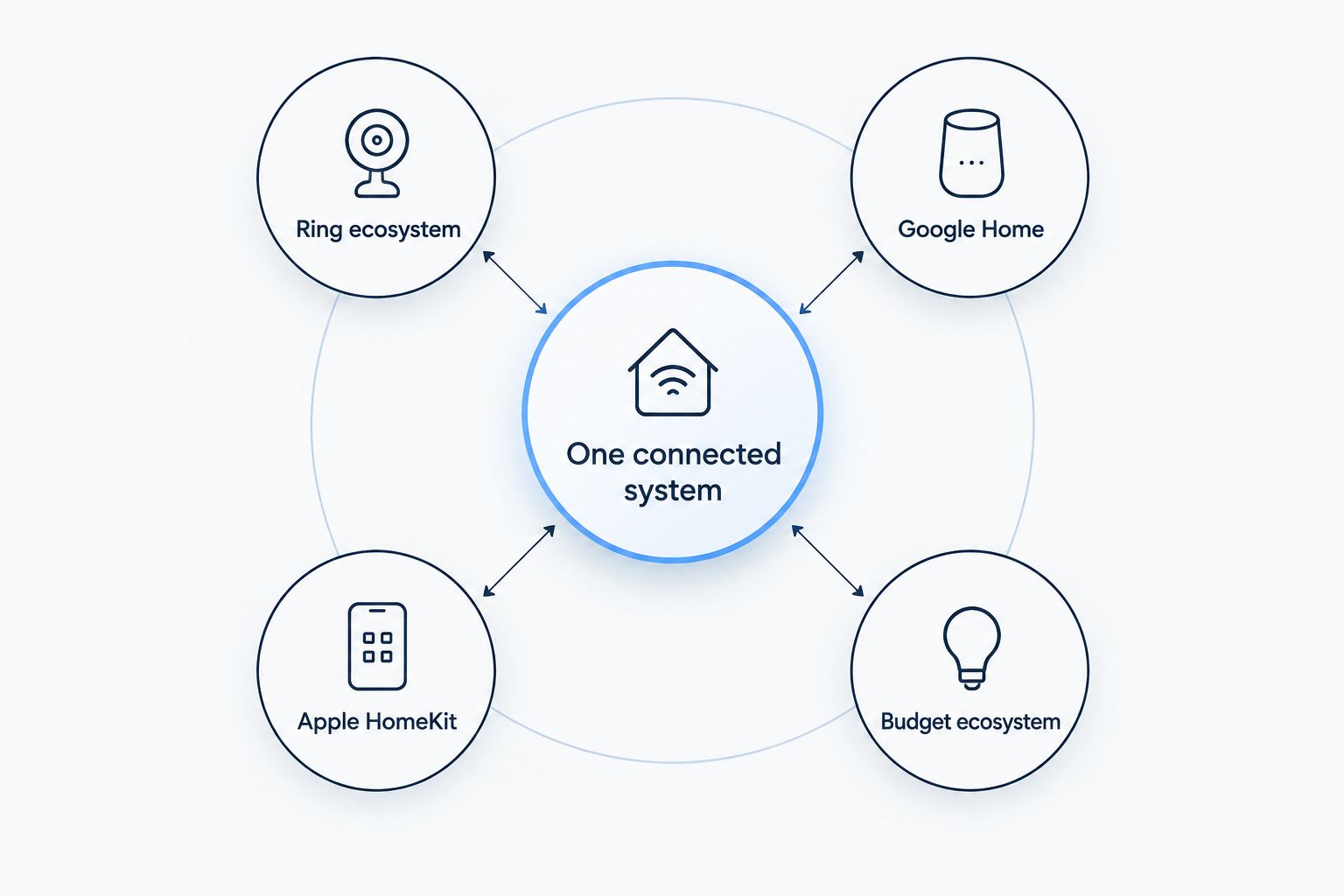
A video doorbell and a smart lock bought separately, on separate apps, from separate brands, often end up as two disconnected gadgets instead of one system. The right combo shares an app or a voice platform so a locked-door alert and a doorbell ring show up in the same place. Apex Lock N Key fits and programs the lock side of every combo on this list onto doors across Middlesex County, and the lock, not the doorbell, is usually the part homeowners get wrong.
Most buying guides rank these products on camera resolution and keypad looks. That misses the two things that actually matter in Massachusetts: whether the lock is a retrofit over your current hardware or a full replacement, and whether the keypad and bolt are rated to keep working through a sub-freezing January.
What makes the best video doorbell smart lock combo
- Shared ecosystem — the doorbell and lock sit in one app, or at least talk to the same Alexa, Google Home, or Apple HomeKit platform.
- Retrofit vs. full replacement — whether the smart lock reuses your existing exterior hardware and keys, or swaps in a new bolt and cylinder.
- Cold-weather rating — a keypad and lock body built for outdoor exterior use, not one designed around mild-climate testing.
- Backup access — a physical key cylinder or offline code so a dead battery never turns into a lockout.
- Install complexity — whether the door needs a locksmith to check bore alignment and strike plate fit before the lock goes on.
- Ecosystem lock-in — how hard it is to switch platforms later if your smart home setup changes.
Best video doorbell smart lock combos at a glance
| Combo | Best for | Standout feature | Key limitation |
|---|---|---|---|
| Ring Video Doorbell + Schlage Encode Plus | Best overall | Native Apple HomeKit, Alexa, and Ring Alarm support in one lock | Video and lock activity live in two separate apps without a Ring Alarm hub |
| Google Nest Doorbell + Google Nest x Yale Lock | Best for Google Home households | Both devices sit inside one Google Home dashboard | Doors without existing low-voltage wiring need a Nest Connect adapter |
| Logitech Circle View Doorbell + Level Lock+ | Best for Apple HomeKit users | Level Lock+ hides inside the door with no visible keypad | Circle View works only with Apple HomeKit, not Alexa or Google |
| August Wi-Fi Smart Lock (4th Gen) + Ring Video Doorbell | Best for renters and older or historic doors | Mounts over the existing deadbolt, keeps current keys working | Exterior hardware looks unchanged, which some buyers don't want |
| Wyze Video Doorbell Pro + Wyze Lock Bolt | Best budget combo | One app, no separate hub required | Fewer third-party integrations than Ring, Nest, or HomeKit combos |
1. Ring Video Doorbell + Schlage Encode Plus: best overall combo
Ring's doorbell records visitors and motion on its own schedule and app; Schlage Encode Plus is a keypad deadbolt with Wi-Fi built directly into the lock body, so it doesn't need a separate bridge to connect to Alexa, Google Assistant, or Apple HomeKit. Add a Ring Alarm and the two devices start triggering shared automations, like locking the door the moment you arm the system.
Ring + Schlage Encode Plus pros:
- Schlage Encode Plus is built for outdoor exterior use, keypad and all.
- Works across all three major voice platforms without an extra bridge.
- Ring's motion zones and video history are mature and widely reviewed.
Ring + Schlage Encode Plus cons:
- Video history lives in the Ring app while lock activity lives in the Schlage Home app unless you add a Ring Alarm hub.
- It's a full deadbolt replacement, not a retrofit, so the exterior look of your door changes.
Best for: Homeowners who want one ecosystem that can grow into full home security later. Verdict: Buy.
2. Google Nest Doorbell + Google Nest x Yale Lock: best for Google Home households
The Nest Doorbell streams straight into the Google Home app, and the Nest x Yale Lock reports lock status in the same dashboard. It retrofits over most standard deadbolts, so the exterior keyway often stays the same.
Google Nest + Yale Lock pros:
- One dashboard shows the doorbell feed and the lock status side by side.
- Keeps your existing exterior keyway in most installs.
- Nest Aware event history ties directly to lock activity.
Google Nest + Yale Lock cons:
- Doors without existing low-voltage wiring need a Nest Connect adapter, an extra piece of hardware.
- No native Apple HomeKit support.
Best for: Households already running Google Nest cameras or a Nest thermostat. Verdict: Buy.
3. Logitech Circle View Doorbell + Level Lock+: best for Apple HomeKit users
Circle View is a wired doorbell built specifically for Apple HomeKit Secure Video, no third-party app required. Level Lock+ replaces the internal mechanism only, so the exterior keeps the look of a standard deadbolt with no visible keypad.
Circle View + Level Lock+ pros:
- Level Lock+ is the closest thing to invisible on this list — visitors can't tell it's smart.
- Circle View plugs directly into Apple's Home app, no separate cloud account.
- Neither device needs a hub on a HomeKit-only setup.
Circle View + Level Lock+ cons:
- Circle View has no Alexa or Google Assistant support, a dead end if you switch platforms.
- Level Lock+ still requires a battery-powered core fitted into the existing deadbolt body — most homeowners hire this out.
Best for: Apple households that want a smart lock nobody can spot from the porch. Verdict: Buy, if you're already on iPhone and HomeKit.
4. August Wi-Fi Smart Lock (4th Gen) + Ring Video Doorbell: best for renters and older or historic doors
August's smart lock mounts over an existing deadbolt and thumbturn instead of replacing the cylinder, so your current keys keep working and the exterior hardware doesn't change. That's the reason this combo shows up on so many lists for older New England homes with original hardware worth keeping — see how a smart lock fits a historic or older front door for the prep work involved. Pair it with a Ring doorbell for video coverage.
August + Ring pros:
- No new keyway, no drilling into a historic door slab.
- Works with Alexa, Google Assistant, and HomeKit through an adapter.
- Renters can remove it at move-out without patching holes.
August + Ring cons:
- The exterior stays unchanged, which some owners actually don't want if the old hardware looks worn.
- Auto-lock reliability depends on the condition of the existing deadbolt underneath — a stiff or misaligned one needs to be serviced first.
Best for: Renters, landlords, and owners of older or historic homes who want smart access without altering the door itself. Verdict: Buy for older doors; Hold if the existing hardware is already failing.
5. Wyze Video Doorbell Pro + Wyze Lock Bolt: best budget combo
Wyze Lock Bolt replaces the deadbolt's interior mechanism and pairs with the Wyze Video Doorbell Pro through a single app, no hub or bridge needed.
Wyze + Wyze pros:
- Everything runs in one app.
- Simplest self-install of any combo on this list.
- No separate hub purchase.
Wyze + Wyze cons:
- Fewer third-party integrations than Ring, Nest, or HomeKit-based combos.
- Firmware update cadence and support lag the larger ecosystem brands.
Best for: A first smart lock and doorbell purchase, or a rental property where cost matters more than ecosystem depth. Verdict: Buy for a starter setup; Skip if you already own Ring, Nest, or Apple smart home gear.
“The best smart lock is the one that fits the door you already have — not the one with the longest feature list.”
How we ranked these combos
Every combo above was measured against the same six criteria from the list higher up: shared ecosystem, retrofit versus full replacement, cold-weather rating, backup access, install complexity, and platform lock-in. None of the five is disqualified outright — the difference is which trade-off fits your door and your existing smart home setup. Anyone unsure whether their door needs a full swap or fits a retrofit lock can get electronic deadbolt installation checked in one visit before ordering hardware.
Which combo should you choose?
Default to Ring Video Doorbell + Schlage Encode Plus if you're not sure where to start — it covers the widest range of smart home platforms and the broadest install base in Massachusetts homes in 2026. Apple households should lock in Logitech Circle View + Level Lock+ instead. Anyone renting, or living behind original hardware on an older New England house, should start with the August retrofit combo — and check how smart locks hold up through Massachusetts winters before ordering hardware that was tested for a milder climate.
Get your smart lock fitted right
Apex Lock N Key installs and programs any combo on this list onto your existing door.
FAQ
What's the best video doorbell smart lock combo for most homeowners in 2026?
Ring Video Doorbell paired with Schlage Encode Plus is the best overall video doorbell smart lock combo for 2026 because it supports Alexa, Google Assistant, and Apple HomeKit without extra bridges. It also connects into a Ring Alarm system if you add whole-home security later.
Do the doorbell and lock need to be the same brand?
No — a video doorbell and a smart lock only need to share a smart home platform, not a brand. Ring doorbells pair with Schlage or August locks, and Google Nest doorbells pair with the Google Nest x Yale Lock, as long as both devices support the same app or voice assistant.
Can a locksmith install a smart lock and video doorbell together?
A locksmith installs and programs the lock side of the combo into your existing door hardware; most video doorbells are a wiring or battery job a homeowner handles separately. Apex Lock N Key fits and programs the lock half of any combo on this list across Middlesex County.
Is a retrofit smart lock as secure as a full deadbolt replacement?
A retrofit smart lock like the August Wi-Fi Smart Lock is only as secure as the existing deadbolt and cylinder it mounts over, so a worn or outdated cylinder should get serviced first. A full replacement like the Schlage Encode Plus swaps in a new bolt and cylinder along with the smart hardware.
Do smart locks work reliably in Massachusetts winters?
Exterior-rated smart locks like the Schlage Encode Plus are built for outdoor keypad use across a wide temperature range, but battery drain speeds up in sustained cold. Check how a specific model performs in New England winters before buying hardware designed around a milder climate.
What's the cheapest way to add a video doorbell smart lock combo?
The Wyze Video Doorbell Pro and Wyze Lock Bolt combo is the most budget-friendly pairing on this list because both devices run on one app with no separate hub. It trades away the deeper smart home integrations that Ring, Nest, and HomeKit-based combos support.
Can I add a smart lock to a historic or older front door?
Retrofit smart locks like the August Wi-Fi Smart Lock mount over an existing deadbolt without replacing the cylinder, which keeps a historic door's original exterior hardware intact. A full lock swap is possible too, but it usually needs a locksmith to check the door prep first.
Is professional installation worth it for a smart lock?
Professional installation is worth it whenever the existing deadbolt is misaligned, the strike plate has been painted over, or the home has original hardware worth preserving. A locksmith checks the door bore and strike alignment in one visit instead of a return trip after a failed self-install.
One last thing
The failure point on almost every self-installed smart lock isn't the electronics — it's a strike plate that never got re-squared to the new bolt throw. A slightly misaligned strike lets the deadbolt work for a few weeks, then binds solid on the first hard freeze of a Massachusetts winter. Check that alignment before the cold sets in, not after it fails at 11pm in 2026.