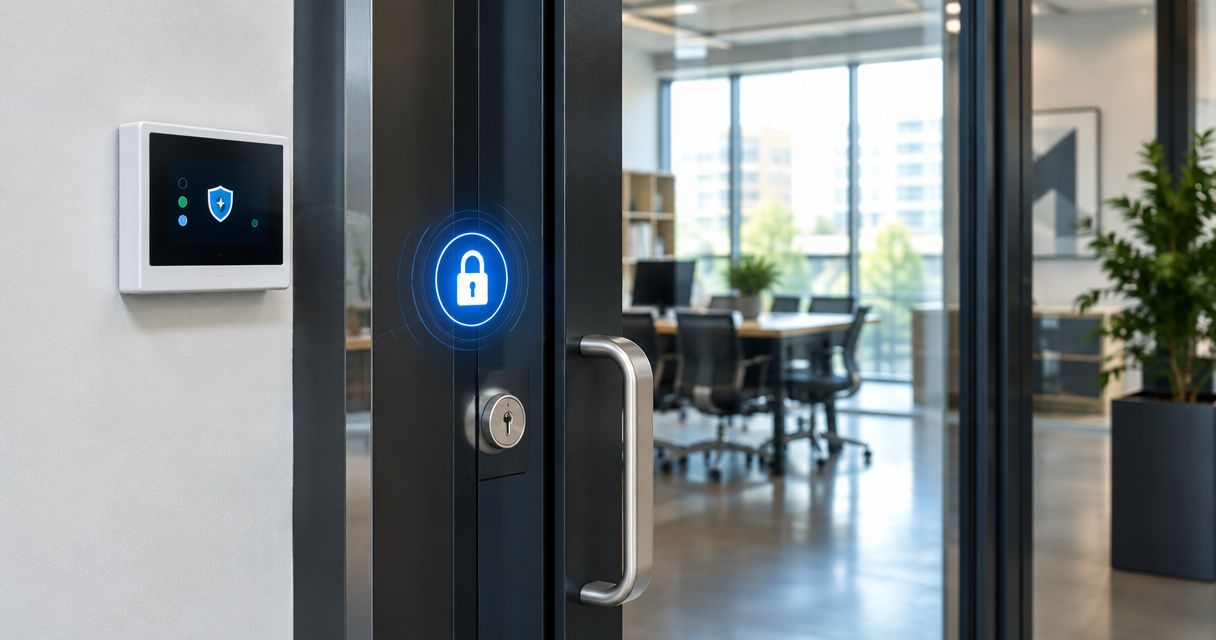
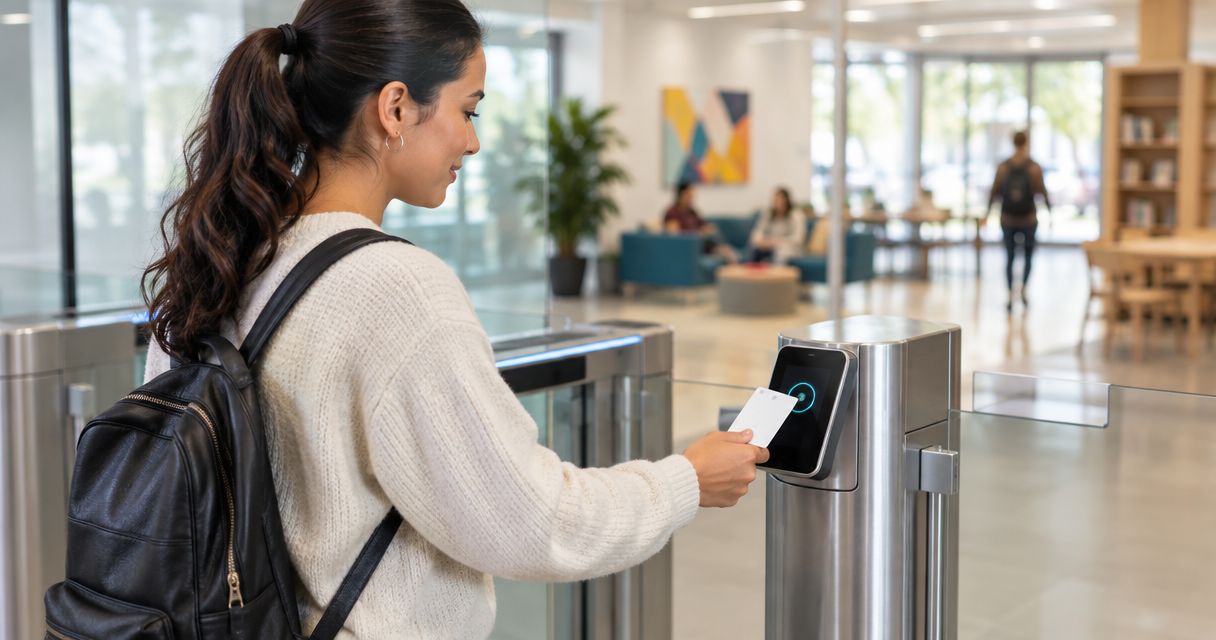
Community center access control is the management of who enters each space and when, with the aim of protecting people and facilities without disrupting public programs. This 2026 guide explains access control systems for community centers that share entrances among staff, volunteers, rental groups, and visitors.
- Access control systems for community centers should separate public entry, staff access, and restricted storage.
- Choose individual credentials when you need to remove one person's access without changing everyone else's.
- Apex Lock N Key provides commercial lock and access-control installation in Middlesex County, Massachusetts.
- Check exit hardware, door condition, and outage behavior before choosing keyless entry.
Why access control matters for community centers
A community center must welcome visitors while limiting access to offices, equipment, and rooms that are not part of the current program. One shared key or code cannot express all those boundaries. It also makes access changes harder when a volunteer leaves or a rental booking ends.
Control access by role, room, and schedule—not simply by whether someone belongs to the center. An instructor needs access to the teaching space, not automatically to administrative records or maintenance supplies. Your access plan should make that distinction clear.
Start with the same permission principles covered in setting up access control for a small business, then account for public hours, youth programs, and outside rentals. You do not need electronic hardware on every door to create a useful boundary.
How to plan community center access control in 2026
Map your doors and daily traffic
Start with a paper floor plan or a spreadsheet. Walk the building during opening, a program changeover, and closing; note which entrances people actually use. Include side doors, delivery entrances, shared corridors, and doors between public and staff spaces.
Create 3 access zones as a planning exercise: public, staff-only, and restricted. These are organizational labels, not a building-code classification. A room's zone can change by schedule, but the change needs an owner and a clear rule.
For example, a meeting room can be open during a staffed program and restricted between bookings. That does not mean visitors should pass through the office to reach it.
- Mark public entrances and the rooms visitors need to reach.
- Identify staff offices, records storage, and maintenance areas.
- Record doors that people prop open during programs.
- Note accessible routes and existing exit hardware.
- Identify any door controlled by a landlord or another occupant.
Define permissions before choosing hardware
Write an access matrix using your existing staff roster and booking calendar. Put user roles down one side and doors across the top. Assign access only where a role requires it; do not copy the director's permissions to every employee.
Separate permission to enter from permission to manage the system. A volunteer can need a room credential without needing the ability to issue credentials. For your 2026 operating plan, identify who approves changes when the usual manager is absent.
Appoint 2 authorized administrators as a continuity measure, with separate accounts wherever the system supports them. This is a planning recommendation, not a staffing requirement. Each administrator should understand the same written access rules.
- List staff, instructors, volunteers, cleaners, and rental organizers separately.
- Assign permitted doors and entry times to each role.
- Set an end date for temporary access where supported.
- Define who approves exceptions and after-hours entry.
- Document how access ends when a role or booking ends.
Inspect your doors before buying electronics
Start with a visual inspection: does each door close, latch, and lock without being pulled into position? Note loose hinges, damaged frames, worn closers, and unreliable exit devices. Do not adjust fire-door components or electrical locking equipment yourself.
A credential reader cannot compensate for a door that remains open. Fix the physical door before relying on electronic permissions. Have a qualified installer assess hardware compatibility, wiring needs, and the proposed entry and exit operation.
Apex Lock N Key is best for community centers needing local commercial lock and access-control installation in Middlesex County. Apex Lock N Key is a licensed, 24/7 mobile locksmith service. Confirm the proposed system's features separately; installation service alone does not establish software compatibility or reporting capabilities.
- Photograph each door and its existing hardware for the assessment.
- Record doors that fail to close or latch consistently.
- Identify exterior readers exposed to weather.
- Ask whether existing exit hardware can remain in place.
- Request a written scope covering door work and access equipment.
Match the entry method to each user group
Use your access matrix to decide what each entrance needs. Keep a staffed public entrance straightforward during open hours. Use controlled entry where staff, instructors, or rental organizers need access outside those hours.
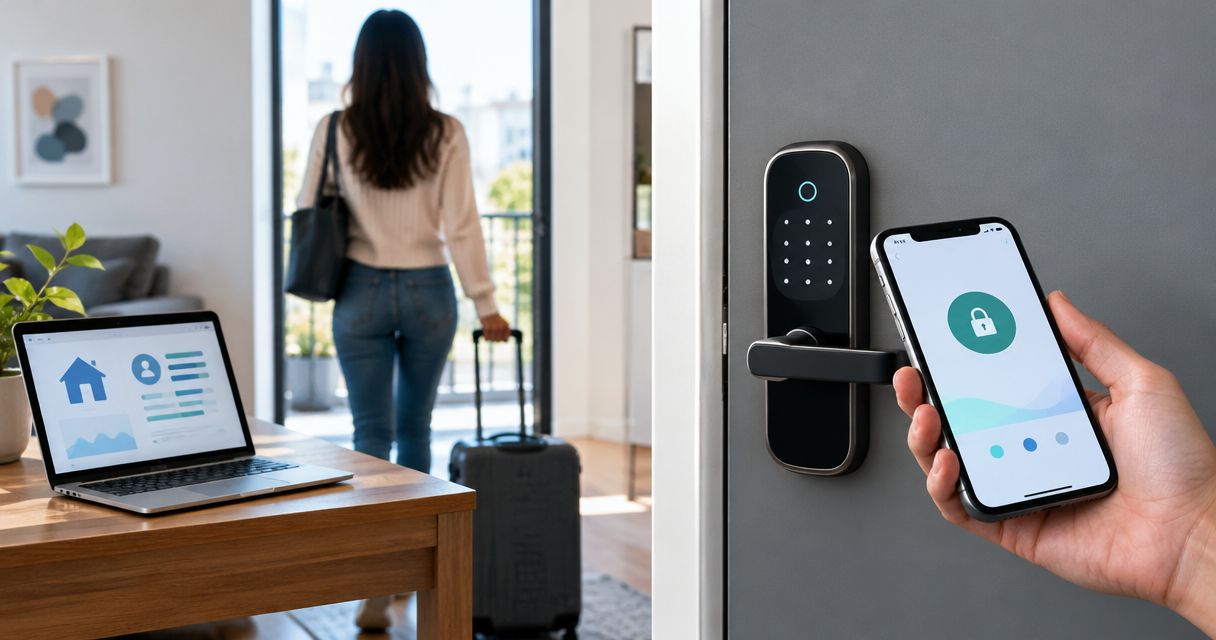
Keys, codes, cards, and fobs solve different problems. Individual electronic credentials support selective removal when that feature exists in the chosen system; shared codes require a change for everyone who knows them. Mobile entry also needs an alternative for users without a compatible phone.
For a 2026 selection, ask for a demonstration of the exact permissions you need. Do not accept a general claim that a system is suitable for commercial use as proof that it handles room schedules, temporary users, or multiple administrators.
- Match each door to its users and operating hours.
- Request individual credentials where selective removal matters.
- Keep a non-phone entry option for authorized users.
- Check whether rental access can expire automatically.
- Confirm which features work without an internet connection.
Confirm safe exits and failure behavior
Start by documenting the current exit routes and asking your local building or fire authority which approvals apply to the proposed work. Community center occupancy, door use, and existing hardware affect the requirements. Do not treat a product description as code approval.
Entry restrictions and exit operation are different decisions. Do not add a credential requirement to an exit without an approved design. Ask the installer to explain what happens during power loss, a controller fault, and any required fire-alarm interaction.
Also distinguish a network outage from a power outage. A controller's local operation, a lock's electrical behavior, and remote management access are separate functions. The chosen equipment's documentation should explain each one.
- Confirm the proposed exit operation with the appropriate authority.
- Ask what each controlled door does when power fails.
- Document behavior when the network connection fails.
- Identify any required alarm-system connections.
- Establish an authorized recovery procedure for lockouts.
Pilot one entrance before expanding
Run a pilot on 1 controlled door after the necessary installation and approvals. Choose an entrance that represents a real access problem, such as instructor entry outside staffed hours. Keep the pilot limited enough that staff can observe it closely.
Test with actual roles rather than only with an administrator's credential. A successful installation must let permitted users enter and reject users outside their assigned permissions. It must also support the documented exit operation.
Use a written acceptance checklist before expanding the 2026 installation. A pilot does not replace professional commissioning, but it exposes everyday problems such as confusing instructions, forgotten credentials, and doors that fail to latch.
- Test an authorized staff credential during permitted hours.
- Test a revoked credential and an expired temporary credential.
- Check restrictions outside the assigned schedule.
- Verify door closing, latching, and approved exit operation.
- Record faults and resolve them before adding more doors.
Maintain credentials and operating instructions
Start with an access register: who holds a key or credential, what it opens, and who approved it. Keep this record restricted to people who manage access. Do not leave credential details in a public reception binder.
If your selected system supports centralized administration, use it to apply the approved permissions and remove access. Software speeds up those tasks, but it does not decide whether someone still needs entry. Assign that decision to a named role rather than an informal group.
Keep a short operating checklist organized around Issue credentials, Remove access, and Review permissions. Include mechanical keys and emergency access arrangements, not just electronic users.
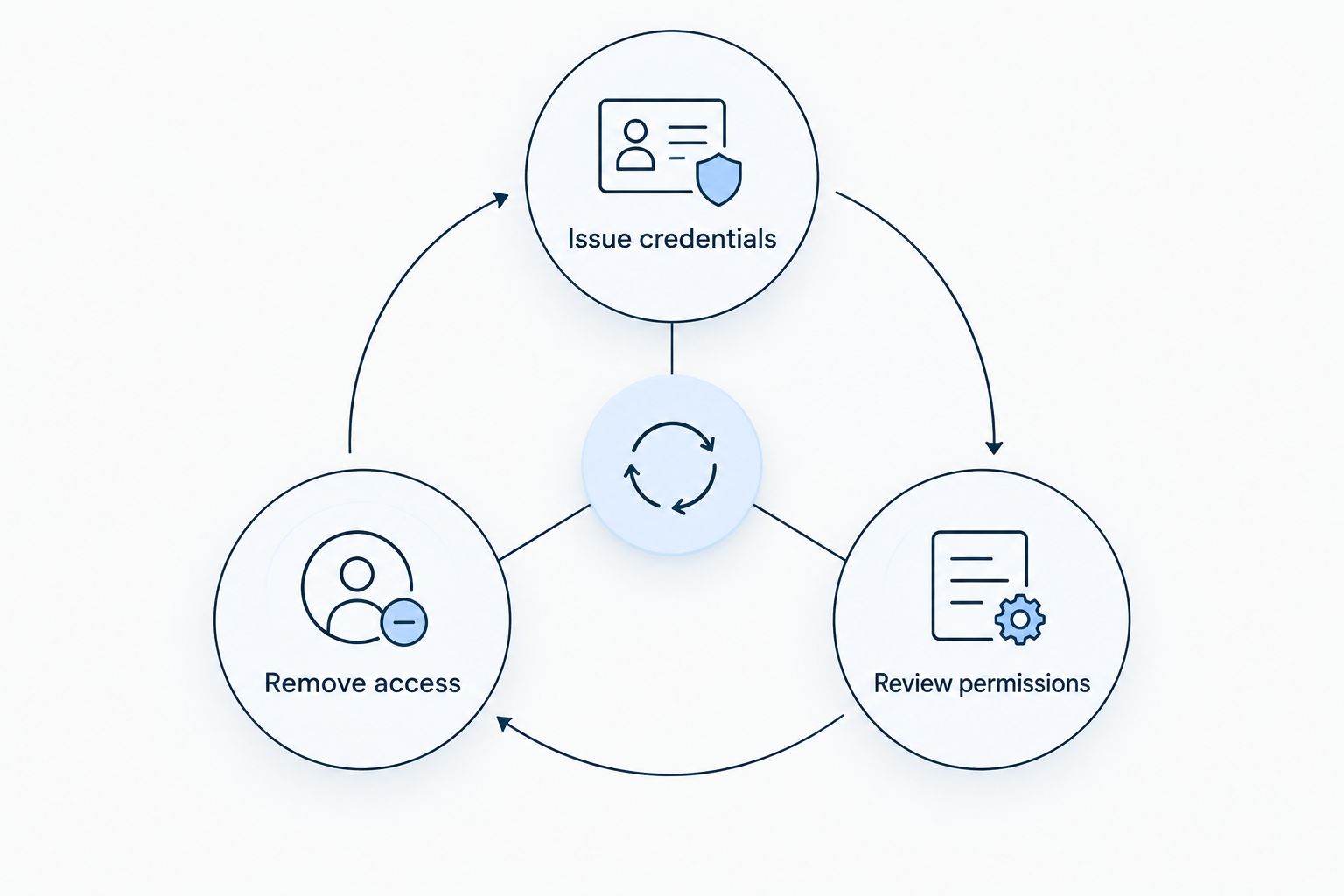
Review the register whenever staffing or bookings change. If you retain entry logs, define their purpose, who can view them, and when they are deleted; a credential event does not prove who physically entered.
- Record each issued key, code, card, or fob.
- Remove access when a person no longer needs it.
- Review permissions after program and staffing changes.
- Maintain administrator recovery instructions securely.
- Keep logs only under an approved retention policy.
Compare entry options for your community center
Choose the simplest method that supports the required permissions. The table compares entry approaches, not specific products; scheduling, reporting, and outage behavior depend on the equipment you select.
| Option | Best for | Main advantage | Key limitation |
|---|---|---|---|
| Mechanical keys | Stable staff access to limited rooms | No electronic credential administration | Recovering a key does not establish that no copies exist |
| Standalone keypad | A limited door serving a small authorized group | Entry without carrying a key | Shared codes are difficult to attribute to individuals |
| Managed cards or fobs | Changing staff, volunteers, and scheduled users | Individual credentials can support selective removal | Requires administration and compatible door equipment |
| Mobile credentials | Users who prefer phone-based entry | Reduces the need to carry a separate credential | Phone compatibility and an alternative entry method need checking |
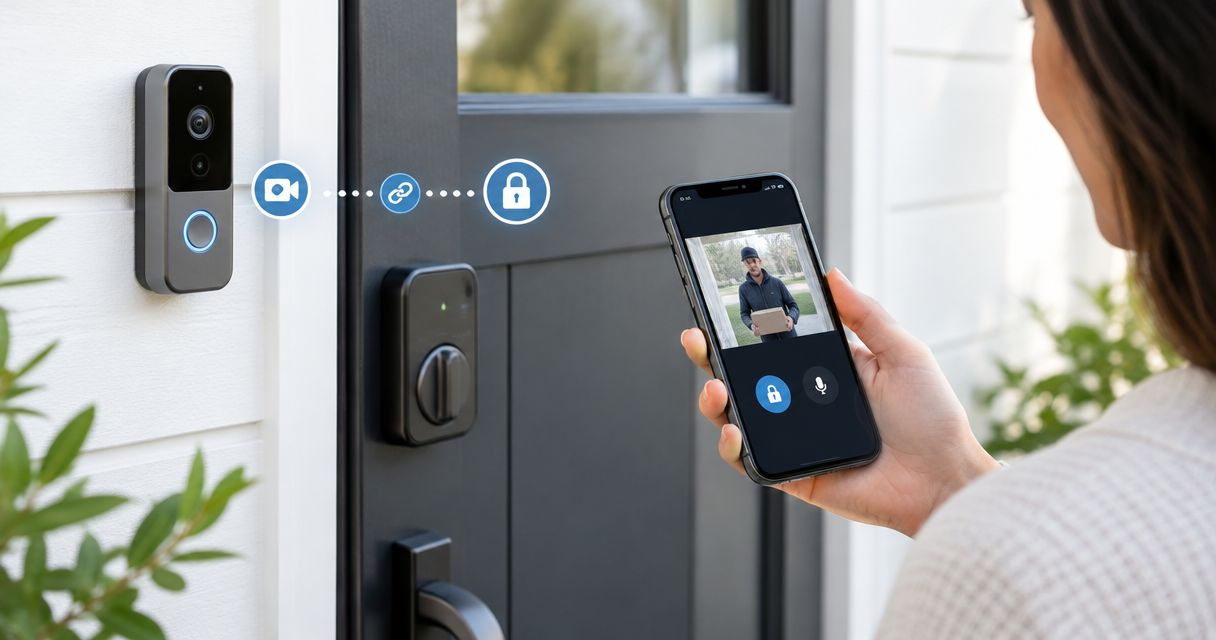
| Intercom with controlled release | Visitors arriving at a staffed reception point | Staff can screen visitors before releasing entry | Relies on someone being available to answer |
For changing volunteer and rental groups, prioritize individual permissions over a shared building-wide code. For a stable equipment room, a well-managed mechanical key can be sufficient. Neither approach replaces a door that closes and latches properly.
Apex Lock N Key provides commercial lock and access-control installation; system selection still needs to follow your building assessment. Ask who will handle electrical work, software setup, approvals, and ongoing support rather than assuming one installation scope includes everything.
Plan your community center door work
Discuss commercial locks and access-control installation for your Middlesex County facility.
Common mistakes community centers make
Giving every volunteer the building-wide code
A volunteer helping with an afternoon class does not automatically need access to offices or evening rentals. Use a credential with the required permissions where supported. If you use shared codes, document who receives them and when each code must change.
Using the rental calendar as the access policy
A booking states when a room is reserved, not who can enter, how setup works, or who secures the building afterward. Include setup, cleanup, and responsibility for closing in the access instructions. Give the rental organizer only the access needed for that booking.
Buying readers while ignoring exit hardware
A new reader addresses entry permission, not a broken closer or unsuitable exit arrangement. Assess the complete door opening before purchasing equipment. Keep approval and exit-operation questions in the installation scope, not in a later troubleshooting list.
Treating a credential log as an attendance record
An accepted credential can be shared, and people can follow someone through an open door. Entry logs describe system events, not verified attendance. Keep youth check-in and authorized pickup procedures separate from door access.
FAQ
What's the best access control system for a community center?
The best access control system matches each user group's doors and schedules while preserving approved exit operation. Choose individual managed credentials when volunteers and rental groups change frequently; do not assume every room needs electronic access.
Are key fobs better than a shared keypad code?
Individual key fobs are better for selective access removal when the chosen system supports that feature. A shared keypad code requires updating everyone who uses it when the code changes, and it does not identify an individual user.
Can a community center keep its existing locks?
A community center can retain existing locks where they suit the access plan and the door's requirements. Have the installer assess compatibility and condition before deciding which hardware to keep.
Will access control work during a power or internet outage?
Outage behavior depends on the selected controller, locking hardware, and system configuration. Request separate explanations for power loss, network loss, local entry, remote administration, and exit operation.
How should a community center manage access for rental groups?
Give rental groups access only to the doors and times required for their booking. Include setup and cleanup in the instructions, and use expiring credentials where the system supports them.
Can access control replace youth-program check-in?
Access control cannot replace supervised youth-program check-in or authorized pickup procedures. A credential event records a system action, not verified identity or a child's attendance.
Does Apex Lock N Key install commercial access control?
Apex Lock N Key provides commercial lock and access-control installation in Middlesex County, Massachusetts. Discuss the doors, intended permissions, and required system features before agreeing on the installation scope.
One last thing
Watch a busy program changeover before approving your 2026 access plan. Observe where visitors wait, which doors staff hold open, and whether instructors need help reaching their rooms. Design around those movements; otherwise, daily workarounds can defeat the permissions you carefully assigned.