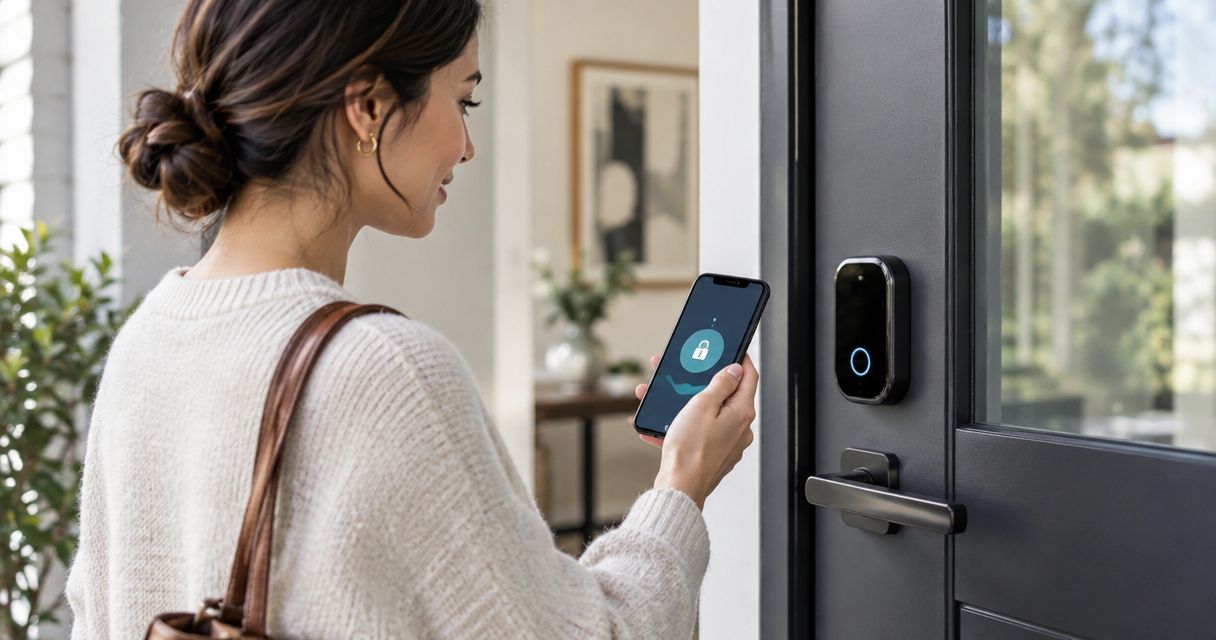
A smart lock is worth it in 2026 if you regularly share access, want to stop carrying house keys, or need to manage entry while away. It is not automatically more secure than a well-installed traditional deadbolt, and you take on battery maintenance, account security, and a backup-entry plan.
- Is a smart lock worth it? Yes for flexible household access; not automatically for stronger home security.
- Choose a standalone keypad lock if you want entry codes without remote access.
- Fix a sticking door before installing a motorized deadbolt.
- Apex Lock N Key provides 24/7 mobile locksmith service in Middlesex County, Massachusetts.
Is a smart lock worth it in 2026?
Yes for access convenience; not necessarily for better physical security. A smart lock earns its place when its specific features solve a recurring problem, such as giving a house sitter access without handing over your permanent key.
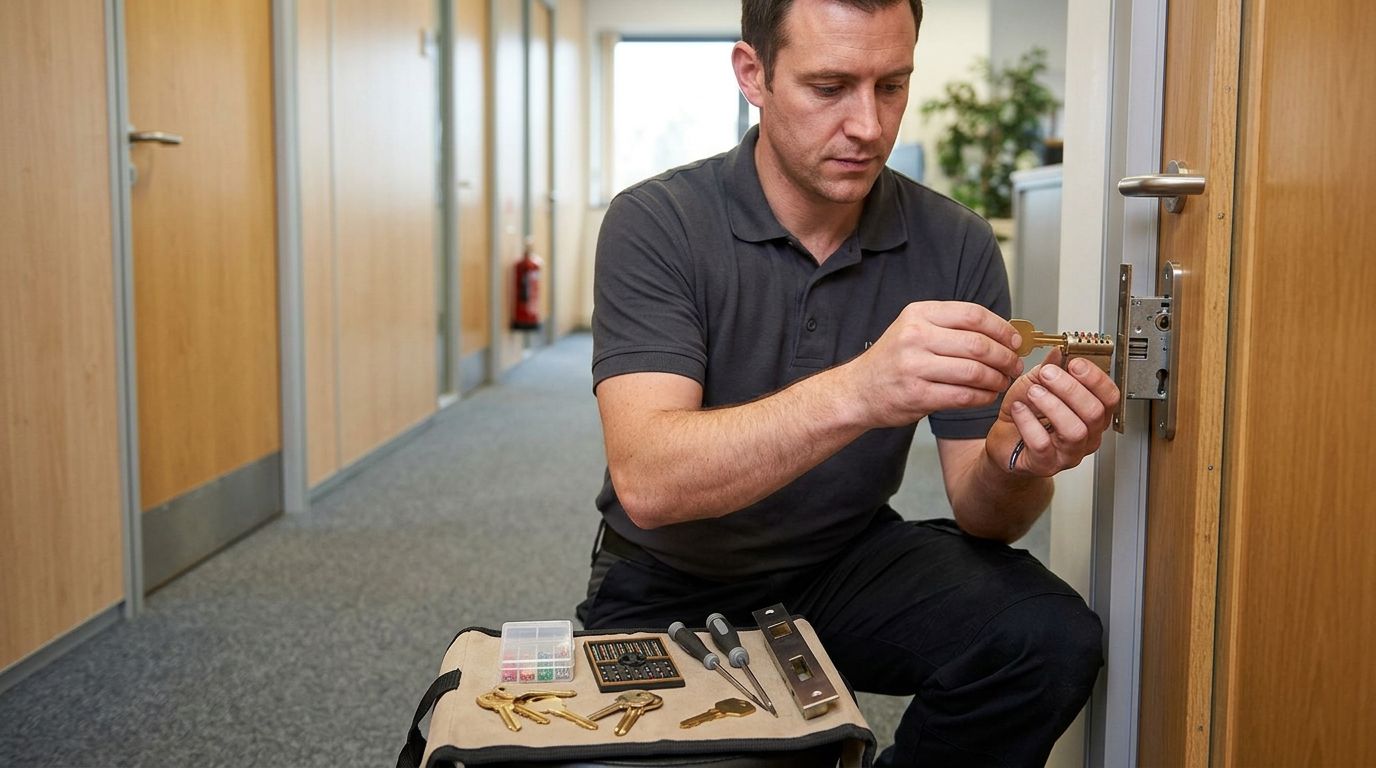
For local help with the underlying door hardware, Apex Lock N Key provides residential locksmith services in Middlesex County. Start with the condition of your door and deadbolt before choosing an electronic replacement.
| Lock option | Best for | Main advantage | Main drawback |
|---|---|---|---|
| Traditional keyed deadbolt | Households comfortable managing physical keys | Everyday locking does not depend on batteries or an account | Shared keys are harder to withdraw without changing the keying |
| Standalone electronic keypad lock | Households that want codes without remote control | Keyless entry without requiring remote access | Requires battery care; code features vary by model |
| Connected smart lock | Households that need remote access management | Supported models let you manage entry away from home | Adds connectivity, account, and software responsibilities |
These categories overlap. Some connected locks have keypads and mechanical key cylinders; others do not. Compare the actual lock's entry methods rather than assuming that every smart lock works the same way.
Why this matters
Your front door needs to work for everyone who uses it, including someone arriving with groceries, a visiting relative, or a household member whose phone has died. An impressive feature list does not help if the basic entry method is awkward.
In 2026, separate convenience from security when deciding whether to upgrade. A remote locking command is useful, but it does not strengthen a loose strike plate or repair a damaged frame. Likewise, keeping a traditional deadbolt is a reasonable choice when you control your keys and the hardware works properly.
Write down the problem you want to solve before shopping. If the problem is a missing key, rekeying addresses that issue directly; if the problem is repeatedly arranging access for other people, a code-based lock deserves closer attention.
Connected smart lock: best for managing access remotely
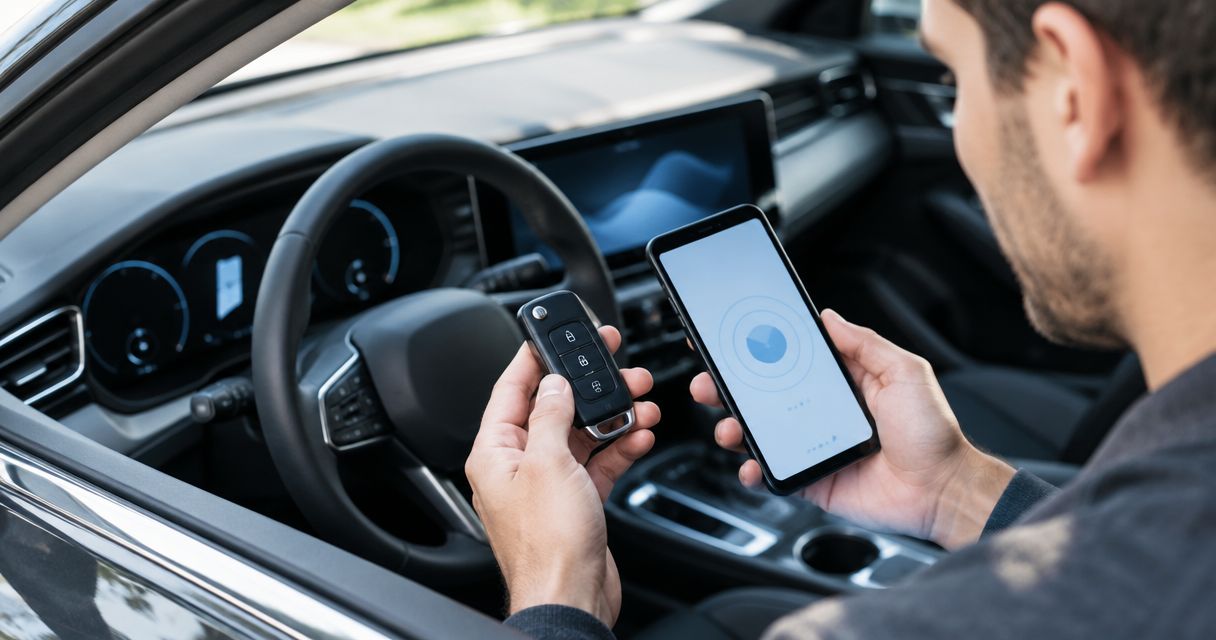
A connected smart lock makes sense when you genuinely need to control or check the lock from elsewhere. Depending on the model and setup, useful features include remote commands, individual access credentials, and entry notifications.
The advantage is control without being at the door. The drawback is that you must understand which functions depend on an internet connection, a nearby hub, a phone, or a manufacturer's online service. Do not assume every advertised function works during an outage.
Before choosing a connected lock, check these details in its documentation:
- Which entry methods work without internet access?
- Can you remove an individual user's access without resetting everyone else's?
- Does remote operation require additional equipment?
- How does the manufacturer deliver security updates?
- What happens when the lock's batteries are exhausted?
Choose a connected smart lock when remote access solves a real household need. Skip the connection features if you will not use them or do not want another account to maintain.
Standalone keypad lock: best for everyday keyless entry
A standalone electronic keypad lock is a practical middle option when you want to enter a code but do not need to manage the door remotely. It separates keyless entry from internet-connected features.
Its advantage is a simpler daily routine: authorized users enter a code rather than carry a house key. Its limitation is that changes generally require access to the lock itself, and available code-management features depend on the model.
Check whether the keypad supports separate user codes and how you delete them. A shared permanent code is convenient, but changing it affects everyone who knows it; individual codes make access easier to manage when supported.
Choose a standalone keypad lock for keyless entry without remote administration. Make sure every household member can use the keypad comfortably, including in poor lighting or bad weather. Test the physical buttons or touchscreen before committing to that entry method.
Traditional deadbolt: best for keeping entry simple
A traditional keyed deadbolt remains a sensible choice when your household manages keys reliably and does not need access notifications or remote commands. You avoid battery replacement and app administration for everyday locking.
The trade-off is key management. Returning a borrowed key does not establish whether another copy exists. If someone should no longer have access, changing the lock's keying addresses the physical credential rather than relying on a promise that copies were returned.
A traditional deadbolt also needs maintenance and proper installation. Loose hardware, a misaligned strike, or a deteriorated frame still needs attention; simplicity does not mean maintenance-free operation.
Keep a sound traditional deadbolt if it already meets your needs. Replacing functional hardware only to gain features you will not use adds work without solving a household problem. If the concern is who has keys, consider the keying before replacing the entire lock.
Why a smart lock's value varies
Whether a smart lock is worth it depends on your door, your users, and the functions you actually need. Assess these factors rather than treating every household as the same:
- Door fit: A motorized deadbolt needs the bolt and strike to align. A door that needs lifting or pushing deserves repair before an upgrade.
- Access routine: Frequent visits from relatives, cleaners, or house sitters make changeable credentials more useful than they are for a household that rarely shares access.
- Backup entry: A mechanical key cylinder, an alternative authorized entrance, or a documented emergency-power method changes how you prepare for failure.
- Connectivity needs: Remote commands add value only when you need them and can support the required connection.
- Permission and responsibility: Renters need to check their lease and obtain any required approval before changing door hardware. Someone also needs responsibility for batteries, codes, and account access.
For an older Massachusetts entrance, review how to add a smart lock to a historic or older front door before selecting hardware. Existing door preparation and trim affect what fits without alteration.
How do I decide whether to install a smart lock?
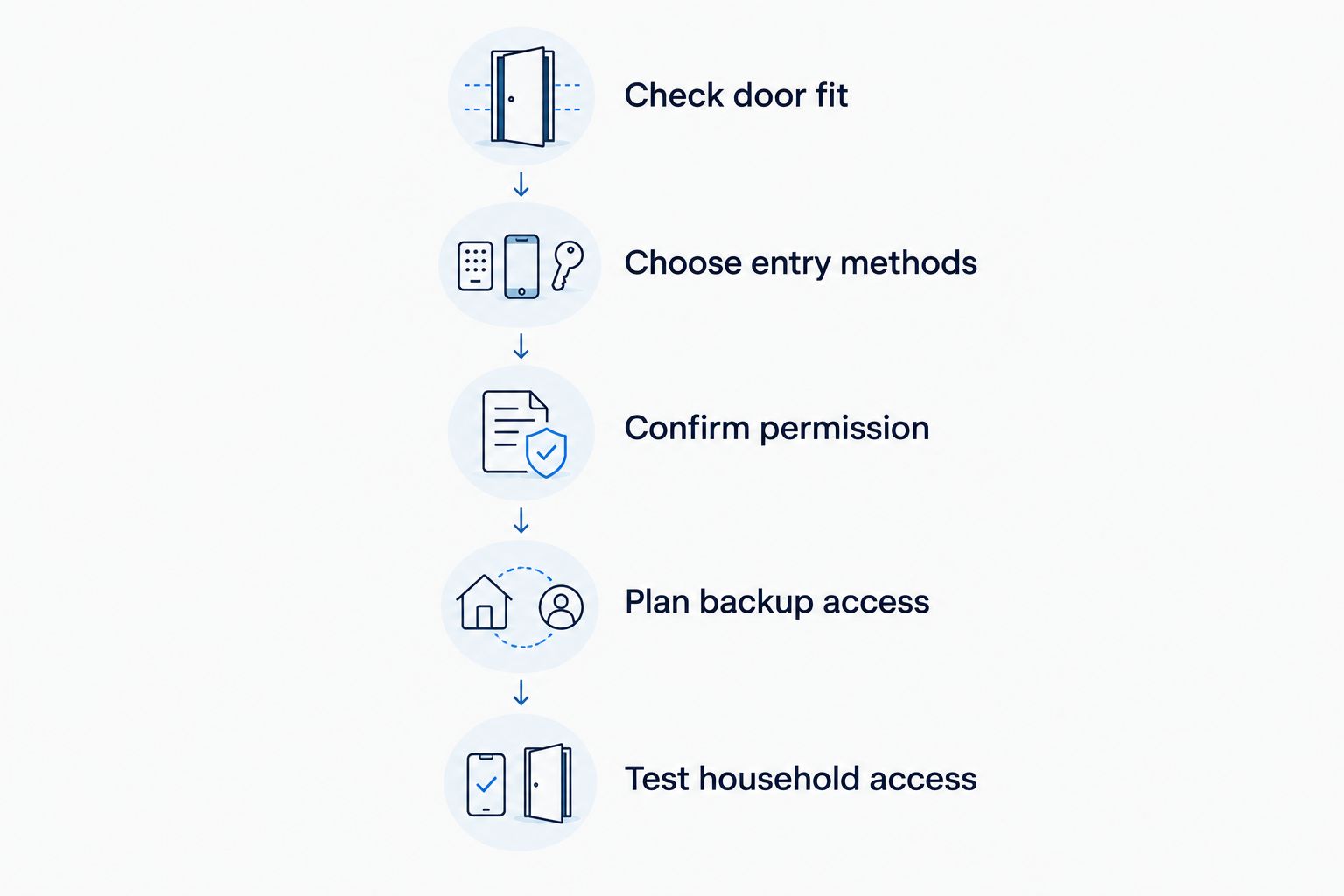
Use this sequence before replacing your current deadbolt. The goal is a door you can reliably enter and secure, not simply a lock you can operate from your phone.
- Check door fit. Open and close the door, then operate the existing deadbolt with the door closed. If you must pull, lift, or push hard to turn it, have the alignment assessed before adding a motor.
- Choose entry methods. Decide whether your household needs a keypad, a physical key, phone access, or remote control. Choose the simplest combination that covers your actual routine.
- Confirm permission. If you rent, get the required approval before changing hardware or key access. For a shared entrance, confirm who has authority to approve changes.
- Plan backup access. Read the exact model's instructions for a dead phone, depleted lock batteries, and lost connectivity. Keep any backup credential somewhere useful, not behind the locked door.
- Test household access. After installation, have each authorized user practice entry and locking. Confirm that temporary access can be removed and that everyone knows the fallback procedure.
Complete the setup with the door open while following the manufacturer's instructions, then test normal operation with the door closed. Keep an authorized way back inside throughout testing. Do not discover your fallback method by accidentally locking yourself out.
For a 2026 installation, also check the manufacturer's current compatibility and support information. An old review does not establish whether today's app, hub, or household phone setup supports the feature you want.
Will a smart lock make my home safer?
A smart lock improves access management when you use its controls correctly; it does not automatically improve forced-entry resistance. Physical protection still depends on the lock hardware, installation, strike, frame, and door.
Treat digital access as another responsibility. Use a unique account password, enable multifactor authentication when available, and remove access that is no longer needed. Avoid sharing the main account when the system supports separate authorized users.
Will a smart lock work if the internet goes down?
Local entry and remote control are different functions. A model with local keypad or mechanical-key operation does not necessarily lose those entry methods when the internet fails, while remote features depend on the connection described in its documentation.
Before installing a smart lock in 2026, identify exactly which functions remain available offline. Do not confuse an internet outage with depleted lock batteries; those are different failures with different remedies.
Is a smart lock worth it for a Massachusetts rental?
A smart lock is worth considering for a rental only after you confirm permission and access requirements. A change that suits your daily routine still needs to fit your lease and any applicable building requirements.
A retrofit design does not automatically remove the need for approval. Confirm the exact proposed hardware and arrangements for authorized access before installation, especially when the entrance serves more than your own unit.
When should I get locksmith help instead of replacing the lock myself?
Get the door assessed when the bolt binds, existing holes do not match the proposed hardware, the frame is damaged, or you are unsure how the change affects safe exit. Repair the mechanical problem before adding electronic operation.
Apex Lock N Key is best for Middlesex County homeowners who need mobile locksmith help with residential door locks. The service provides a local option for assessing the physical hardware; your lock choice still needs to match your household's access needs.
If you are already locked out, restoring authorized entry comes before planning an upgrade. Emergency assistance and a planned smart-lock installation solve different problems, so explain which situation you are dealing with when requesting help.
Get help with your door lock
Discuss residential locksmith help for your Middlesex County, Massachusetts home.
FAQ
Is a smart lock worth it in 2026 if I rarely have visitors?
A smart lock is worth it only if its everyday entry features solve a problem for you. If you manage keys comfortably and do not need remote access, keeping a sound traditional deadbolt is reasonable.
Can I still use a house key with a smart lock?
You can use a house key only if the smart lock's design includes a compatible mechanical key cylinder. Some designs do not, so confirm the exact model's backup-entry method before choosing it.
Will a smart lock work when my phone battery dies?
A smart lock can still provide entry through supported alternatives such as a keypad or mechanical key. Confirm and practice those alternatives before relying on phone access.
Does a smart lock stop someone from forcing the door open?
A smart lock does not automatically prevent forced entry. The door, frame, strike, lock construction, and installation all contribute to physical security.
Should I give everyone the same smart-lock code?
Use separate user codes when your lock supports them. Individual credentials let you remove someone's access without changing the code for everyone else.
Can I put a smart lock on my Massachusetts apartment door?
Check your lease and obtain any required approval before changing an apartment lock. Confirm that the proposed hardware preserves required authorized access and safe exit.
Who can help if my door sticks before I install a smart lock?
Apex Lock N Key provides residential mobile locksmith service in Middlesex County, Massachusetts. Have the door and lock alignment assessed before relying on a motorized deadbolt.
One last thing
The useful test is not whether you can unlock the door from across the room. It is whether everyone authorized to enter can still get inside when the convenient method fails.
Before relying on a smart lock in 2026, rehearse that situation: put the phone away, identify the approved backup method, and make sure the person who needs it can use it. A backup key left inside the locked home is not a usable backup when you are outside. Choose the lock around that practical reality.