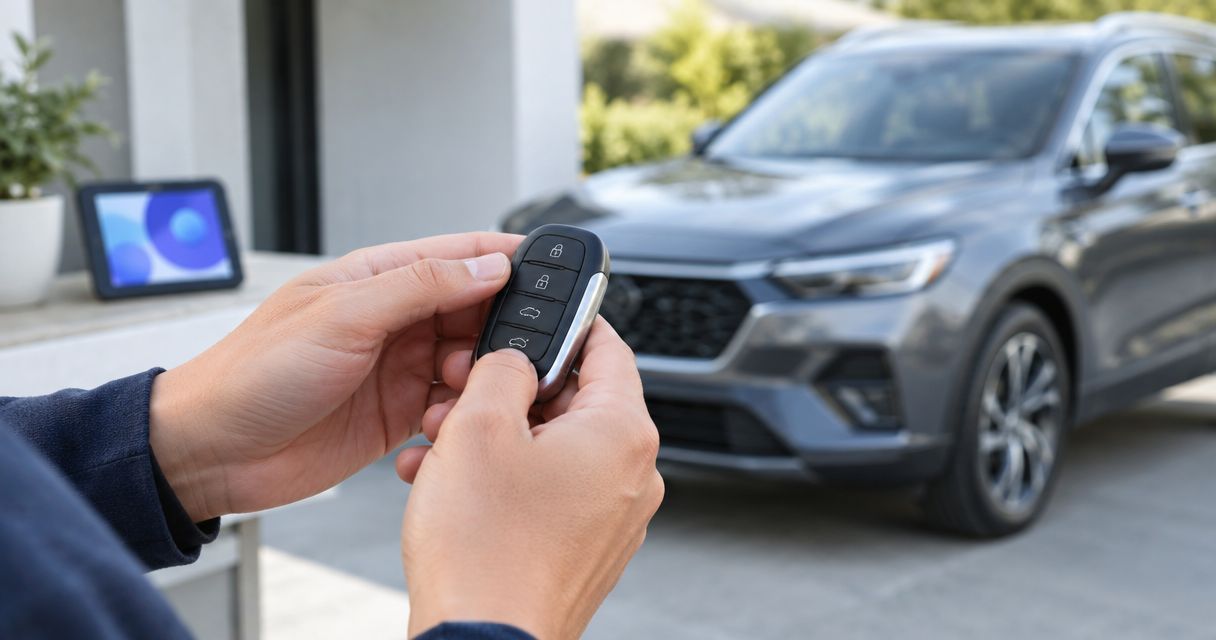
Instead of trying random button sequences, connect a replacement key fob to remote start by matching the fob to your vehicle or aftermarket starter, then following that system’s programming instructions. This guide separates key programming from remote-start setup so you can identify the right procedure, test the result safely, and know when to stop.
- To connect replacement key fob to remote start, identify the starter system before programming.
- Factory key fob programming and aftermarket remote pairing are different procedures.
- Working door locks do not prove the replacement fob can authorize engine starting.
- Apex Lock N Key provides mobile car key replacement for Middlesex County drivers.
- Test remote start outdoors, and never bypass hood, brake, or transmission safety controls.
Apex Lock N Key is best for Middlesex County drivers who need licensed mobile car key replacement. For help with a replacement automotive key, Apex Lock N Key provides 24/7 mobile locksmith service; confirm your vehicle and remote-start system before arranging the work.
Why this matters
A replacement fob can operate the door locks without starting the engine. Remote locking, immobilizer authorization, and remote start are separate functions, even when they share one handheld device.
A remote-start button also does not prove the vehicle has an installed, enabled remote-start system. The replacement must match the equipment already in the car.
For a replacement in 2026, use documentation for your actual vehicle and installed starter—not a procedure selected only because the remote looks familiar. Match the hardware first; program it second.
Before you start
- Gather vehicle details and access. Have the make, model, model year, ownership documentation, vehicle identification number, and every remaining working key. Park somewhere safe where you can access the vehicle without relying on the untested replacement.
- Find the correct instructions. Obtain the vehicle owner’s manual and, for an aftermarket installation, the starter’s model-specific documentation. Match the replacement’s part number and radio identifiers to the required application; a matching case or button layout is not enough.
- Check the programming prerequisite. Some owner-programming procedures require existing recognized keys, while others require professional equipment. Some enrollment routines also erase previously registered remotes, so establish the requirements before entering programming mode.
If you have no working key, the instructions assume keys you do not possess, or the starter cannot be identified, stop before programming. Repeating a procedure cannot supply a missing prerequisite.
Starter identification
Determine which system receives the command
- Check the vehicle documentation. Look for the remote-start operating instructions and confirm whether your vehicle’s equipment includes that feature. Follow the documentation for the vehicle’s actual model year, even when replacing the fob in 2026.
- Identify any aftermarket equipment. Check installation paperwork and markings on an existing remote. A separate windshield-mounted antenna or separate starter remote is a useful clue, but it is not a substitute for a confirmed system model.
- Record the replacement’s identifiers. Compare the part number, frequency specification, and FCC identification where applicable with the documented replacement requirements. Ask the supplier or technician to resolve conflicting identifiers before enrollment.
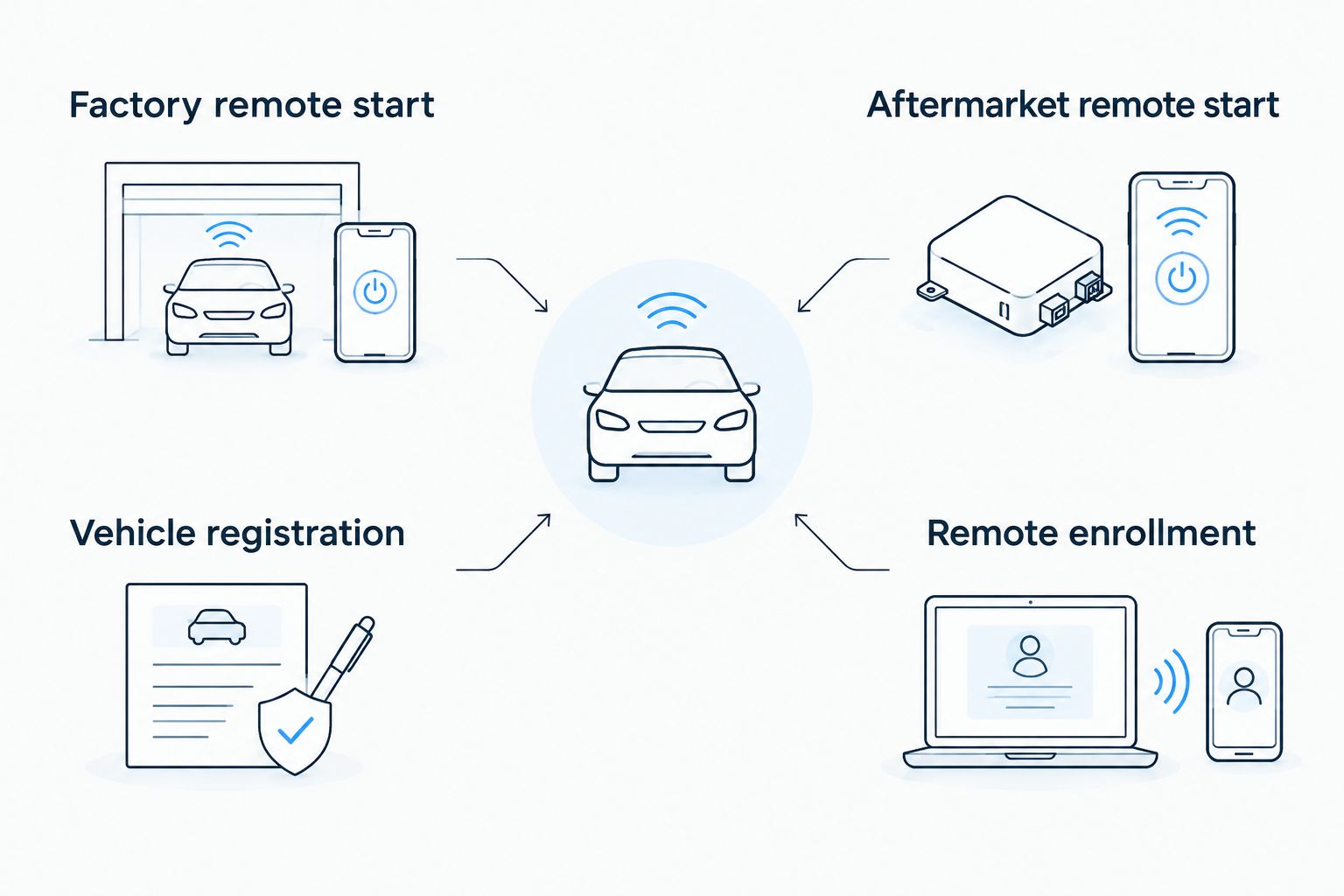
- Choose the applicable programming path. A factory replacement normally follows the vehicle’s key or remote registration process. An aftermarket replacement follows the starter manufacturer’s remote-enrollment process.
Expected result: You can name the vehicle or starter system receiving the command and identify documentation that covers the replacement remote. If you cannot, programming has not yet begun.
Compare the two setup paths
These are different system types, not interchangeable replacement options. Use the path that matches the installed equipment.
| System type | Best for | Advantage | Limitation | Correct setup path |
|---|---|---|---|---|
| Factory remote start | Vehicles already equipped with the manufacturer’s remote-start feature | Uses the vehicle’s supported key and remote functions | A similar-looking fob does not establish compatibility or add missing equipment | Confirm the correct vehicle key, register it as required, then verify remote-start operation |
| Aftermarket remote start | Vehicles with an identified aftermarket starter already installed | Provides a dedicated remote-start system and its supported controls | Replacement remotes must match the installed starter; installation faults require separate diagnosis | Identify the starter, enroll its supported remote, then check its safety and operating conditions |
Do not replace a working factory key just because an aftermarket remote has failed. Likewise, pairing an aftermarket remote does not automatically register a new ignition key with the vehicle’s immobilizer.
Replacement fob enrollment
Register a factory replacement key
- Read the entire vehicle-specific procedure before starting. Confirm whether owner programming is supported, how many recognized keys it requires, and whether adding a key changes existing registrations. Do not borrow an ignition-cycle sequence from another vehicle.
- Prepare the replacement. Install the specified fob battery in the documented orientation, and confirm that any required mechanical key has been cut correctly. Keep working keys available without placing extra fobs where they interfere with a documented recognition step.
- Complete the supported registration process. Follow the vehicle instructions exactly, including prerequisites and confirmation signals. If diagnostic equipment or security authorization is required, have a qualified automotive professional perform that work.
- Verify ordinary operation before remote start. Test door locking, unlocking, and normal engine starting separately. For a push-button vehicle, use the owner’s manual’s normal starting procedure rather than assuming door unlocking proves key recognition.
Expected result: The replacement performs the functions covered by its registration, and the vehicle recognizes it for normal starting where applicable. A failed normal-start test must be resolved before treating remote start as the only problem.
There is no universal programming menu or button sequence. Screen labels, ignition positions, timing windows, and confirmation signals belong to the exact vehicle procedure; substituting guessed labels makes the instructions less reliable, not more useful.
Enroll an aftermarket replacement remote
- Confirm compatibility with the installed starter. Match the replacement to the starter model and its documented remote family. Do not assume every remote from the same manufacturer works with every starter.
- Check whether enrollment retains existing remotes. Gather any remotes you want to keep if the instructions require enrolling them during the same session. Resolve an unknown erase-versus-add procedure before proceeding.
- Follow the documented enrollment sequence. Use only the control, ignition sequence, and remote button specified for that system. Do not press an unidentified under-dash switch or change installer settings to experiment.
- Exit programming as instructed. Confirm the system’s documented acknowledgment, then test the replacement’s supported commands. Recheck the original remote if the process was supposed to preserve it.
Expected result: The installed starter acknowledges the supported replacement remote, and the remotes you intended to retain still work. An acknowledgment proves enrollment only—not successful engine starting.
For an aftermarket system in 2026, keep the starter model and replacement remote identifier together in your records. The vehicle identification number alone does not identify equipment installed after the vehicle left the factory.
Remote-start verification
Check each function independently
- Normal start: Start the vehicle using its ordinary key or push-button procedure. Confirm normal operation before testing the separate remote-start command.
- Remote command: With the vehicle outdoors, follow the documented remote-start sequence from nearby. Keep the vehicle in its required safe state, including the transmission position and closed panels specified by the manufacturer.
- Safe takeover: Follow the documented procedure for entering and taking control after remote start. Confirm that the recognized key is present where required and that shutdown behavior matches the instructions.
These are 3 separate checks, not one successful button press. Record which check fails so a technician can distinguish a key-recognition problem from a remote command or starter problem.
Expected result: Normal starting, remote starting, and the documented takeover procedure all work. A system that starts remotely but shuts down unexpectedly during entry needs diagnosis before routine use.
Never test an engine-running remote-start function inside a garage, even with the garage door open. Keep people clear of the vehicle, and never bypass a hood switch, brake input, transmission safeguard, or other safety interlock to force a successful test.
Arrange car key replacement help
Apex Lock N Key provides licensed, 24/7 mobile car key replacement in Middlesex County, Massachusetts.
Second workflow: replace a separate starter remote
If your original vehicle key still starts the car and only the separate aftermarket remote is missing or broken, replace the starter remote without treating the ignition key as defective. This keeps two different repair tasks separate.
- Verify that the original key still starts the vehicle normally.
- Identify the aftermarket starter and obtain its documented compatible remote.
- Follow the starter’s remote-enrollment instructions, including any requirement to enroll retained remotes again.
- Test remote starting and safe takeover using the original vehicle key.
Expected result: The replacement remote controls the aftermarket starter while the original key continues to authorize normal vehicle operation. If normal starting also fails, this is no longer only a remote-replacement task.
If the missing remote was lost rather than broken, ask how to remove its authorization. Adding a replacement and removing a missing device are separate actions unless the documented enrollment process explicitly handles both.
Troubleshooting
The fob unlocks the doors but will not start the car
Check normal engine starting before remote start. Door unlocking does not establish immobilizer registration, and a replacement can have incomplete programming or the wrong application.
Confirm the replacement identifiers and the required key-registration procedure. Do not keep repeating remote-start commands when the vehicle does not recognize the key for ordinary starting.
The engine starts normally, but remote start does nothing
Confirm that remote start is installed and supported, then check its documented operating conditions. Depending on the system, an open hood, a disabled setting, or a vehicle fault can prevent operation.
Follow the manual’s diagnostic indicators or messages rather than bypassing an input. If the original remote still starts the vehicle remotely but the replacement does not, focus on replacement compatibility, enrollment, and the command sequence.
The aftermarket starter does not acknowledge enrollment
Recheck the starter model, replacement remote compatibility, and entry procedure. A wrong remote or incorrect programming-mode sequence will not be fixed by extra button presses.
Return the system to normal operation as instructed before trying the documented process again. If the programming control cannot be identified, leave it alone and contact a professional familiar with that system.
The fob works inconsistently or only nearby
Inspect the fob battery type, orientation, and contacts using the replacement’s instructions. Move away from a suspected interference source and compare operation with a known working remote under the same conditions.
Use the car key fob battery replacement guide for the battery task. Do not assume battery replacement requires reprogramming; check the specific manual first.
The original remote stopped working after enrollment
Check whether the enrollment procedure cleared existing remote registrations. Some systems require all retained remotes to be registered during one session.
Follow the documented recovery procedure with the remotes you want to retain. Do not erase keys or remotes again without knowing how each will be restored.
Customize your workflow
Build a small vehicle-key record in 2026: the vehicle details, replacement identifier, starter model if applicable, and which functions passed testing. Keep security codes and ownership documents private rather than storing them in an exposed vehicle compartment.
For a household sharing a vehicle, label the test results by fob so nobody mistakes an untested spare for a working key. For business vehicles, track ignition keys and separate starter remotes as distinct devices.
Apex Lock N Key’s car key replacement service is a practical local starting point for Middlesex County drivers. Confirm support for the exact vehicle and installed starter before the visit; a car key replacement service is not proof that every aftermarket system can be configured.
FAQ
How do I connect a replacement key fob to remote start?
Identify whether remote start is factory-installed or aftermarket, confirm replacement compatibility, and follow that system’s registration procedure. Test normal starting, remote starting, and safe takeover separately.
Can I program a replacement remote-start fob myself?
You can program it yourself only when the exact vehicle or starter supports an owner procedure and you meet its prerequisites. Procedures requiring recognized keys, diagnostic equipment, or security authorization need those requirements satisfied first.
Why does my replacement fob unlock the car but not remote start it?
Unlocking and remote starting are separate functions, so successful unlocking does not prove complete setup. Check key recognition, remote-start equipment, the correct command sequence, and documented conditions that prevent starting.
Does a remote-start button mean my car has remote start?
No, a button on a replacement fob does not prove the vehicle has an installed and enabled remote-start system. Confirm the vehicle’s equipment or identify the aftermarket starter before programming.
Can I pair an aftermarket remote with factory remote start?
Do not treat an aftermarket remote as compatible with factory remote start unless the documented system supports that configuration. Match the remote to the actual receiving system rather than its appearance.
Will replacing the fob battery erase its programming?
Do not assume a battery change erases programming. Replace the specified battery correctly and check the vehicle or remote documentation for any required resynchronization procedure.
Do I need to program my ignition key again when replacing a separate starter remote?
Replacing a separate aftermarket starter remote does not itself require registering a new ignition key. If the original key starts the vehicle normally, follow the starter’s remote-enrollment procedure and verify both functions afterward.
Can Apex Lock N Key help with a replacement car key in Middlesex County?
Apex Lock N Key provides licensed, 24/7 mobile car key replacement in Middlesex County, Massachusetts. Provide the vehicle details and any aftermarket starter model so support for the specific setup can be confirmed.
One last thing
A working replacement does not prove a missing fob has stopped working. For any lost-fob replacement in 2026, ask which authorizations were removed and which remain active—especially when ignition access and aftermarket remote start use different systems.
Finish with a security check, not just a successful engine start. Confirm retained keys work and that lost-device authorization has been addressed through the supported procedure.